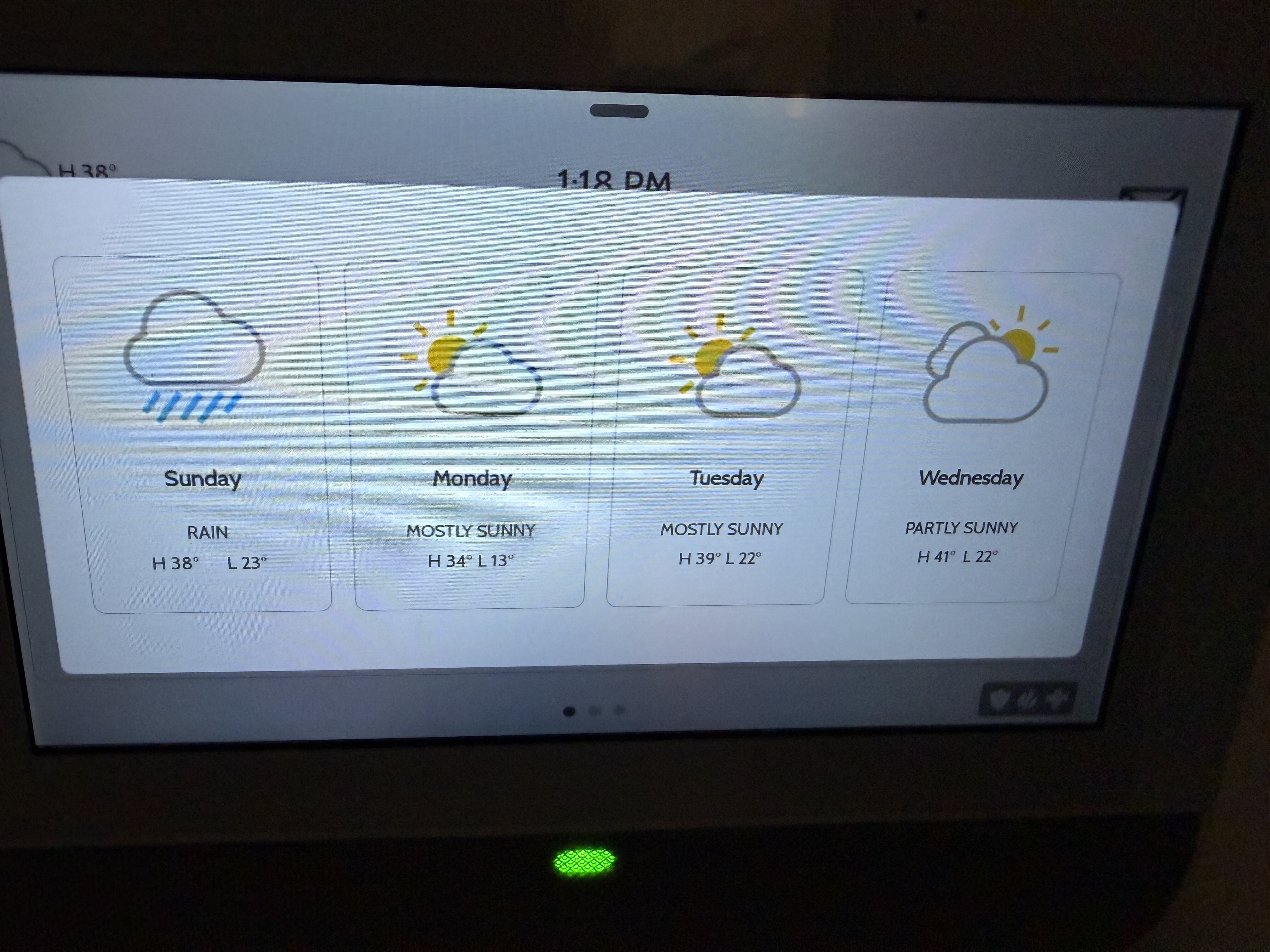
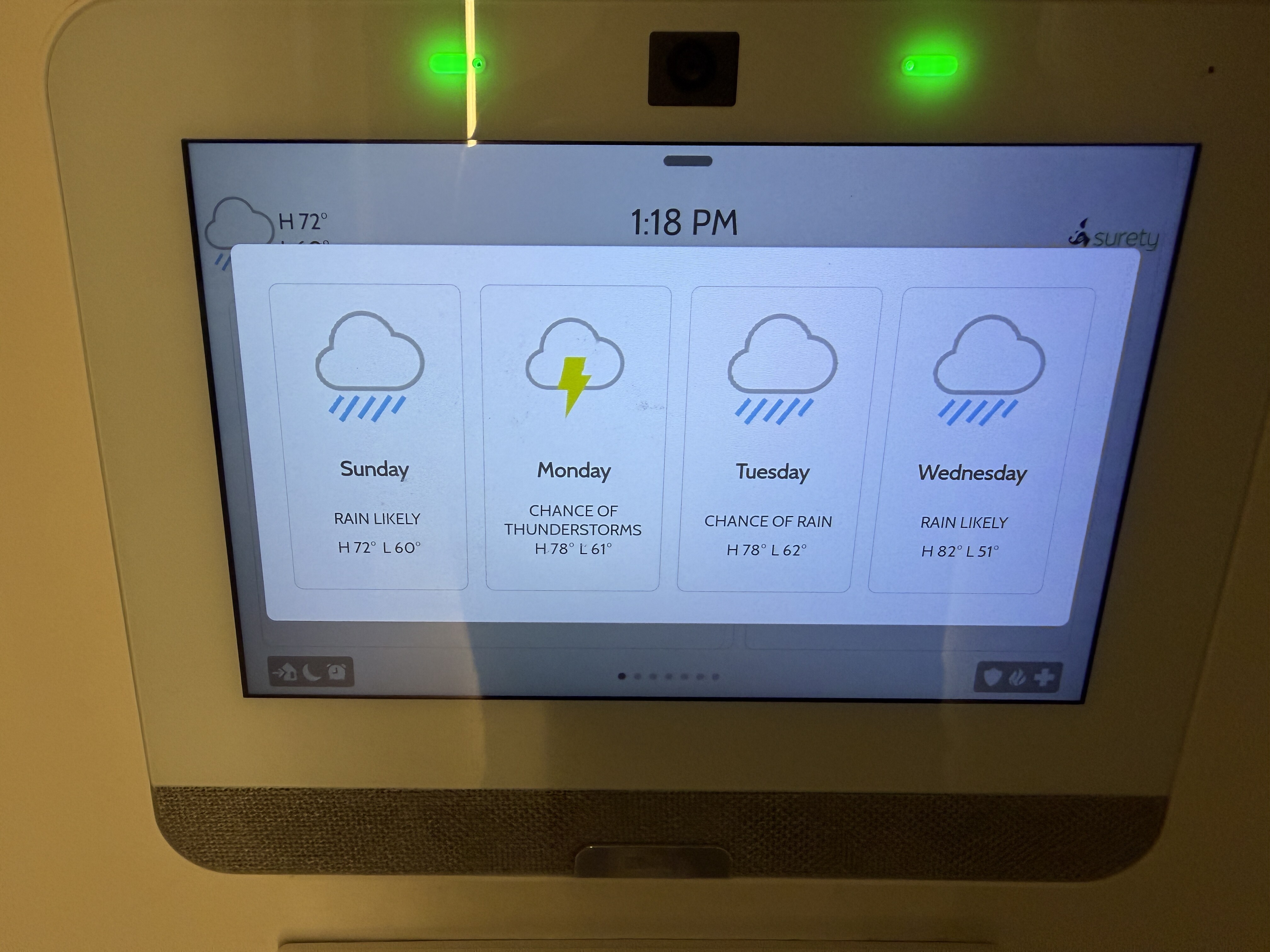
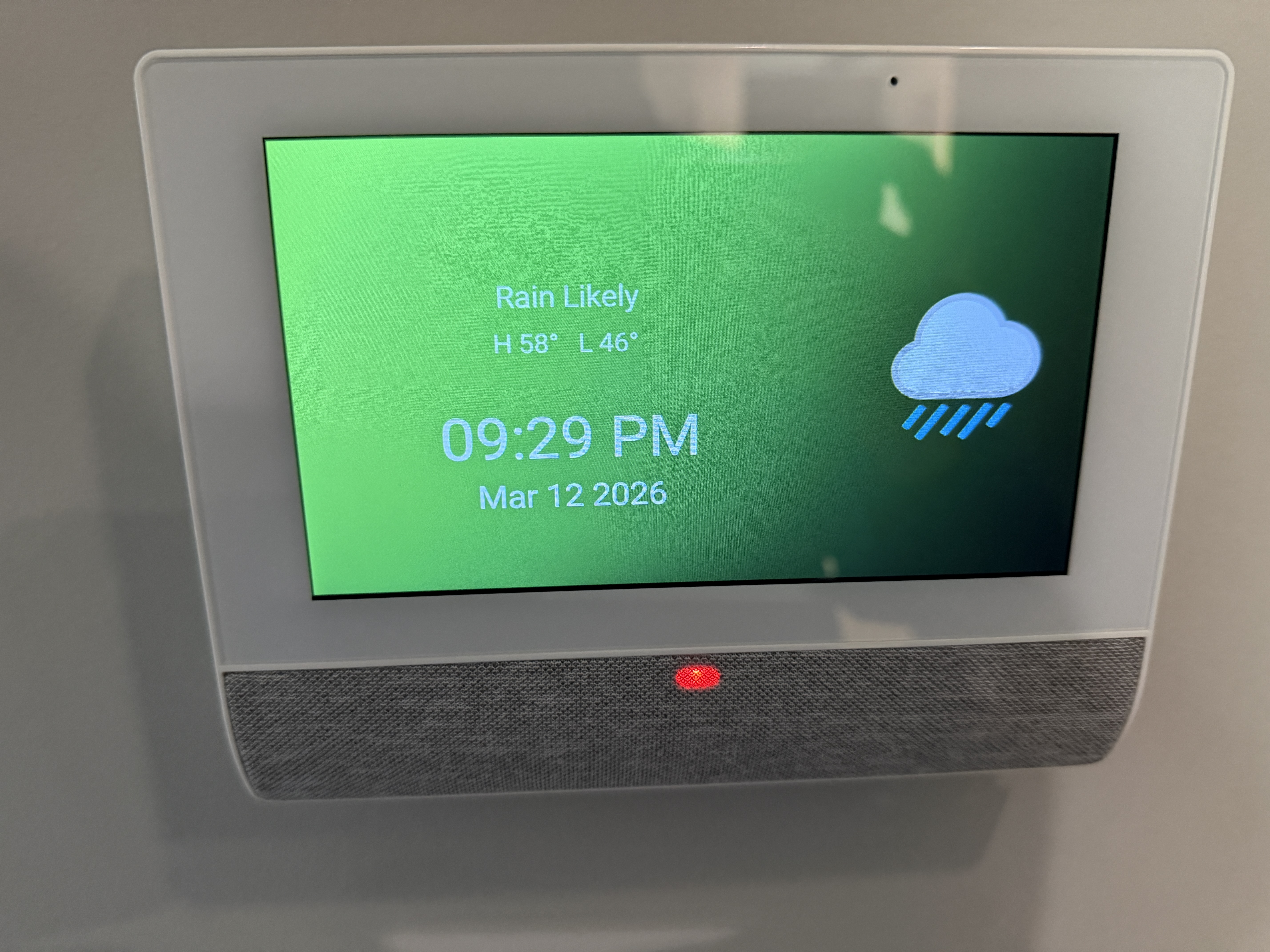
My main panel (lower picture) has the correct weather forecast for Atlanta. The remotes (upper picture) all show a different weather forecast which is incorrect.
The higher temperature is the correct weather. The difference is off by such a massive magnitude it has to be stuck on a previous date, or it must be for the wrong location.
I’ve sent some commands to sync the weather data to your panel, which may trigger it to upgrade the IQ Remotes as well. I’m also showing that your panel’s firmware is currently out of date. Can you try upgrading your firmware to the latest version?
Steps to do so can be found in the guide below. You will need to use the patch tag iqpanel4.6.1 in order to complete the upgrade. Once the firmware upgrade is complete on the main panel, you will need to perform the upgrade on your IQ Remote PowerG panels. To do so, swipe down from the top of the screen, tap Settings, enter your system’s installer or dealer code, then tap IQREMOTE PG UPGRADE.
Once you’ve completed those steps, does the weather sync correctly between the system and the remote panels?
I completed these steps for the main panel and 2 of the remote panels. I have new issues:
The third remote panel in the basement thinks the system is armed even when it’s disarmed so I can’t trigger the patch update.
the main panel is showing a low battery alert even though it’s powered and charged to 100%. I tried rebooting it a second time after the update but that didn’t solve the issue.
The IQ Remote will revert to the unpaired panel screen (prompting you to pair via Wi-Fi or PowerG). From there, do a master reset on the IQRemote PG (top right menu- click on the three dots).
Steps on how to pair the IQ Remote PG with the panel can be found here:
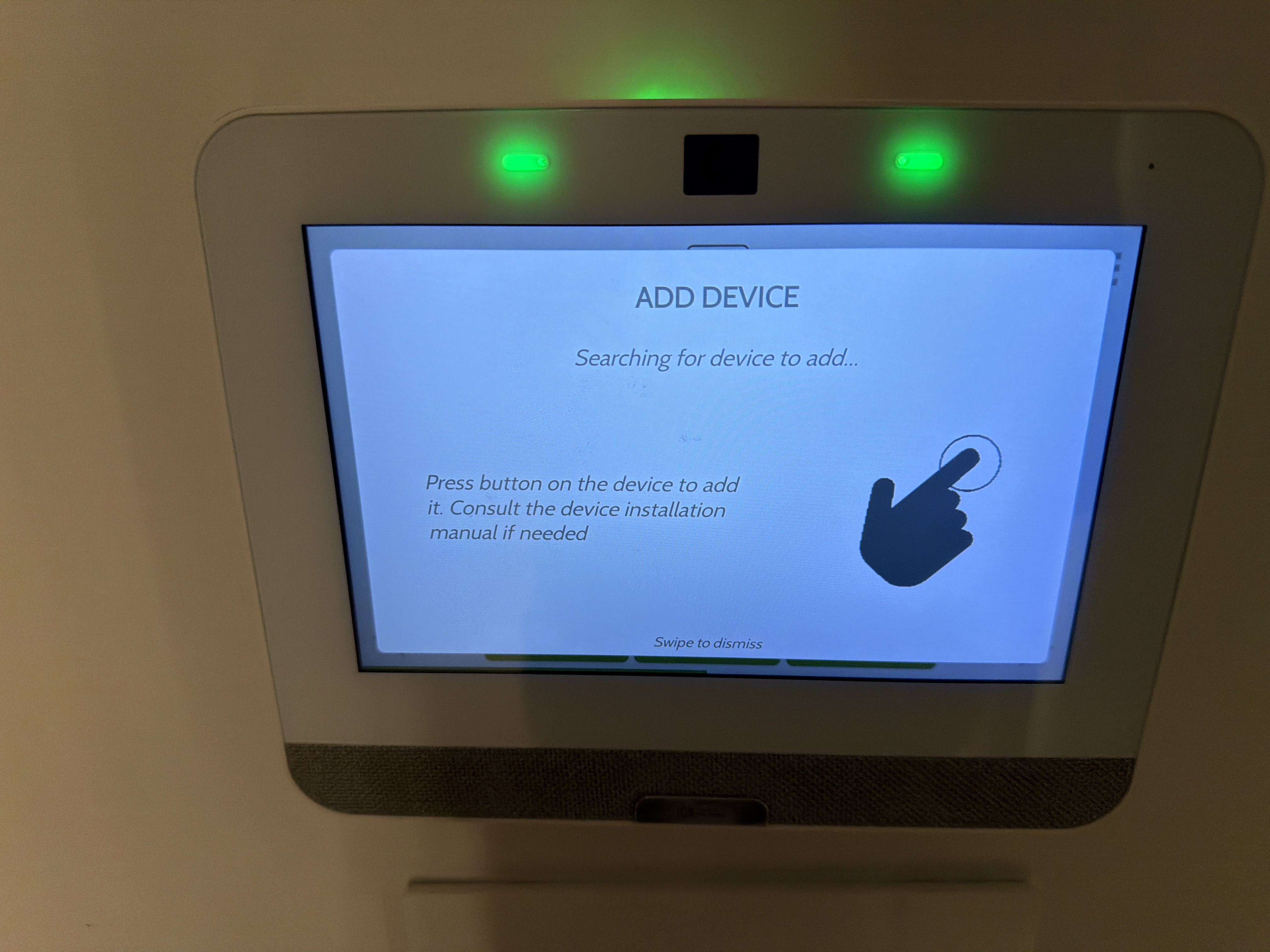
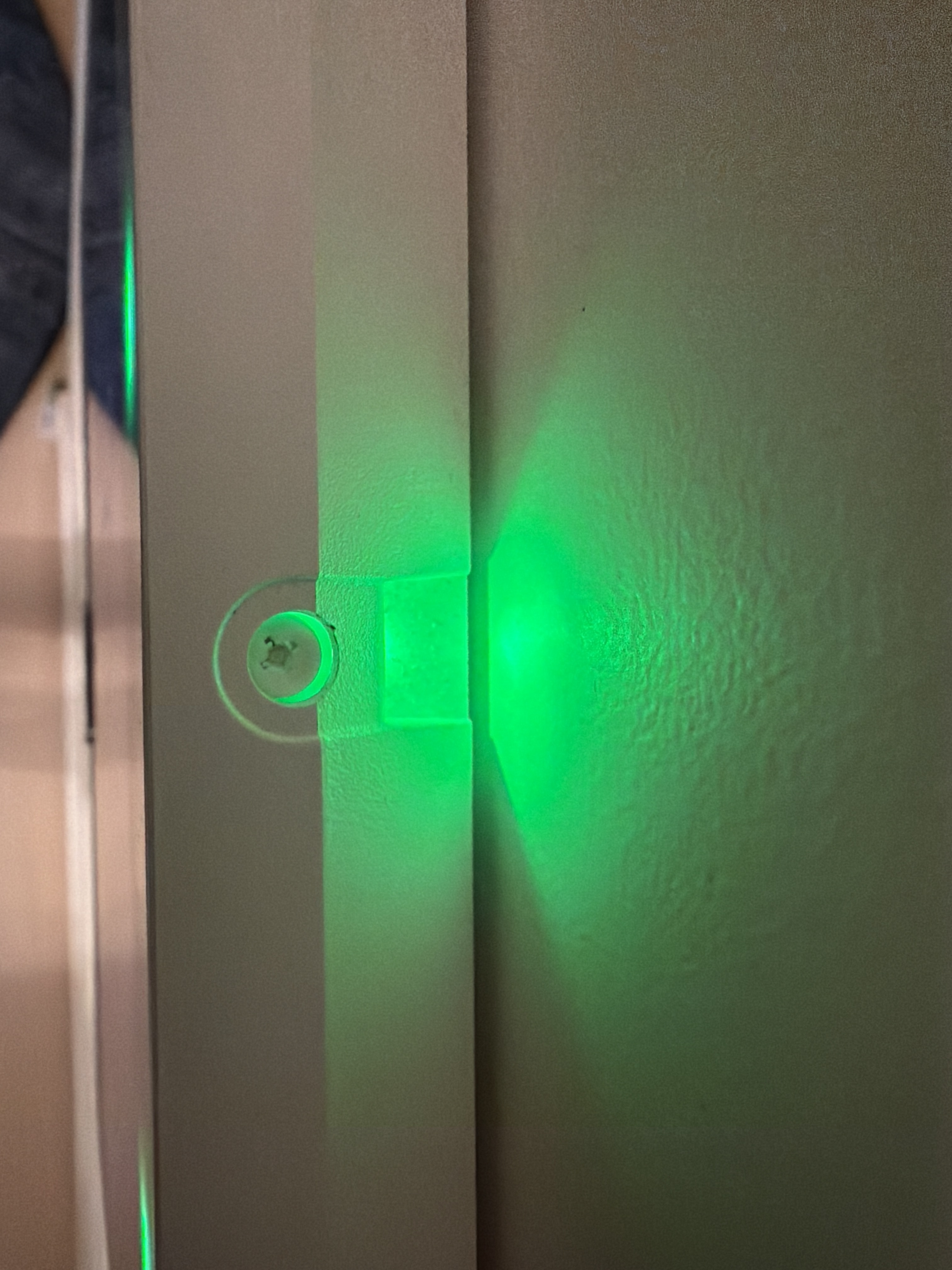
Also I can’t remove it from the wall. This screw doesn’t turn.
Thats the IQ panel , not the IQ Remote. That screw is for adjusting the camera, not the screw that holds the panel onto the back plate. The screw that holds the panel onto the back plate is at the bottom edge, below the speaker.
I was able to pair it via WiFi and they appear to be working properly now.
the issue I had with PowerG is the auto learn causes it to identify legacy sensors I don’t want to include. It doesn’t allow me to reject those unless I include them and unpair later. I only want to include the panels.
Auto Enroll is going to look for any signals it can communicate with that are being broadcast at that time, including PowerG and whatever legacy radio is installed.
This should only happen when that sensor is being triggered during auto-enroll. Usually this isn’t an issue with DW Contacts, life safeties, etc. but can be an issue with Motions when you trigger them inadvertently.
An update on this issue.. As recommended before, I updated all the software and patches. I then reset all my remote panels, and then re-paired the panels. This has worked for the basement panel and the front door panel. However the master bedroom panel has issues.
I am experiencing the panel occasionally flips to blank screen with an android logo. Then to the Qolsys logo screen. Then reconnects and behave normally. Last week after doing this for a couple of days, it stuck to the android logo screen and became unresponsive. I had to remove the battery to restart it, and then repair it. It worked for a day and now it is flipping between android screen, qolsys screen and normal function again.
Is there some solution to this issue or is this remote just dead?
I am experiencing the panel occasionally flips to blank screen with an android logo. Then to the Qolsys logo screen. Then reconnects and behave normally. Last week after doing this for a couple of days, it stuck to the android logo screen and became unresponsive. I had to remove the battery to restart it, and then repair it. It worked for a day and now it is flipping between android screen, qolsys screen and normal function again.
To confirm, the IQ Remote PG was Master Reset through IQ Remote programming (Settings > Advanced Settings > Master Reset) or via the Master Reset menu option from the IQ Remote Enrollment page (default page displayed when the IQ Remote is not connected to the main panel)?
When the error occurs, how is the IQ Remote connected to the main panel, via Wi-Fi or via PowerG? Does the error occur when the panel is connected via one or the other?
Regarding power for the IQ Remote PG:
What is the printed voltage on the power supply for the IQ Remote PG?
Are you using the included power cable or an existing cable run with the included power supply?