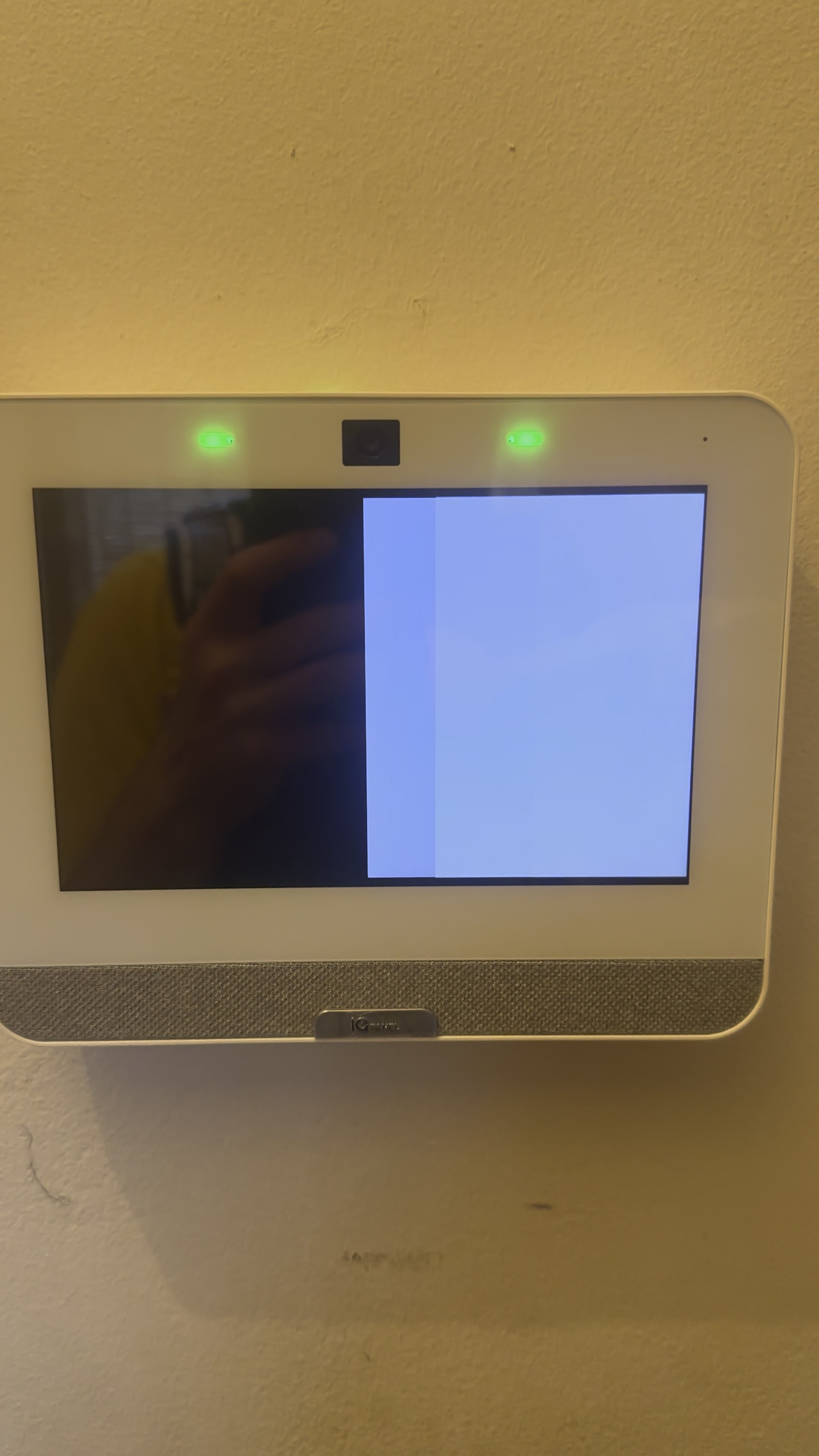
IQ4 Panel white screen and recovery screen

My IQ Panel 4 has been acting up for a looonnnggg time, but intermittent enough that I’ve mostly ignored it.

Often enough I’ll walk by it to see it go through the phases of the first three pictures I’ve uploaded:

  • the screen is white
  • after a few seconds, it changes to all black
  • then it sort of “swipes left” to go back to the white screen
  • then it repeats, for a while (at least several minutes, possibly longer — have never watched to find out)
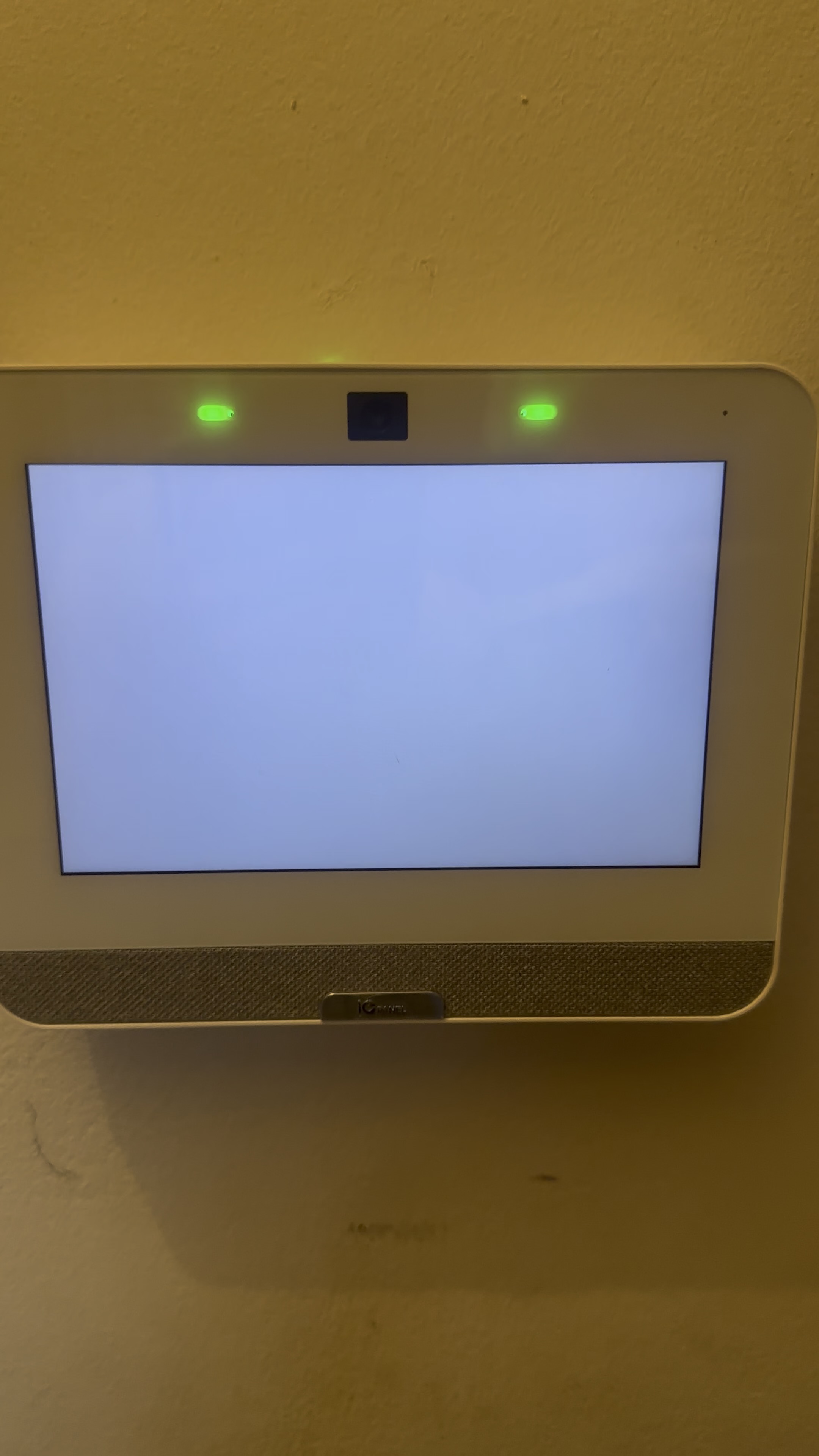
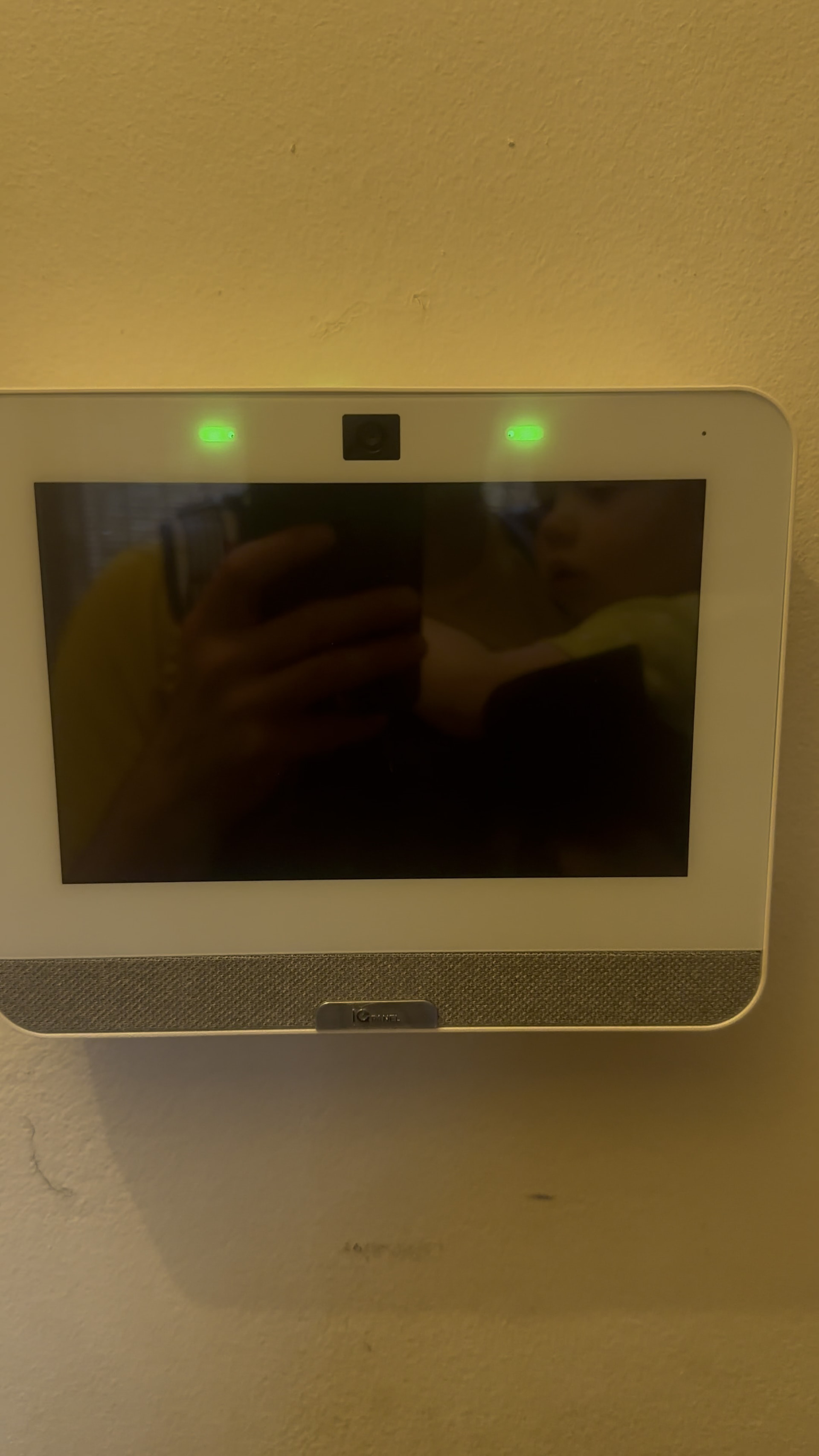
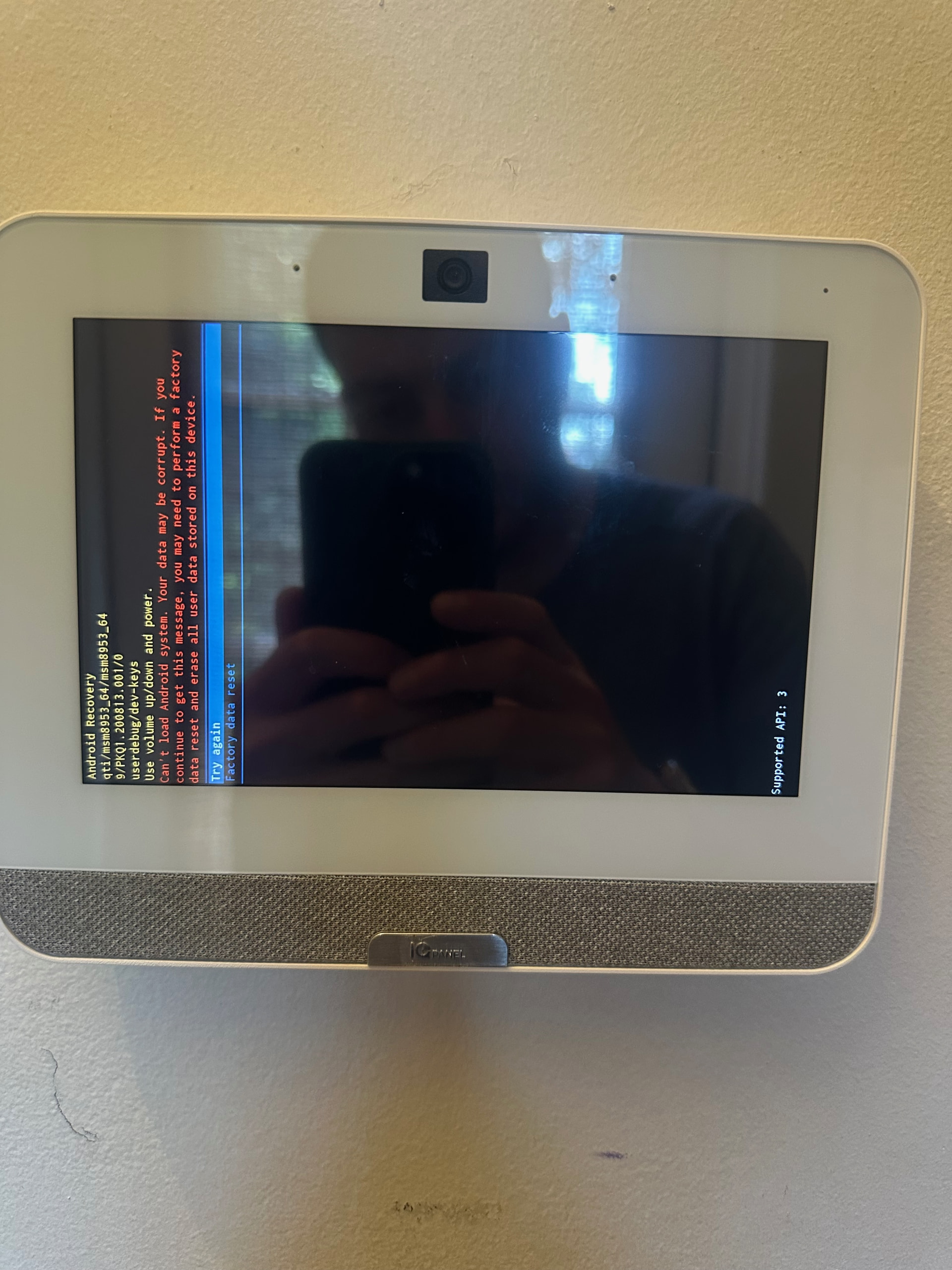
That was weird enough, but whenever I’d come back to investigate it was just randomly working again. However a few weeks ago I walked by to find it on a recovery screen (picture below). I couldn’t figure out how to get past this, so I removed it from the wall, (which made it reset and come up fine), then just put it back. While it was off the wall I checked the power supply voltage with a multimeter (7.5v at the panel’s mount) for good measure. All of the panels tests pass.

It has been OK for the ~2 weeks since this happened, but I’m not sure what to make of it. The ‘recovery screen’ situation is new, but the ‘white screen’ situation was common enough that I’ve been worried to arm the alarm at all — I worry it will spazz out again while armed, set itself off, and freak out my dog for nothing.
Has anyone seen anything like this? It’s been going on for around a year.

The alarm did once signal a “keypad tamper alarm” while we were away, but at that point I hadn’t taken the plastic film it ships with off the screen, so I blamed myself for it — not sure if it was this ‘weird white screen’ issue or just something weird from the film peeling off or moving a bit.

The alarm did once signal a “keypad tamper alarm” while we were away, but at that point I hadn’t taken the plastic film it ships with off the screen, so I blamed myself for it — not sure if it was this ‘weird white screen’ issue or just something weird from the film peeling off or moving a bit.

Having the screen protector on should not cause a tamper. The tamper alarm would happen if the panel’s internal tamper switch was trigger. This can happen when the panel is not connected to the back plate correctly and then interacting with the panel could cause the internal tamper switch to be triggered.

While it was off the wall I checked the power supply voltage with a multimeter (7.5v at the panel’s mount) for good measure.

How long is the cable run between the panel and power supply?

Is the panel at the main home screen currently? If so, I would recommend doing a full power cycle (leaving it completely off for 10 minutes) then updating the panel software. I am showing that it is on an older version 4.4.1. The latest version is 4.6.2.

Steps on how to power cycle:

Steps on how to update firmware:

When troubleshooting, you may want to place your 24/7 professional monitoring account on Test Mode during troubleshooting to avoid any false dispatches.

You can do this by calling monitoring operators directly at 855-348-0367 or from the Test My System tab in the System Manager section of your Surety account.

Thanks. I did the power cycle and software upgrade, so we’ll see what happens. Is there any way for me to check the panel’s logs, to see if there is anything strange that would give me an indication of whether this happens when I’m not around/not looking at it?

The power cable is about 15 feet long. 18 AWG.

When we got the alert back in October, we later saw that the panel thought that an invalid code had been entered at that time. But there was definitely nobody in the house, and the panel camera didn’t show anyone there — that’s why I assumed the plastic film had something to do with it.

While you can view history you cannot view internal logs.

If you navigate to Settings > Status > History you can view a variety of events. Its possible there is something there that corresponds with the time the issue occurred.

The power cable is about 15 feet long. 18 AWG.

Cable shouldn’t be an issue here unless its come disconnected from the power supply or panel.

we later saw that the panel thought that an invalid code had been entered at that time. But there was definitely nobody in the house, and the panel camera didn’t show anyone there — that’s why I assumed the plastic film had something to do with it.

Its possible that could cause the odd activation at the panel. the screen protector should be removed to avoid stray clicks.