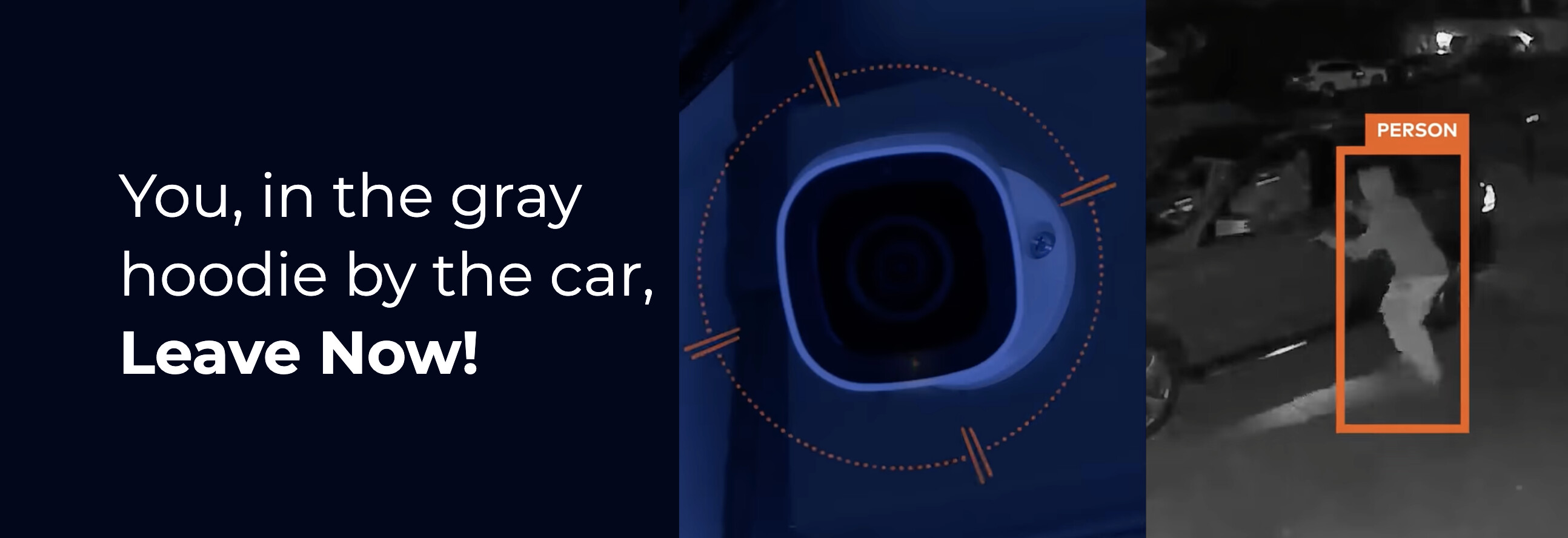
Progressive Responses are now available to all Surety customers using AI Deterrence, on both Surety Home and Surety Business plans. It’s included with AI Deterrence, so there’s no new add-on and no price change. If you already have AID on a compatible camera, it’s a setting on your recording rule.
The Problem With Saying It Twice
AI Deterrence has always been good at the first warning. The camera looks at whoever walked into your ground zone, describes them out loud, and makes it clear they’ve been spotted by something that’s actually paying attention.
The weak point was what came next. If the person didn’t leave, the camera said a similar sentence again, in the same voice, at the same volume. That repetition answers the only question an intruder really cares about, which is whether anyone is actually paying attention, and it answers it the wrong way: nobody is really there.
What Progressive Responses Do
Instead of one response on a loop, you can configure 2 or 3 stages that fire only if the person is still there.
Stage 1 can stay low key, the kind of thing you’d say to somebody who probably took a wrong turn. If they’re still in the zone, Stage 2 drops the benefit of the doubt. Stage 3 can add the camera’s siren and light alerts on top of the voice, so it’s not just a voice reacting anymore, it’s the property reacting.
A real person doesn’t repeat one flat sentence. They start reasonable and get sharper as someone fails to leave. Everybody recognizes that pattern, and recognizing it is what sells the idea that a human is on the other end of the camera.
It also means the innocent cases resolve quietly. A delivery driver hunting for the right door hears one measured message and moves on. Nobody gets a siren for an honest mistake, and the louder stages are saved for the encounters that keep going.
A Few Things Worth Knowing
- A full escalation counts as one AID event. Running all your stages doesn’t burn events faster than a single warning would.
- Each person gets their own timer. One person lingering won’t escalate the response for everybody else in view, and anyone who leaves has their tracking reset.
- Every stage reports to the monitoring station separately. If you use Surety Cam Pro, remote guards watch the encounter build in real time instead of reviewing it afterward.
- Escalation needs continuous presence. If the person gets obstructed, steps partly out of the zone, or the scene drops into infrared, tracking can reset and progression restarts from Stage 1. Good lighting and a tight ground zone are important.
What You Need
Progressive Responses require one of the newer Alarm.com cameras, such as the ADC-V516, ADC-V530, ADC-V730, or ADC-VDB775. Older AID-compatible cameras keep working in Single Response Mode. You’ll also need AI Deterrence on your video plan, since this is a capability inside AID rather than a separate product.
Full details, including stage timing ranges, event and clip behavior, and best practices, are in the AI Deterrence product doc.
Why This Is Significant
Escalating AI deterrence has mostly been a commercial product sold to corporate security teams with custom quotes and multi-year licensing. Verkada launched a comparable feature this year on its enterprise camera line, and it’s a good implementation, but it’s priced for a large company with a security department.
Getting the same class of capability onto a month-to-month residential or small business plan, included rather than upsold, is exactly the kind of thing we started Surety to do.
If you set it up, tell us how it goes. We’re especially curious how the staging behaves on real properties, and what stage durations end up feeling right.