i have a IQ panel and i cant get it to update software or anything so it can pass the cellular test. It doesn’t show the IMEI number. I reboot, took the battery out and nothing.
Looking here, it does appear that the system is on an earlier firmware version of 2.6.2, which is prior to a critical update regarding cellular connectivity being released.
You can update your system either using Wi-Fi or an SD card. Steps to connect your panel to Wi-Fi can be found here.
You will need to update your firmware to version 2.6.3, then 2.7.2, and finally 2.8.1. Steps for each firmware version can be found below.
IQ Panel 2.6.3
IQ Panel 2.7.2
IQ Panel 2.8.1
Once the system is up to date, try running the cell test again to see if there is any change.
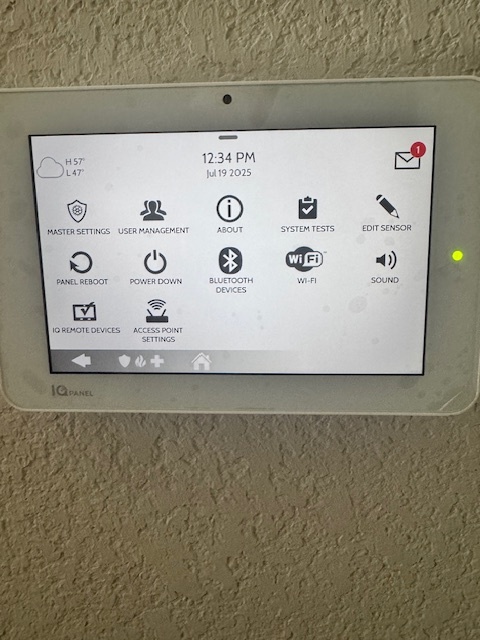
When you access the advance settings, make sure to use the installer code, not your master code. The software update setting is only available using the installer code or dealer code.
1 Like
The user above is correct.
You will need to use the installer code (default 1111) or dealer code (default 2222) to access the advanced settings menu. Once you do that, the Upgrade Software option should appear on that page.
I tried that too but it won’t take the installer code 1111.
It doesn’t take the 2222 either? If your installer code is not at default and have your system connected already, you can reset your codes through your System Manager
No not 2222 either
Here’s a link to instructions on how to reset your installer code to the default (1111)
Once you do that, I also provided a video link with steps on updating the panels firmware:
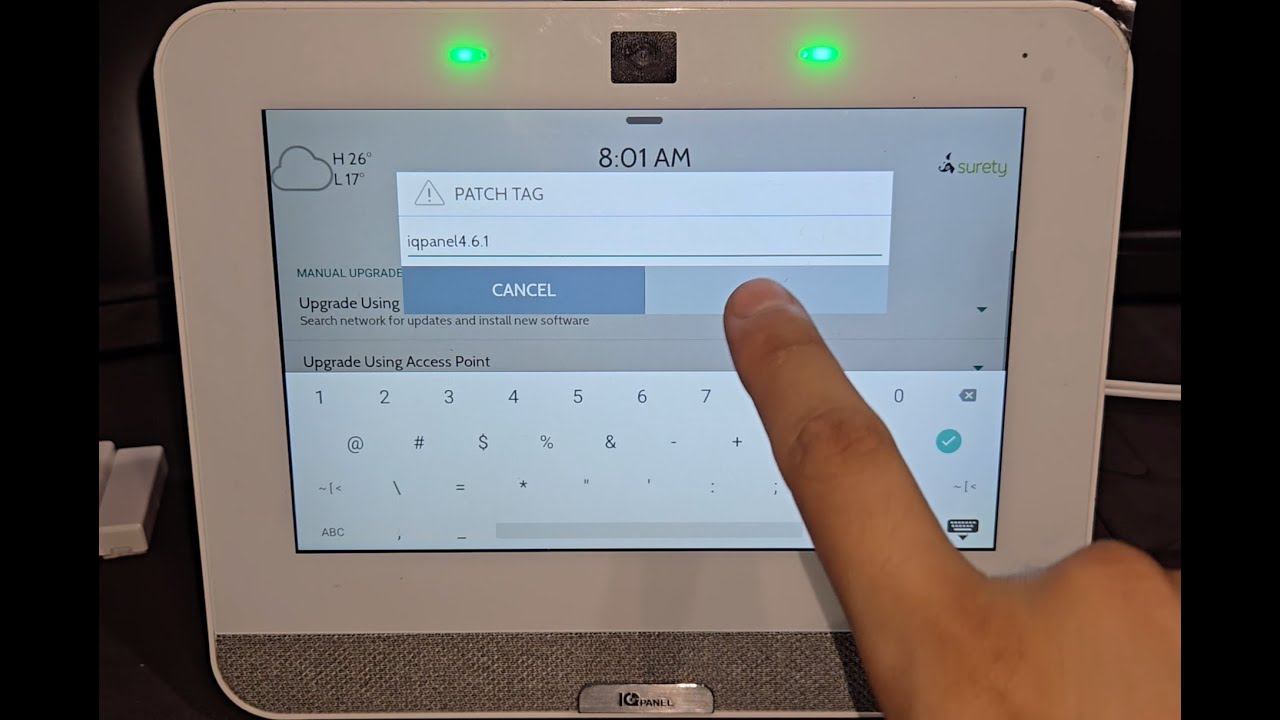
Hope this helps!
Just keep in mind you can’t jump right to the latest version, and that video is for the IQ 4 and you seem to have an IQ 2. The procedure is the same but the patch tags are different.
You’d need to manually do the updates using patch tags in the following order:
iqpanel2.6.3
iqpanel2.7.2
iqpanel2.8.1
Good luck!
1 Like
I’m still not able to update the control panel with 1111 or 2222, and it won’t let me change it.
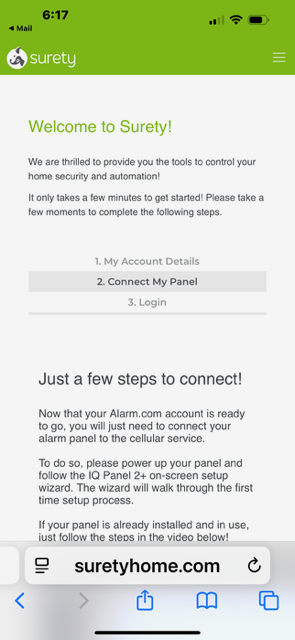
Your panel hasn’t yet communicated with Alarm.com. Alarm.com is waiting for it to communicate before it will let you log in.
If I’m reading all the above correctly, cellular isn’t work on your panel and the working theory is that it needs to be updated to software version 2.8.1 for the fix:
Added a critical update relating to recovery of cellular connectivity in certain cases where it could become disconnected from the network
Unfortunately, you will need to know either your panel’s installer code or dealer code in order to update the software. If neither of the defaults (1111 or 2222) work then they have been changed by someone previously. There is no way to recover them. You would need to find our what either of them were changed to by asking the previous owner or company who monitored your panel. You can’t upgrade the software without one of them.