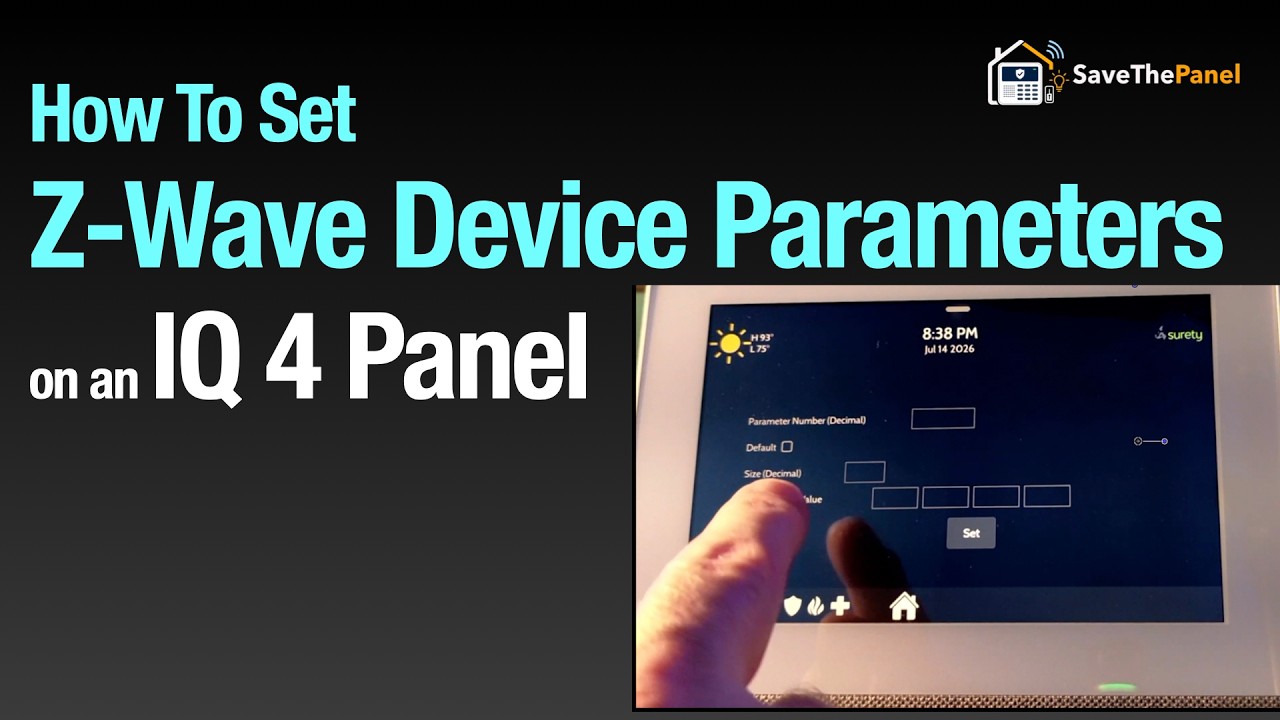
I am trying to disable the light on my z wave plug. My use case is to turn my fan on and off at night with being distradted by the light when it is on.
I saw from the instructn manual that this can be done programatically. But I couldn’t find any advanced z wave settings on my panel. I tried getting help from SIRI AI, but I still couldn’t figure it out. Is this something I can do without purchasing a z wave fob or other device?
The IQ Panel 4 does not natively support changing advanced Z-Wave device parameters (like
Parameter 5) directly from its local touchscreen interface. To adjust these settings, you will need to use the Alarm.com web portal, provided your service plan includes this feature, or temporarily use a secondary Z-
Wave controller.
If you are unable to adjust the parameters directly from the panel, here are the two primary methods to configure your Z-Wave device:
METHOD 1: USING ALARM.COM
(DEALER OR POWER USER)
Many advanced Z-Wave configurations are hidden from the local panel to prevent accidental changes.
-
Log in to the Alarm.com web portal (this may require dealer access depending on your provider).
-
Navigate to eZLO or Z-Wave
Device Settings. -
Locate your smart plug and look for an option to send a custom configuration command.
-
Enter 5 for the Parameter Number and O for the value.