I bought an RV from a private party, who had installed an Alarm.com security system with door & window sensors and cameras. The model number inside the display panel is QS-Zwave
I believe the system was installed sometime in 2023.
How do I reset the system to factory specs so I can create my own login?
I believe that the QS-Z-Wave you have provided is for a Z-Wave radio installed in the panel but i could be incorrect. It sounds like you have a Qolsys brand panel. Can you submit a photo of the unit?
In order to Master Reset a Qolsys panel you need the Dealer Code but if you have the Dealer Code, you can use that to change the other codes stored in the panel as the Dealer Code has the highest authority. A Master Reset would also remove all sensors from programming.
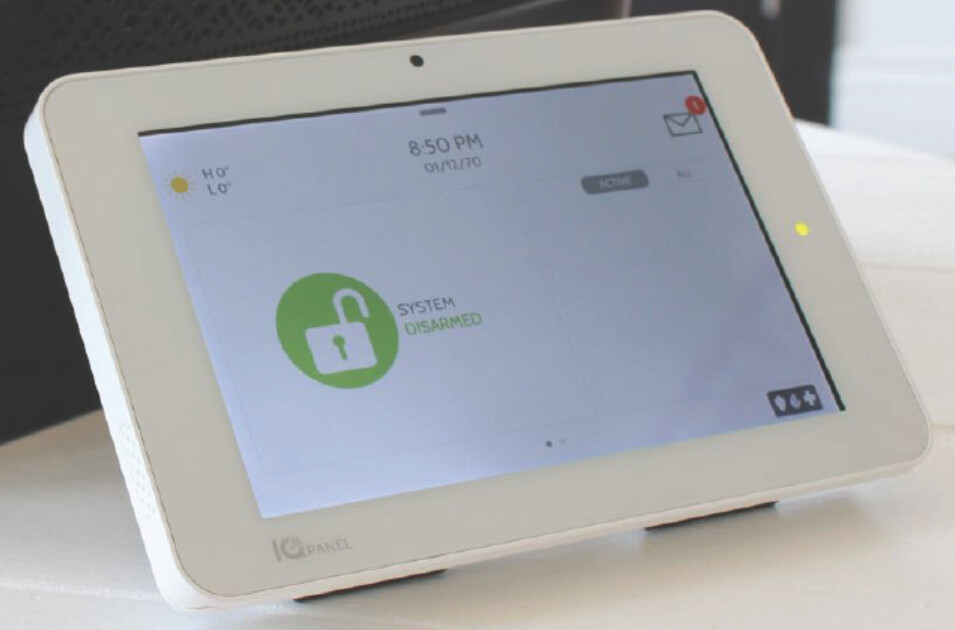
Thank you for replying. The only thing on the front of the panel is in the lower left hand corner and it says IQpanel. I believe this is the IQpanel 2. Mine is wall mounted but it looks exactly like this:
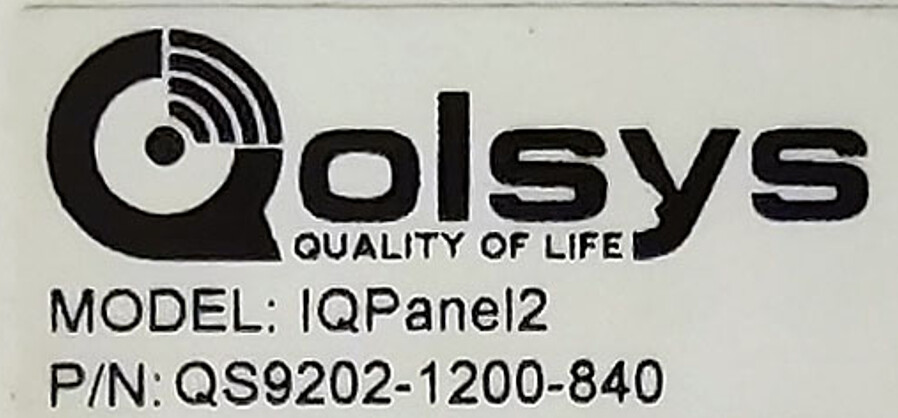
Thats a Qolsys IQ Panel 2 or 2+. The part number on the back will signify which version.
The default codes for the panel are:
Dealer 2222 > Installer 1111 > Master User 1234
The only way to master reset is by using the Dealer Code. If you do not have any codes, you may be able to contact the previous owner, not sure.
If you are looking to sign up for Alarm.com service, you need the panel’s 15-digit IMEI number and the panel needs to be unregistered (not tied to an existing service account).
You can use this tool here to check registration:
IMEI is found on the back of the panel, on the box it came in, and via programming (Settings > Advanced Settings > About > Cellular).
To connect to Alarm.com after service is obtained you need to run a cellular communications test. This will require one of the three aforementioned codes.
What I would like to do is be able to arm and disarm the system locally, but not have it monitored externally. Is that possible? I would need my own arm/disarm code and I’m not sure how to do that.
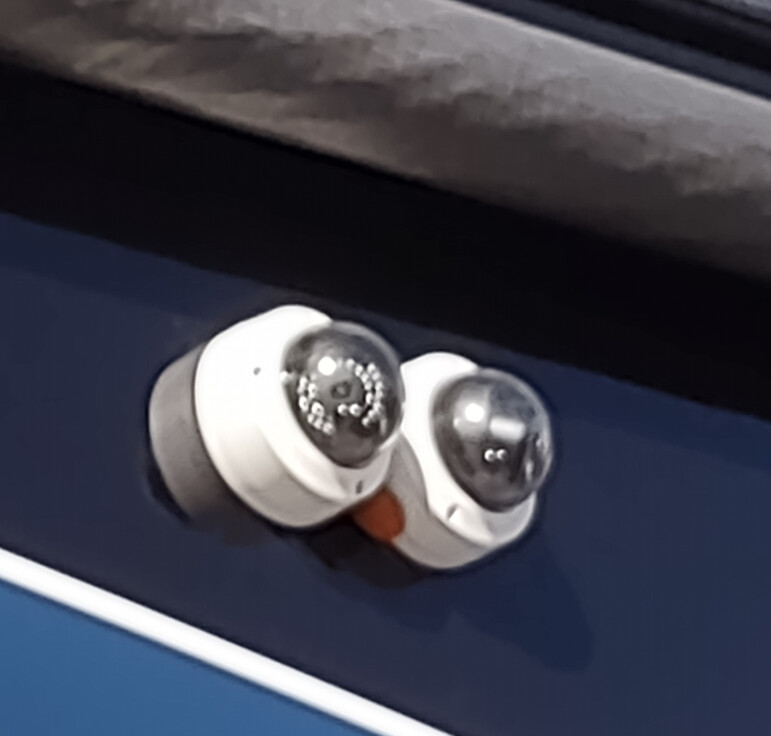
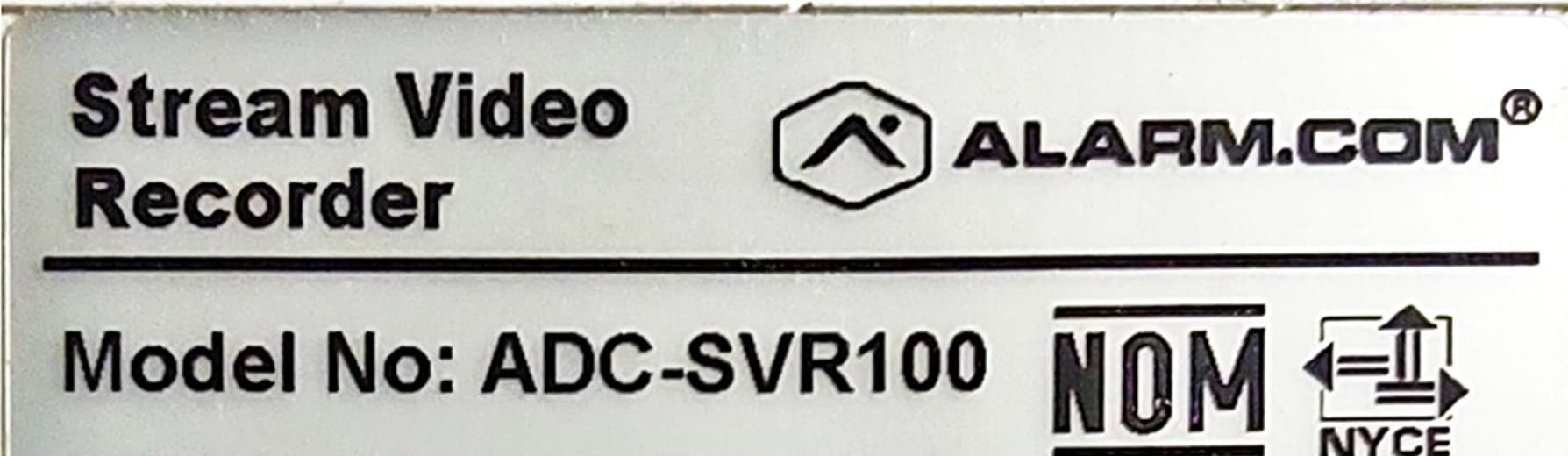
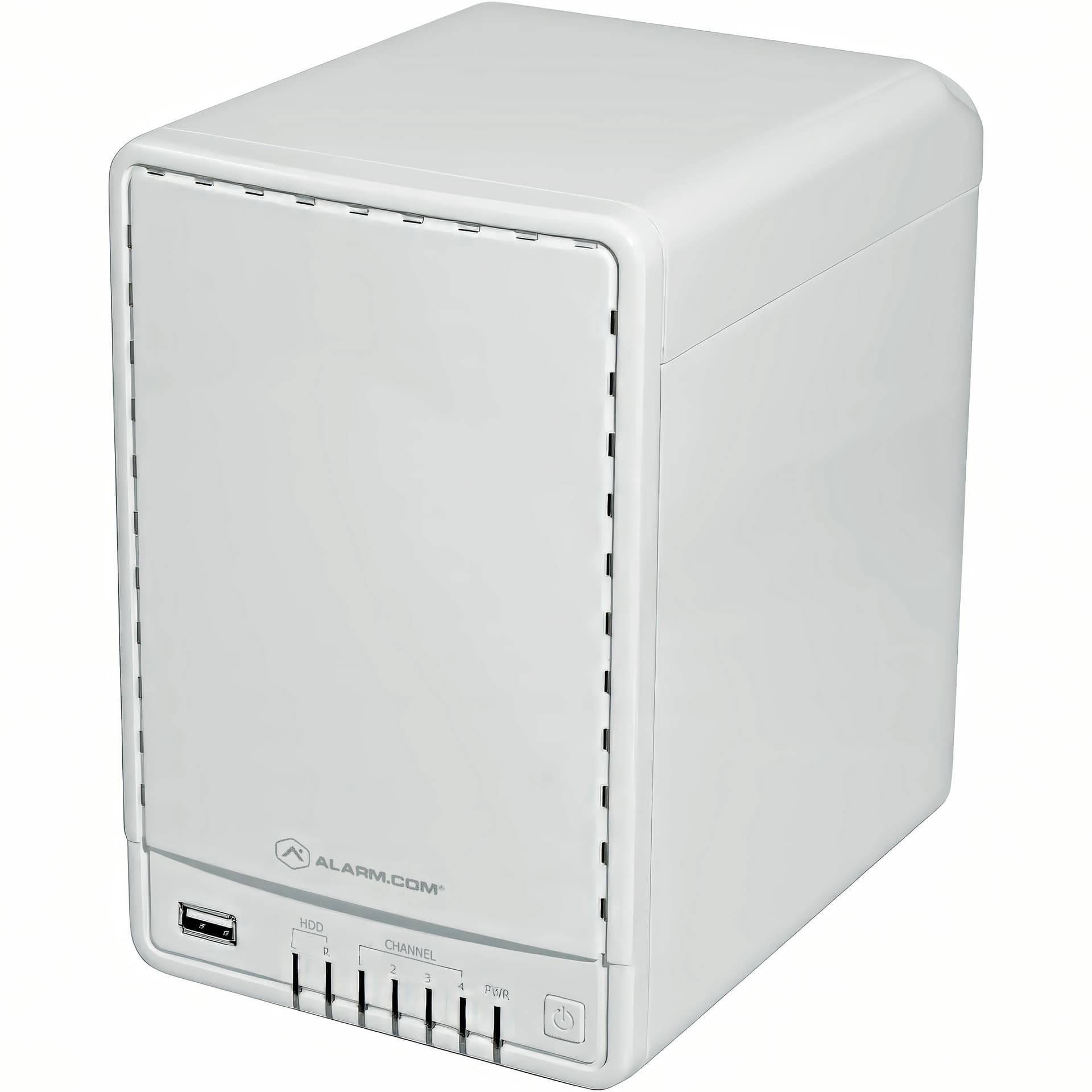
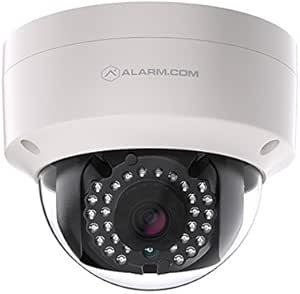
The system also has 3 cameras and a hard drive for recording video. I would also like to be able to view the cameras and the recorded footage from the hard drive. Is there a way to do that without having the system monitored externally?
Without the Dealer code, there is no other way to default the panel.
Do you know what dealer installed it? If it was an ADT dealer, the code 6321 may work for you.
Signing up for service without a code may or may not be successful. If it is successful, you can change the Dealer and Installer code from the System Manager feature of your surety account.
Could you share a picture of the Cameras and Recorder?
I tried the Dealer code that Tyler suggested and it worked. I can get into the panel using Dealer code 2222.
I also went to the “Can I activate my equipment?” website provided by Tyler, and the answer was yes I can, but I don’t want to. I only want to use the system locally, not monitored.
I also went to the “Can I activate my equipment?” website provided by Tyler, and the answer was yes I can, but I don’t want to. I only want to use the system locally, not monitored.
The alarm panel and cameras are both designed only for use with Alarm.com service. The panel can be used as a local noisemaker without an account, but to get an Alarm.com login you would need to purchase Alarm.com service from a dealer like Surety.
SVR and camera setup and remote access also requires Alarm.com.
Professional operator monitoring is optional on your plan, but the ADC account is a monthly service. If you do not want to connect the panel, video service only is available in the Surety Cam plan.
Is there a way to have the recorder receive videos from the cameras and me to be able to view the videos by accessing the recorder directly via USB or ethernet, without an Alarm.com account?