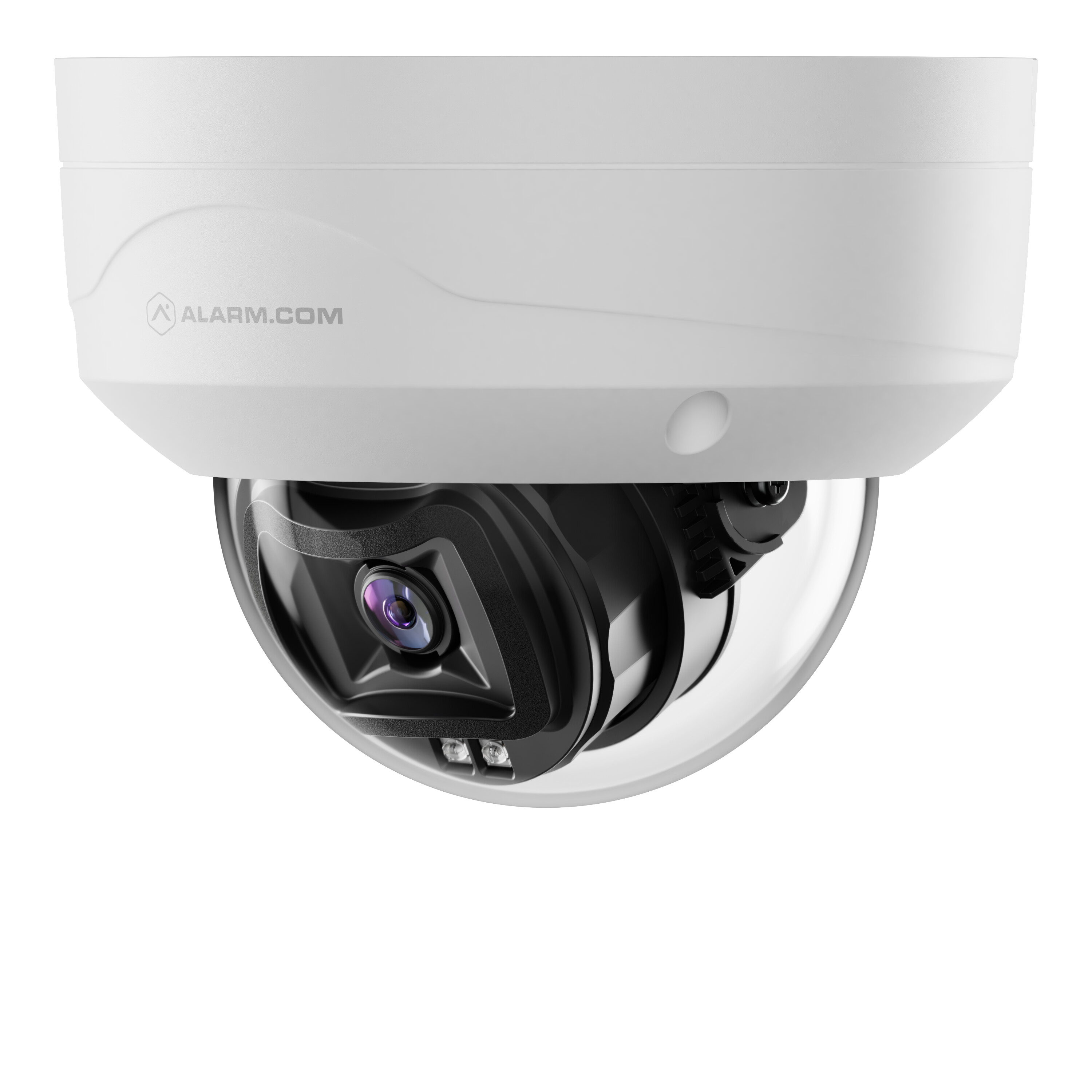
The Prism Series 5MP Fixed Dome Camera (ADC-VC8295P) captures every detail at night with VividNight™ technology that delivers exceptional low-light performance, producing crisp, detailed footage even in dim conditions. The fixed lens design delivers a consistent field of view for dependable coverage, allowing users to easily utilize integrated Video Analytics. Integrated with the Alarm.com for Business platform, this camera delivers reliable security for installations that demand comprehensive coverage without compromising on essential features.
Features
- 5MP Resolution
- VividNight™ Low‑Light Color Performance
- Wide-Angle Fixed Lens
- Built‑in IR up to 30 meters (~98 feet)
- Integrated Video Analytics
- 24/7 SVR and Local Onboard Recording with Smart View
- Power over Ethernet only
- Rugged Housing — IP66, IK10
Included accessories
- Camera with integrated pigtail cable
- Mounting hardware
- Side egress plug
- L-shaped wrench
Specifications
| Supported resolutions | Up to 2560×1920 (5MP) |
| Image sensor | 1/1.8 SONY STARVIS 2 CMOS |
| Lens & Horizontal Field of View | 2.8 mm (W), F2.0, 103.4° |
| Iris | Fixed iris |
| Low-light sensitivity (Color) | 0.02 lux @ F1.6 |
| Low-light sensitivity (B/W) | <0.005 lux @ F1.6 |
| Low-light sensitivity with IR on | 0 lux |
| R range | Up to ~98 feet (30 meters) |
| Image adjustments | Flip, brightness, contrast, saturation, sharpness, exposure |
| Ethernet connection | 10/100 Mbps RJ-45 |
| Operating temperature IR off | -35 to 60°C (-31 to 140°F) |
| Operating temperature IR on | -35 to 50°C (-31 to 122°F) |
| Operating humidity | Up to 98% RH (non-condensing) |
| Input voltage | IEEE 802.3af Type 1 PoE |
| Power consumption Day - IR off | 6.0W |
| Power consumption Night - IR on | 8.5W |
| Dimensions: (LxWxH) | Ø 4.61×3.53 (117.2×89.6 mm) |
| Weight | 1.2 lbs (550g) |
| Ingress protection | IP66 |
| Impact protection | IK10 |
| Local recording | SVR and Onboard Recording |
| Two-Way Audio | Incompatible |
Installation
Troubleshooting
- If the camera fails to connect to the network or enroll to the account, power cycle the device and try again.
- If issues persist, reset the camera to factory defaults. Press and hold the Reset button on the camera for 12-15 seconds until the LED is flashing green and red, then release the button.
Important: If the camera was previously installed to a different Alarm.com account, it will need to be deleted from that account before it can be installed again.