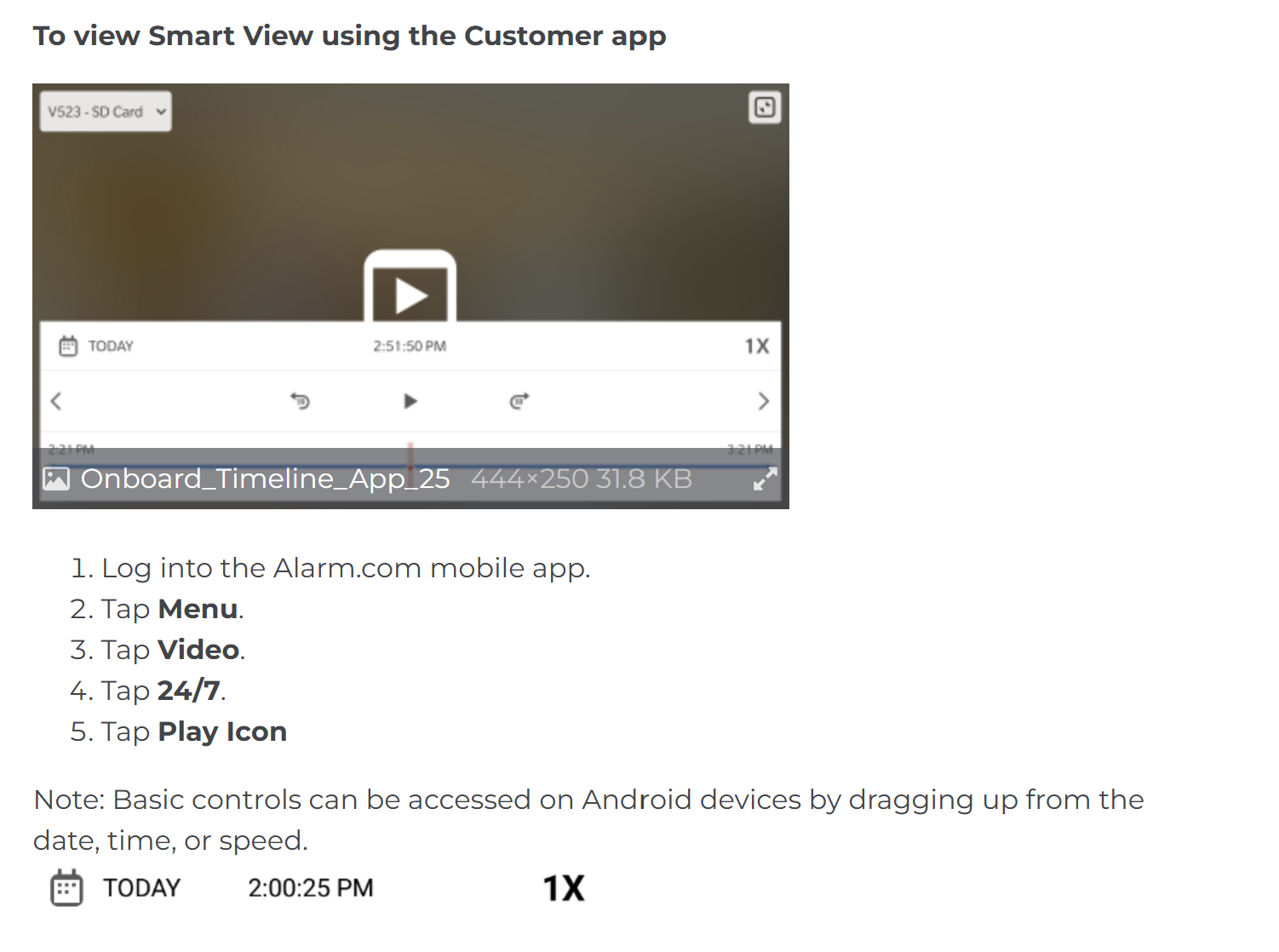
Im trying to follow the instructions for viewing onboard recorded video on my Android, but the only options to tap after tapping “Video” are "Live” and “Saved”. The “Saved” option just takes me to cloud stored clips. I don’t see the “24/7” option listed in the instructions. Please help me figure out what I am doing wrong. Thanks!