I have a VC8498P Camera that just arrived and added to my account fine. The issue is when choosing video setting I do not have access to the 4K stream (See the attached screenshot) Is there any reason I can only live view and record 4MP?
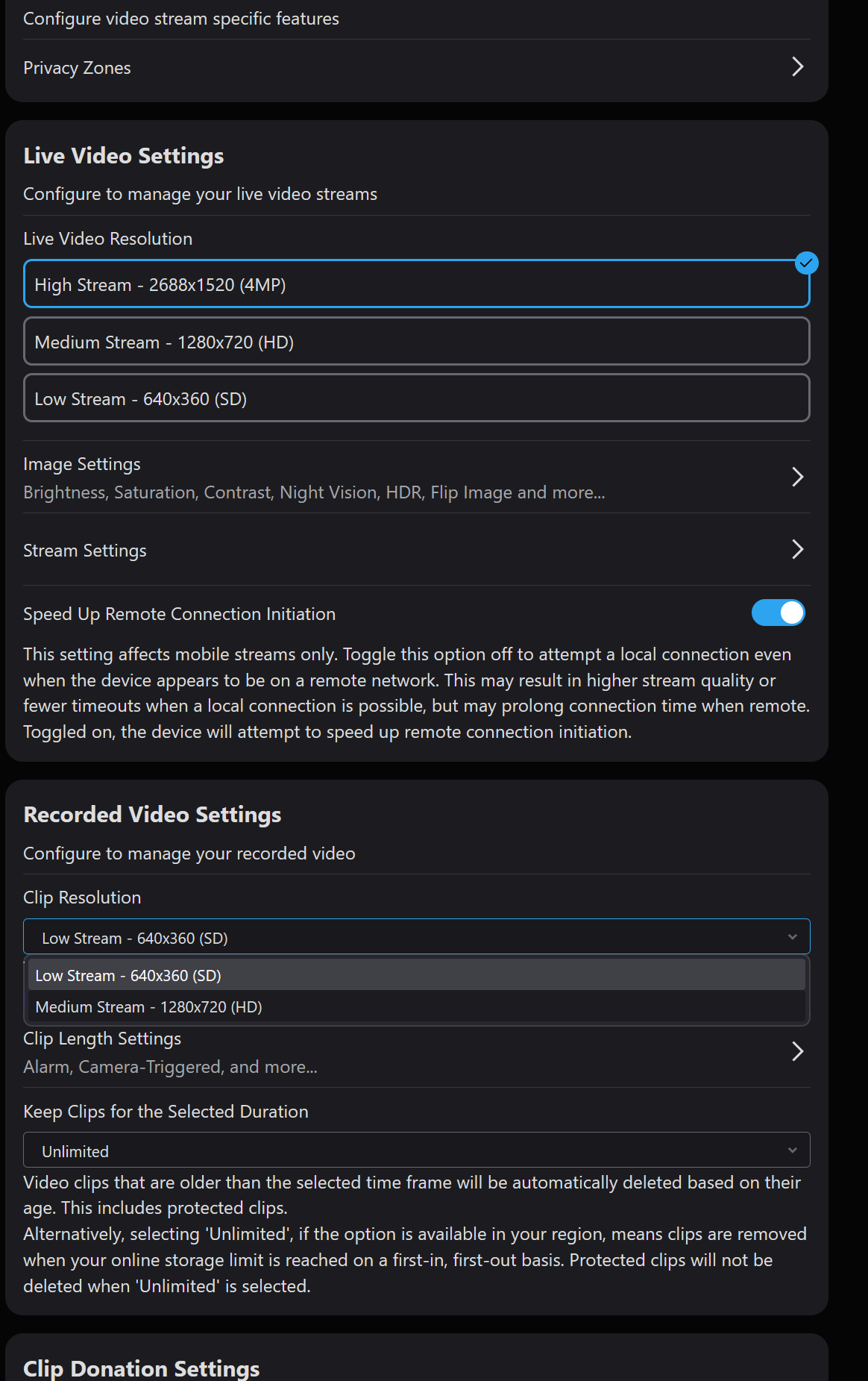
OOPS Im dumb but this might help others. You have to click on stream settings in that screenshot and enable 4K (not sure why this isnt enabled by default
Update: That fixed the live view but I still cant tell clips to be in 4K. Any ideas?
Per alarm.com, cloud recording can only be set to 4MP. If you would like 8MP recording, it will need to be on an SD card on the camera or an SVR
Good morning.
what do you think of the image quality of this camera? Have you had a chance to see the quality of images at night? Did you have older Alarm.com cameras that you can compare its quality to?
Thanks
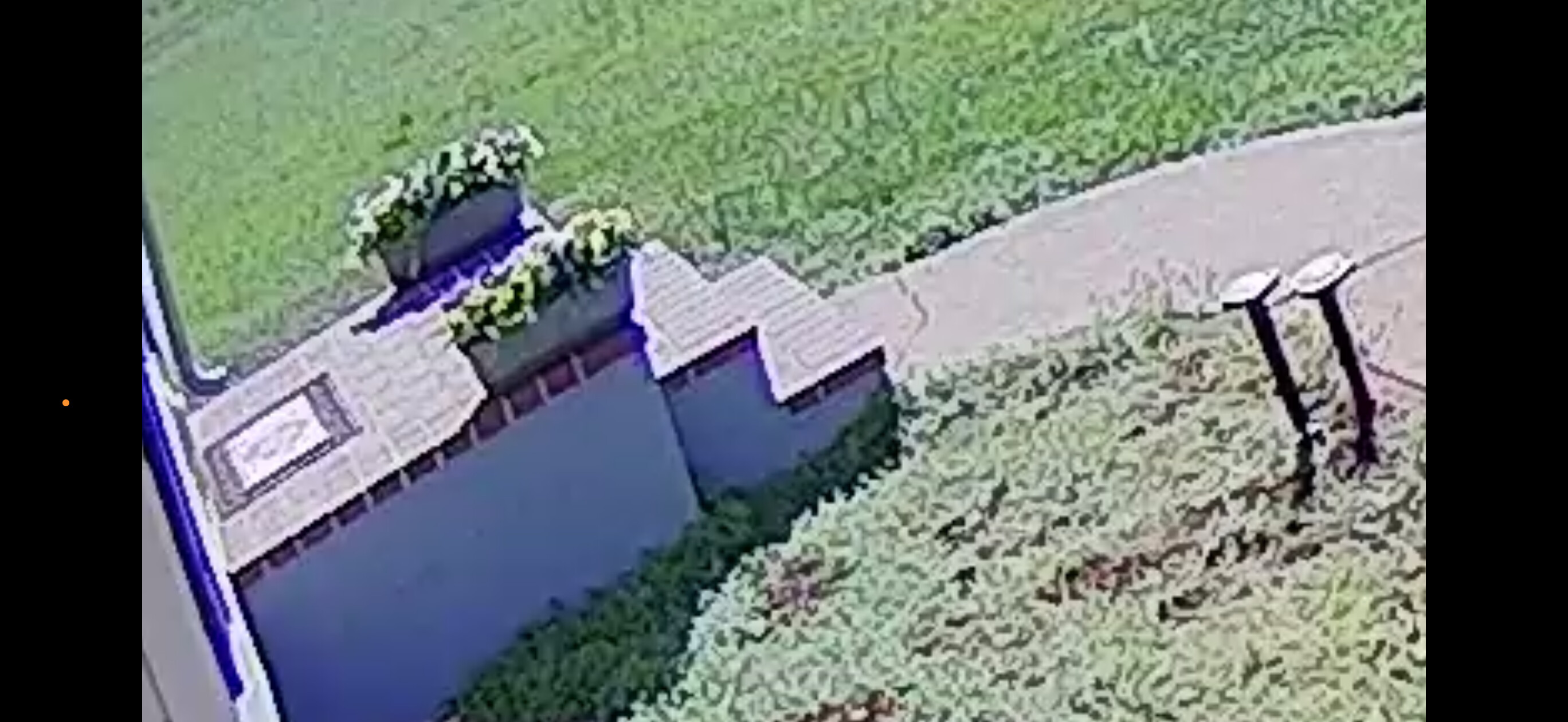
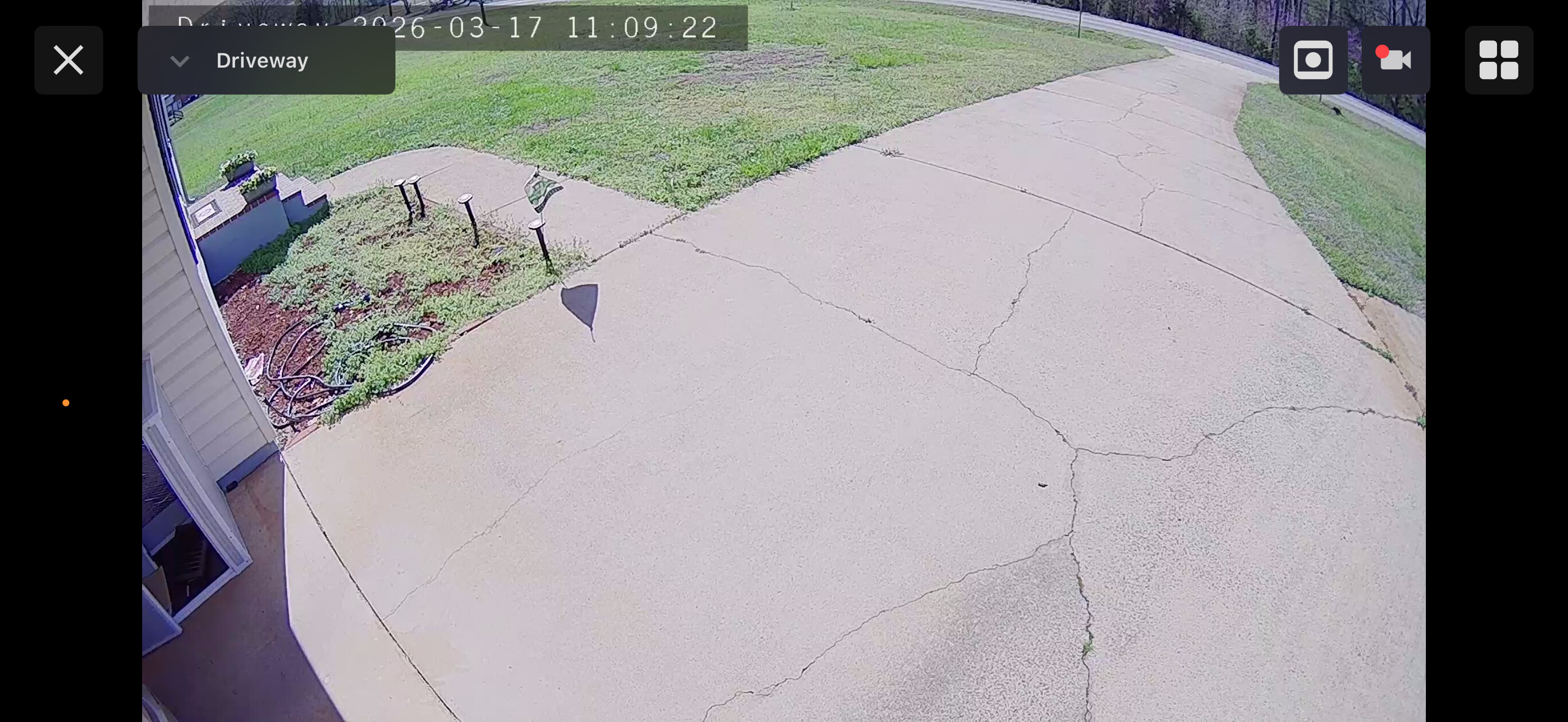
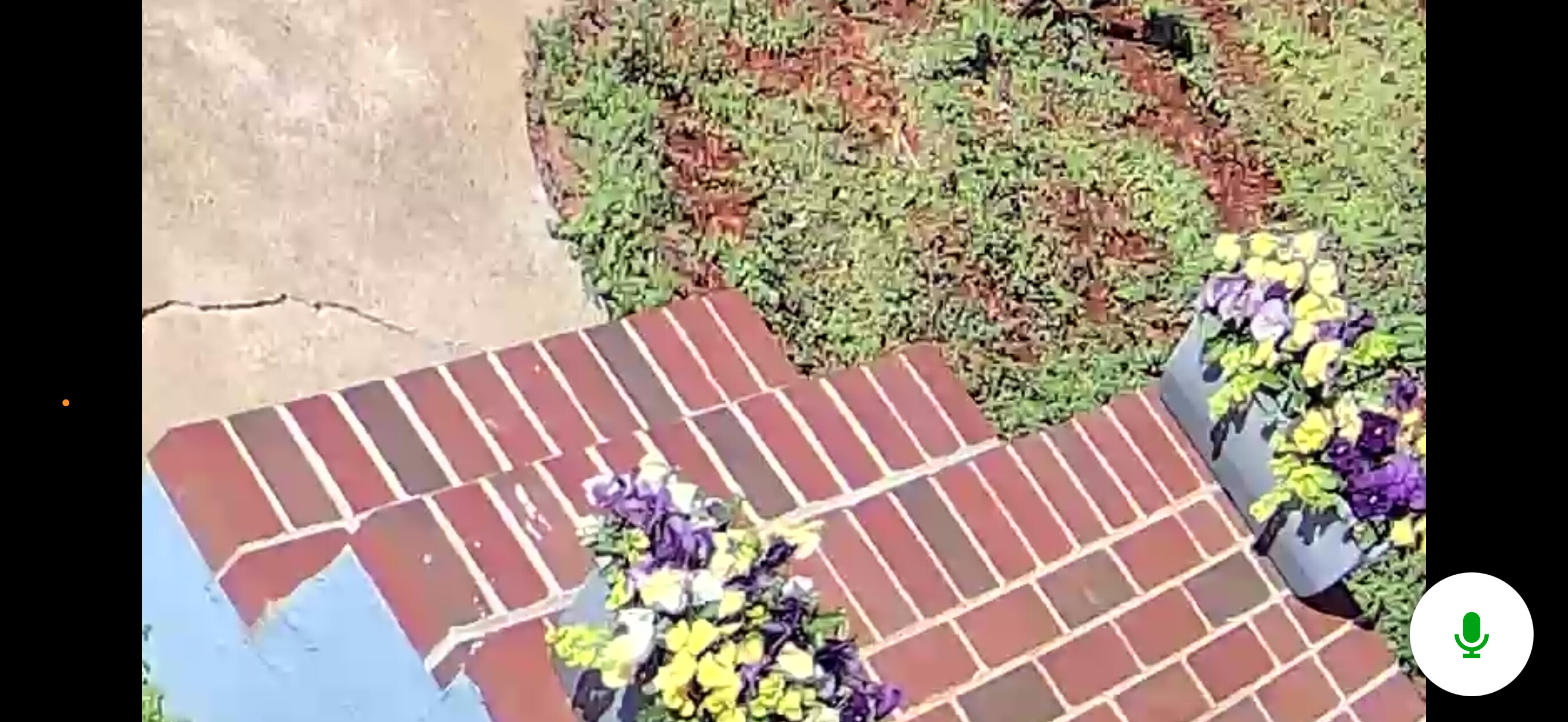
Hi Kevin here are some comparison images showing the new camer in the view labeled front yard and the old camera (a vc728) in the view labeled Driveway. You can see the zoomed in image is muchhhhhh better. I’m very happy with the camera so far.
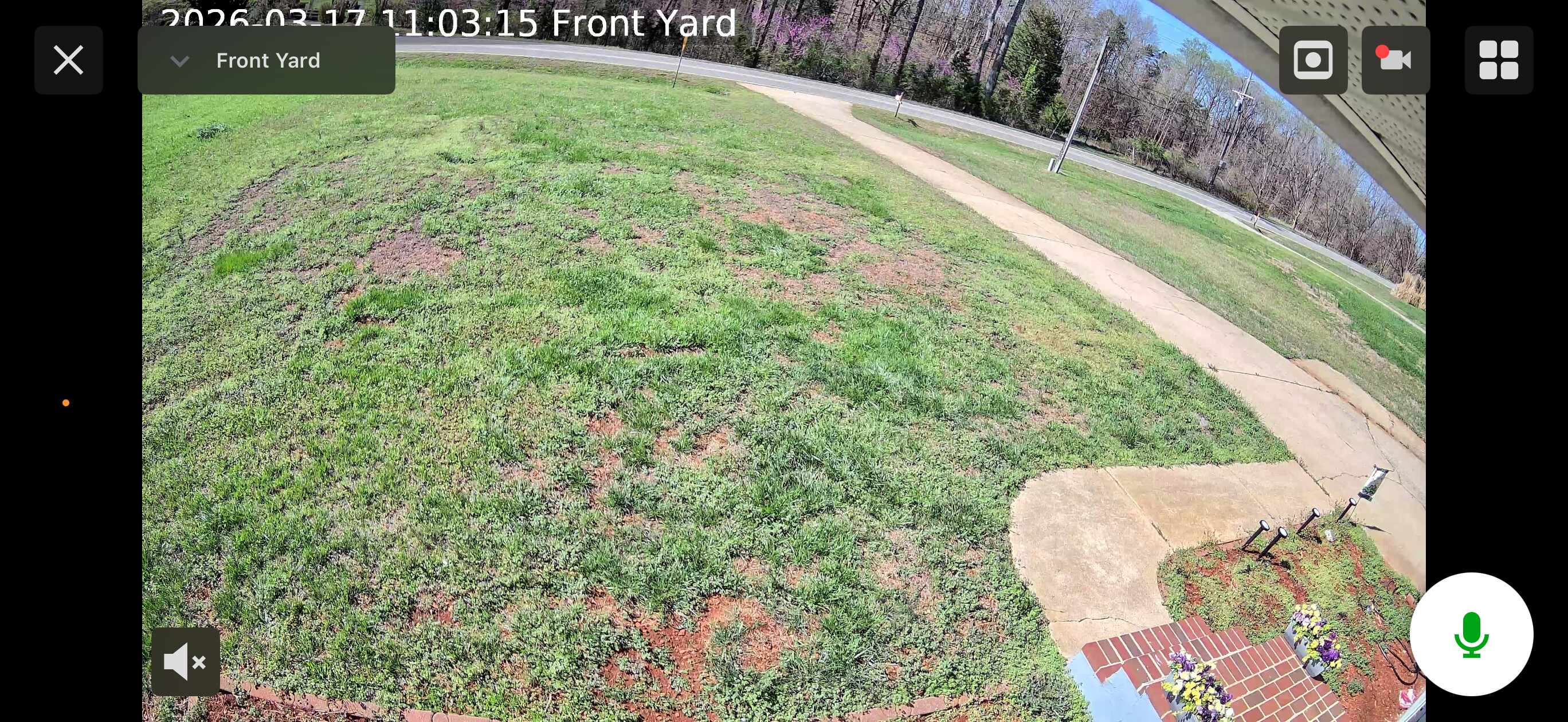
1 Like
Vidal,
I do not have a 4mp option for cloud recording just 1080p? Is there a setting that needs to be enabled in my account to show the option for 4mp? The only options I have for clips is 1080p or 360p
Sorry about the delay in response, it looks like I was provided incorrect information from alarm.com. As of now, all cameras can only cloud record at the medium and low resolution. I did put in a request to hopefully have this changed and have higher resolution in the future.