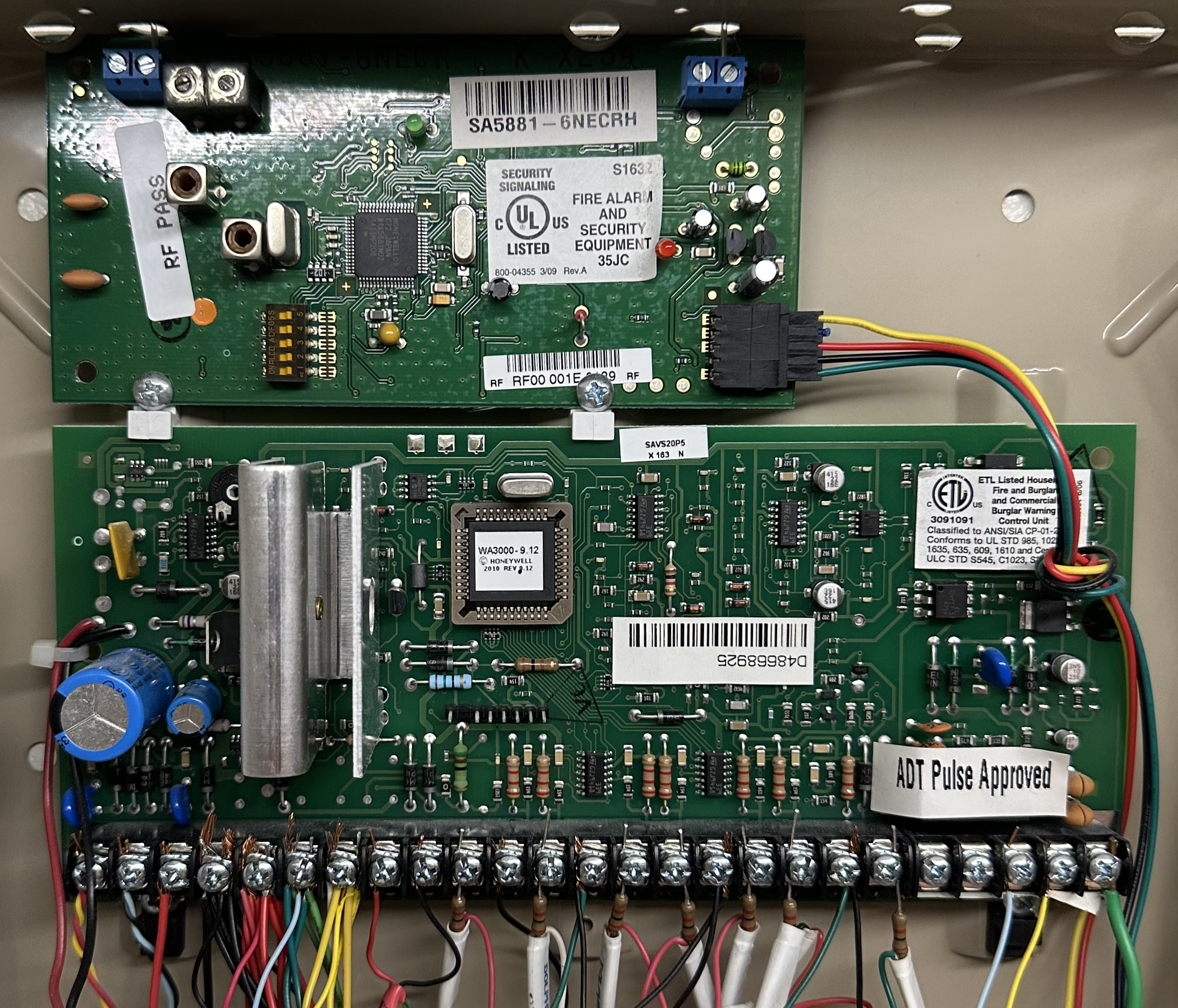
I was advised by Surety support via e-mail that our Honeywell Vista panel (20 P) and the 6150 keypad was sufficient. All we needed to add is the SEM 300. After receiving the SEM 300 module I was ready to change the installer code and get the module installed so we can activate our system with Surety and start monitoring. I have been unable to determine the current installer code or change to a new installer code. I have watched the online video and been communicating back and forth with Surety support by e-mail.
AI is telling me that since none of the prescribed steps are working, none of the suggested ADT codes worked, that ADT probably activated Installer Lockout and that the PROM will need to be replaced. Any help is appreciated. (Included is a pic of the Vista panel board.)