Every now and again - i see the following error on my panel:
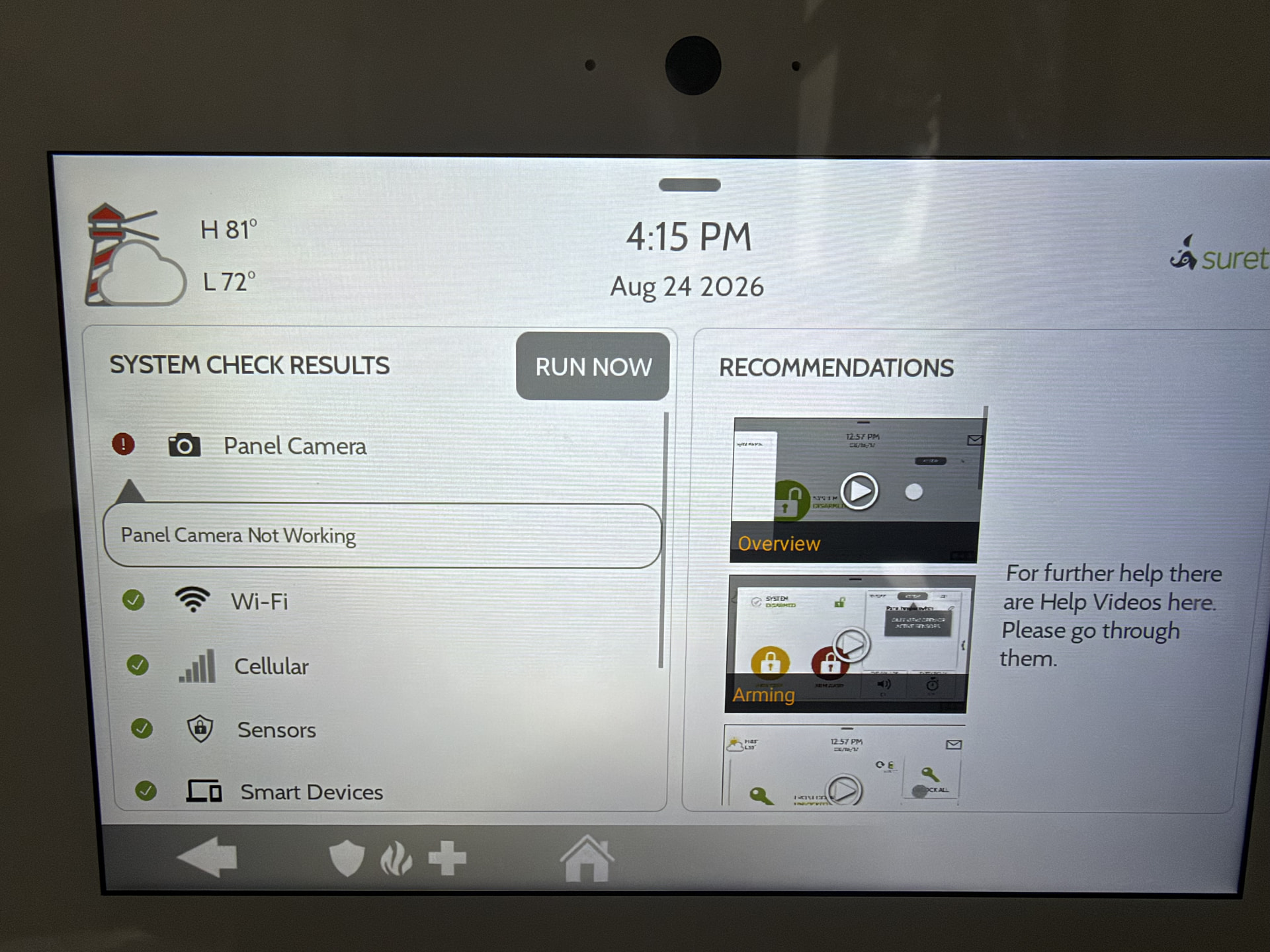
Manually re-running the test doesn’t usually clear it - and it usually clears on it’s own.
Any thoughts / suggestions?
Thanks!
Every now and again - i see the following error on my panel:
Manually re-running the test doesn’t usually clear it - and it usually clears on it’s own.
Any thoughts / suggestions?
Thanks!
To troubleshoot, try the following:
Disable the panel camera. Navigate to Settings > Advanced Settings > Enter the Installer Code > Installation > Camera Settings > Disable Panel Camera
Reboot the camera. Navigate to Settings > Advanced Settings > Panel Reboot
Wait 5 minutes after boot up then re-enable the camera.
Run the Camera Test. Navigate to Settings > Advanced Settings > System Tests > Panel Test > Camera > Run.
Does the error return?
done - and no, it did not. I’ll continue to monitor. thanks @tyler