While I am waiting for a response from My ongoing support contact person I thought I would ask hete since I’m eager to continue with the installation of my IQ 5 HUB.. The hub has powered up properly and it has connected to my Alarm.com. I was told to bypass the wizard and go to a cellular test. But I can’t continue because I get a alert telling me I need to connect to Wi-Fi. So should I run the wizard? Or is there another way to connect to Wi-Fi?
Hi Laurie, I just sent you a PM with the answer. Short version for anyone else who finds this thread: once your Alarm.com account is activated, go ahead and run the installation wizard. It connects Wi-Fi first, then cellular to Alarm.com.
Full IQ5 Hub setup guide here:
OK update.
Exited the Wizard after everything checked out successfully and sensor updates were next.
System update failed.
Since I am paying my installer $150 an hour on Tuesday, I was trying to minimize what was left. I am assuming we can install the automation without getting back to the wizard. True? If we need to get back to the wizard how do we do that?
Thanks for your help.
Including some screenshots.
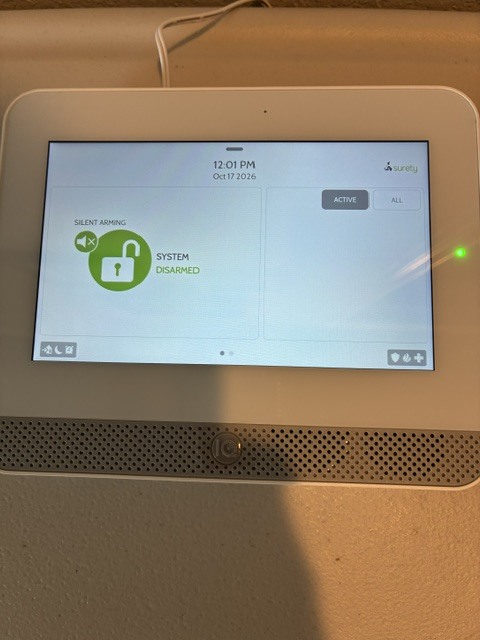
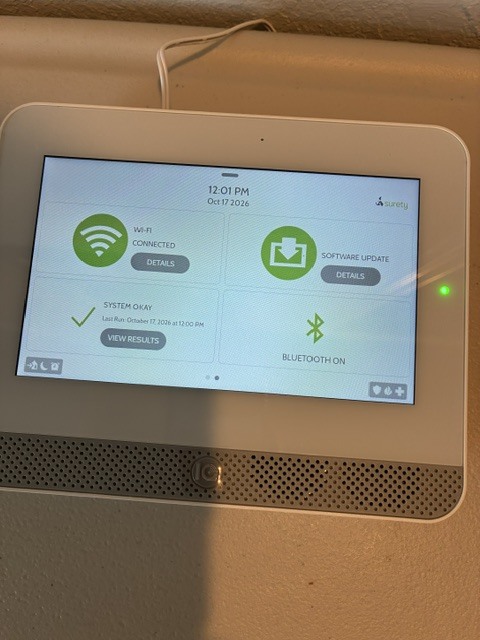
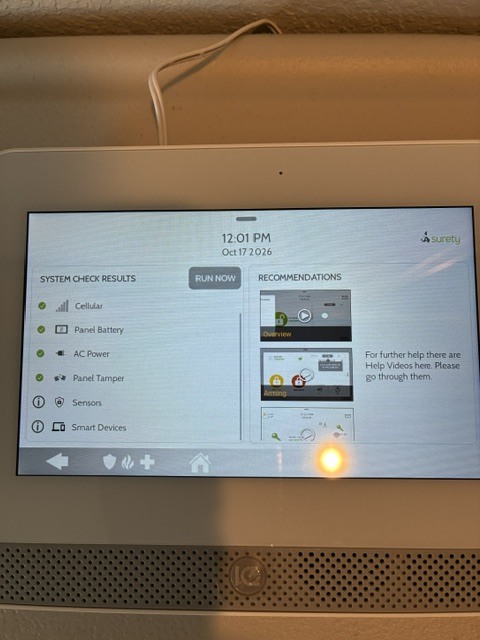
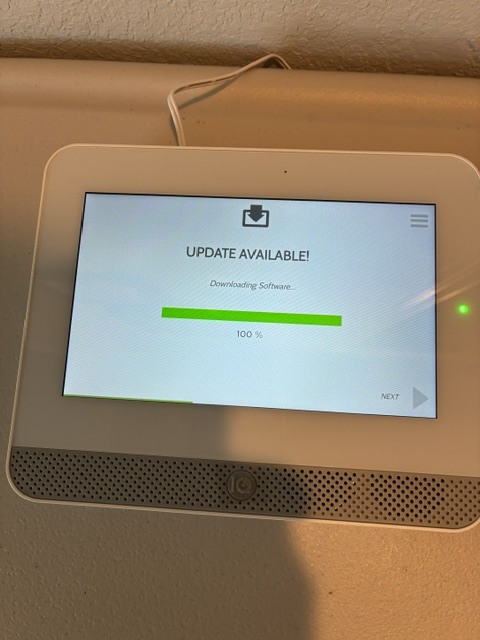
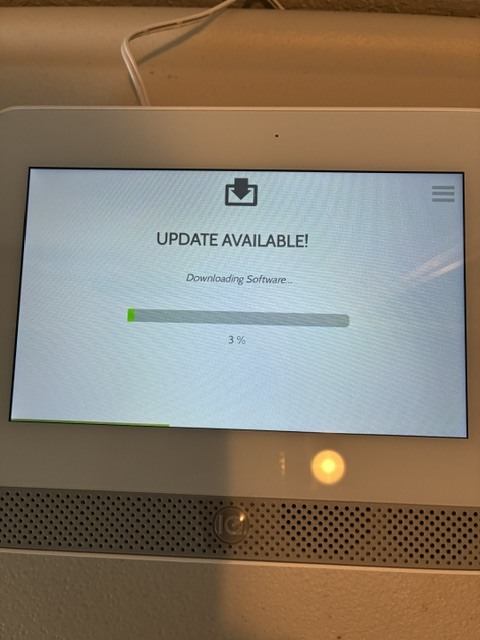
Further update.
I figured out hoe to get to settings. I think I am ready for Tuesday appointment. Let me know if you think of anything else I should do.
Thank you!
Glad you found it, sounds like you’re all set for Tuesday. Good luck with the install!
If you’ve had a good experience with us so far, would you be willing to review Surety on Trustpilot and Google? It would mean a lot to us!
Thank you so much, Laurie.