When my landscapers are here mowing I get about 100 camera motion notifications on my phone. (Ok an exaggeration but there are a lot). So, I click into each one for each camera and tell it to stop notifying for 1 hour.
But then I get this additional notification for each telling me it has suspended the rules as I have asked. I really don’t need that second notification, especially for each camera. Is there a way to turn this off?
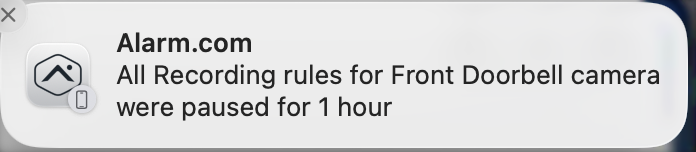
Also, I think this was asked before but could not find the thread - it would be great if I could simply press one button somewhere to disable all external camera recording rules for x amount of time, instead of having to do it for each camera.
OR - schedule a time/day when notifications for camera events are suppressed. I would just schedule that for the days the landscaper is coming.
Since I’m on a Mac, all those phone notifications come through on my Mac as well, so I get a bunch of distracting bells and popups while I’m typically on a Teams call with a customer. Makes me crazy. Thanks for your help/thoughts.