I have a Qolsys iq panel 4 and an Amazon Echo 4th Generation and a 5th Generation. Active monitoring with alarm.com.
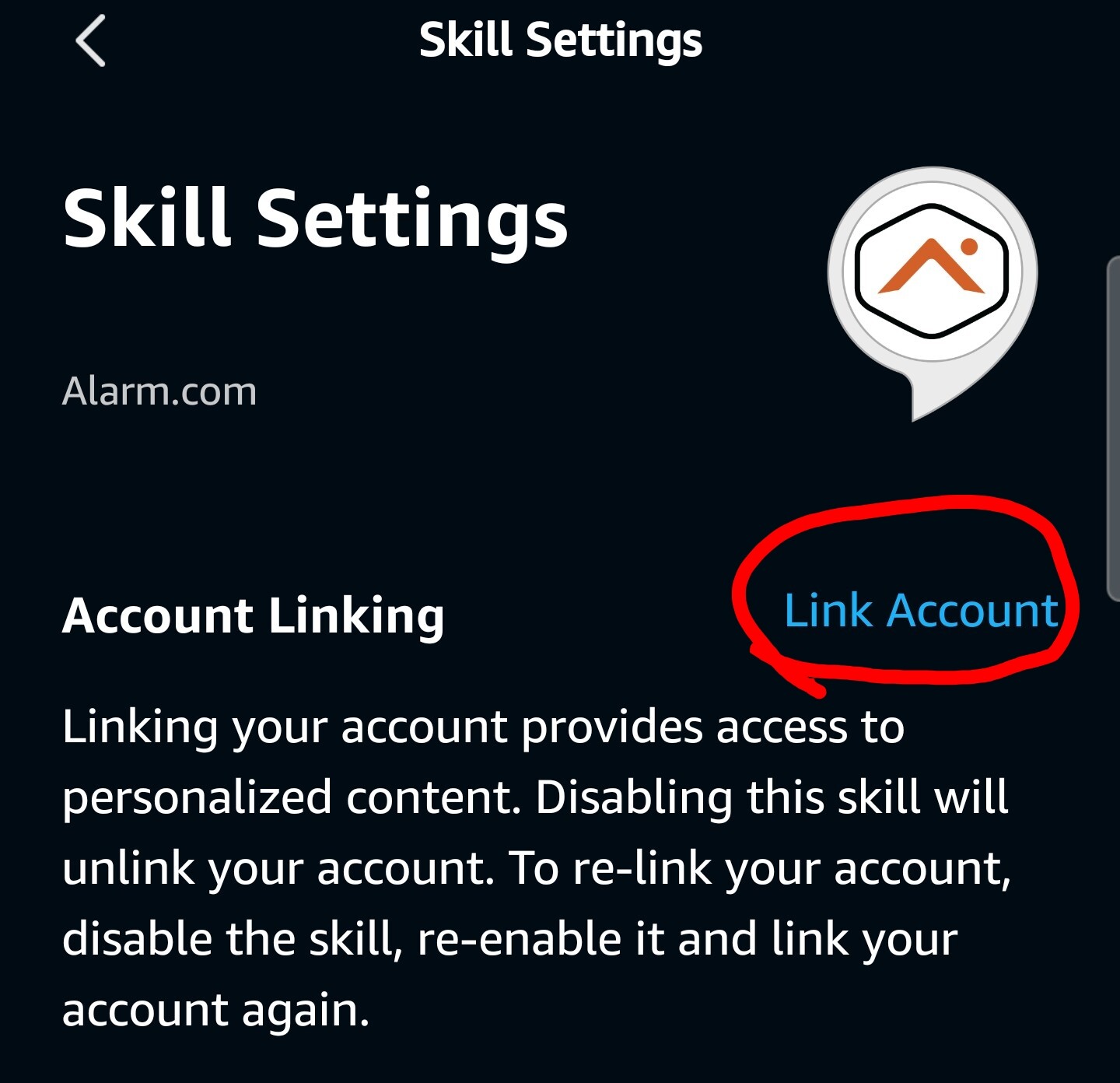
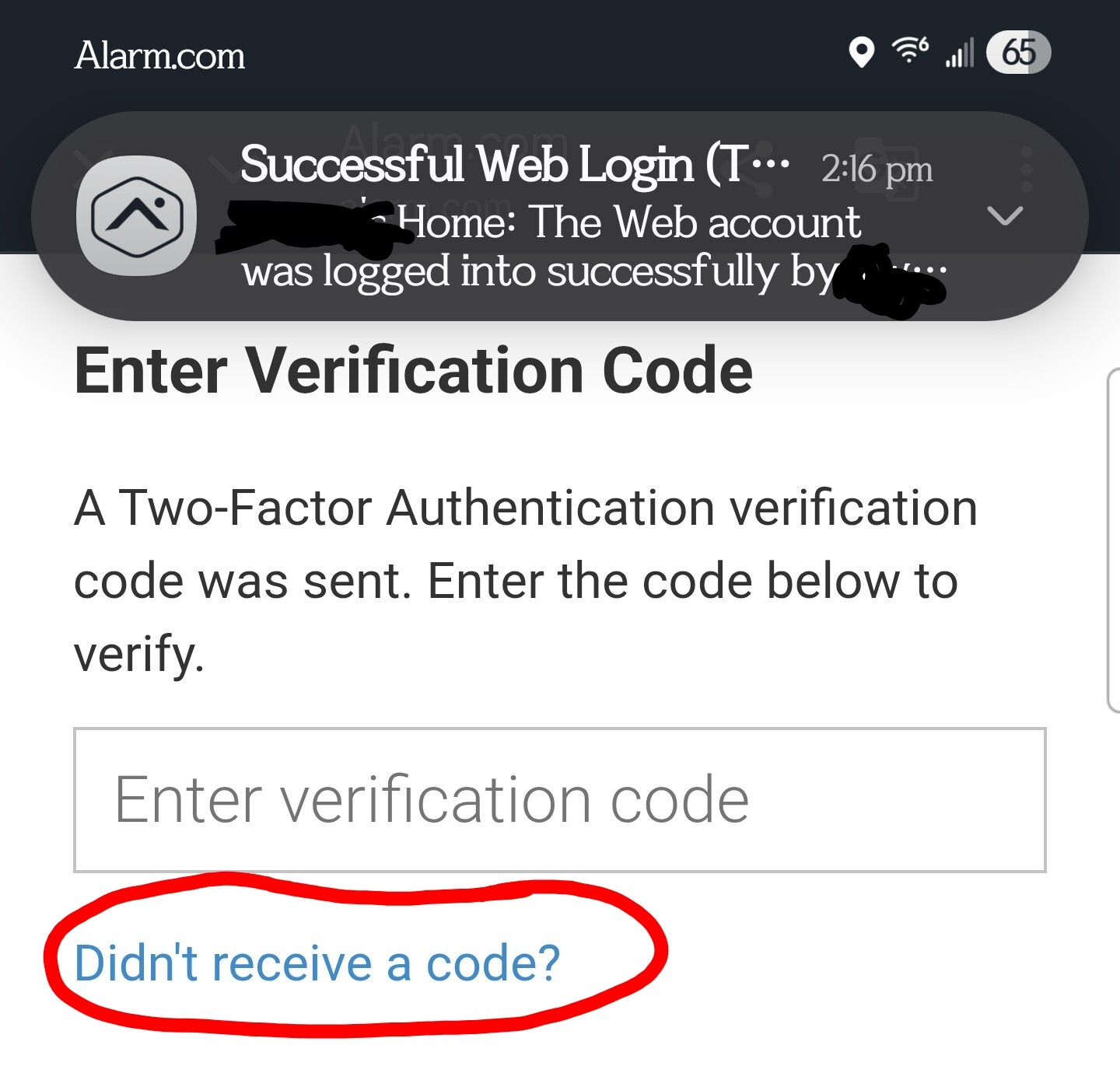
I have tried on multiple occasions to link the Alexa ‘amazon.com’ skill to alarm.com. To link the account, alarm.com wants a verification code. Problem is, i never get any verification code from alarm dot com. Not on linked phone, not in email, not in alarm.com app. When i click on “Didn’t receive a code?”, i do not get a code.
I can try to enter a password, but that is an “invalid code” (as it should be, but it does tell me it really ‘thinks’ a code was sent). Somewhere. I’ve even looked up the process at alarm.com, to no avail. And never get the point of the “allow” their instructions tell us to look for.
So where is this code going & how do i get it? According to the activity in the alarm app, there has been a “successful web login”, but according to Alexa, the skill is not enabled, i’ve certainly not verified anything so i’m rather at a loss.
Each time i click on ‘Link account’, i get an alarm.com login screen, enter my credentials, and get a response that i have successfully logged in WITHOUT the requested verification code. If i click on “didn’t receive a code”, i still do not get a code.
I have tried launching the skill on my Alexa phone app, and the echo devices. Each time i am told “login failed… relink your account”.
I’ve also looked at the alarm dot com app and there appears to be an option for other devices to request to login, but i am getting nothing from Alexa to put it. It doesn’t seem to apply. Again, i am at a loss.
Apologies for the delay. I reached out to Alarm.com and they recommended resetting your 2FA then trying again. Would you like me to go ahead and reset that? It’ll have you set it up again the next time you log into your Alarm.com account.