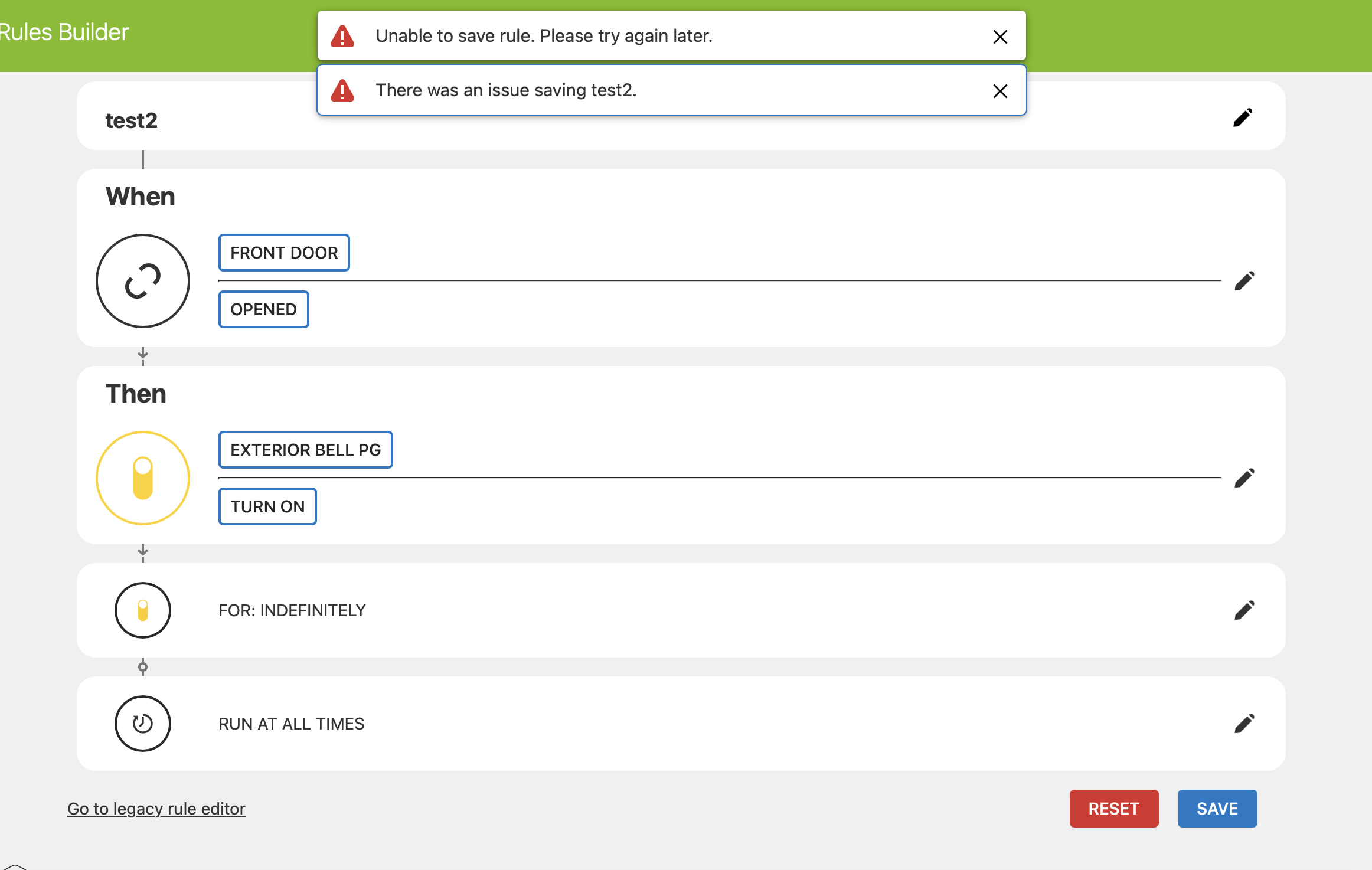
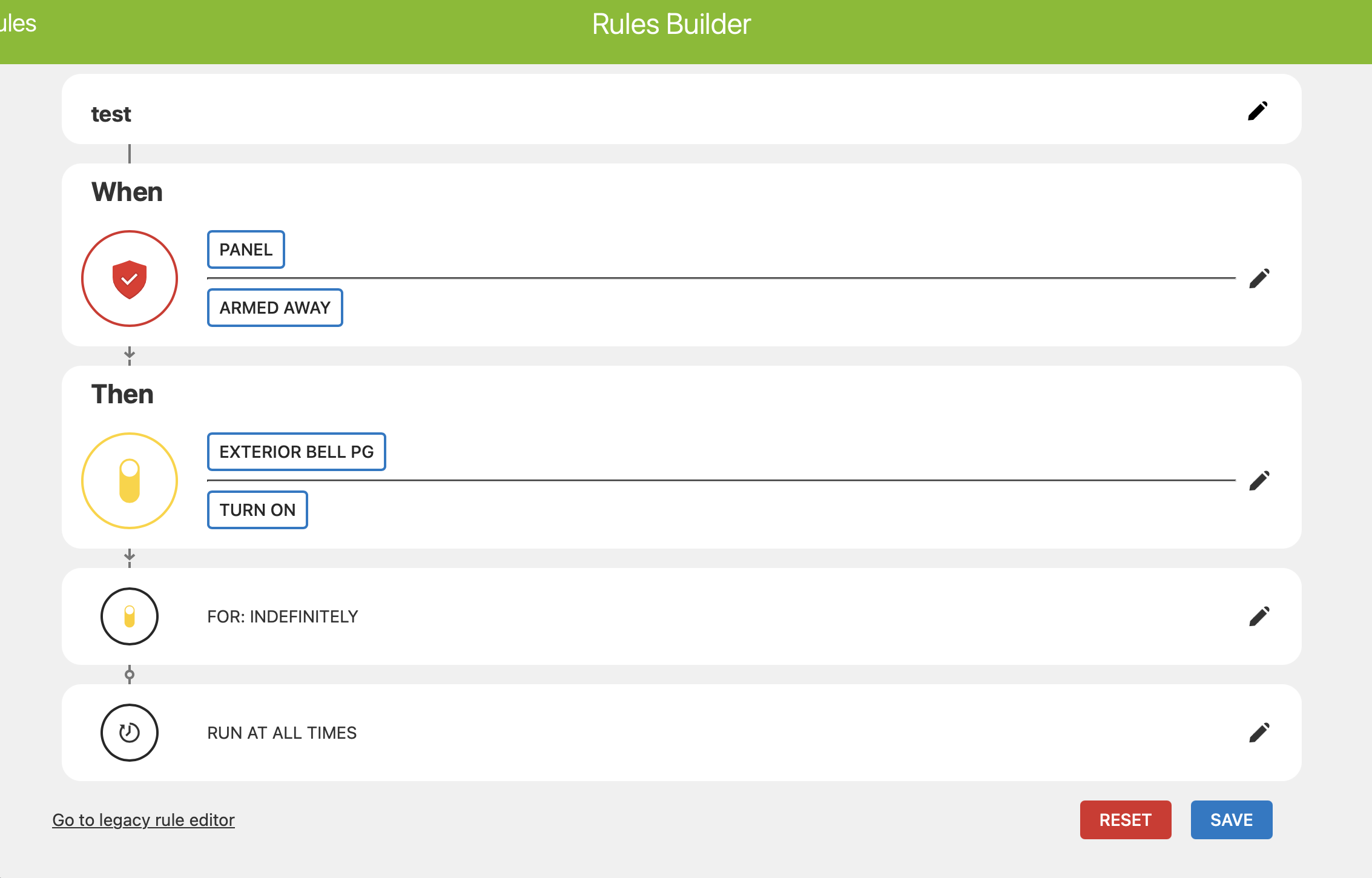
I’m running an IQ Pro panel with FW 4.4.1n. I have successfully installed 3 PowerG Smart Plugs IQIDP-PG. They show up on the alarm.com app and can be turned on and off, no issues.
The problem is when I try to use them in an automation rule. The trigger for the rule is a hardwired door sensor that when opened turns on the plug for 5 minutes. When I try to save the rule I get “Unable to save the rule, try again later” and “There was an issue saving light/contact sensor rule”
I’ve tried using different hardwired zones as the trigger with no success.
Thanks for providing those details. Since the three IQ Smart Plugs are already showing in the Alarm.com app and can be controlled manually, it appears that the plugs are communicating properly with the system.
Alarm.com does support contact sensor-triggered light rules, where opening a contact sensor can trigger a connected light or device. The IQ Pro also supports PowerG Home Automation starting with firmware 4.3.0n, so your current 4.4.1n firmware does support PowerG automation.
As a next step, could you please try creating the rule through the Alarm.com website instead of the mobile app? Please start with a simple rule using one hardwired contact sensor as the trigger and one IQ Smart Plug as the action, without the 5-minute duration initially.
If that rule saves successfully, we can then try adding the 5-minute duration to determine whether the issue is specifically related to the timed action.
If you receive the same error when creating the basic rule through the Alarm.com website, please let us know. Since you’ve already tried multiple hardwired zones with the same result, we can investigate the rule configuration further with Alarm.com if the issue persists.
Thanks for checking! Since you’re getting the same error when creating the rule through the Alarm.com website, we can rule out the mobile app as the cause.
We appreciate you finding and sharing that information with us. It was helpful in narrowing down the issue. We will further investigate this case and update you as soon as we have additional information.
Hi, you already have the necessary service plan features for PowerG automation devices, and they are successfully reported to your system. I have sent some additional troubleshooting commands to your panel. You may notice your panel reboot.
Allow about 10 minutes, then can you retry creation of that rule? If you have trouble still, can you send me a PM with screenshots of the rule setup being attempted so that I can share that with Alarm.com to investigate further?
Alarm.com technical support has has escalated this issue. I will reach back out once they have a response. I do not know how long this might take but hopefully they respond quickly
Checking in to see if any progress has been made on getting the PowerG smart plug to work with automation rules? I tried it again this morning with the same results.