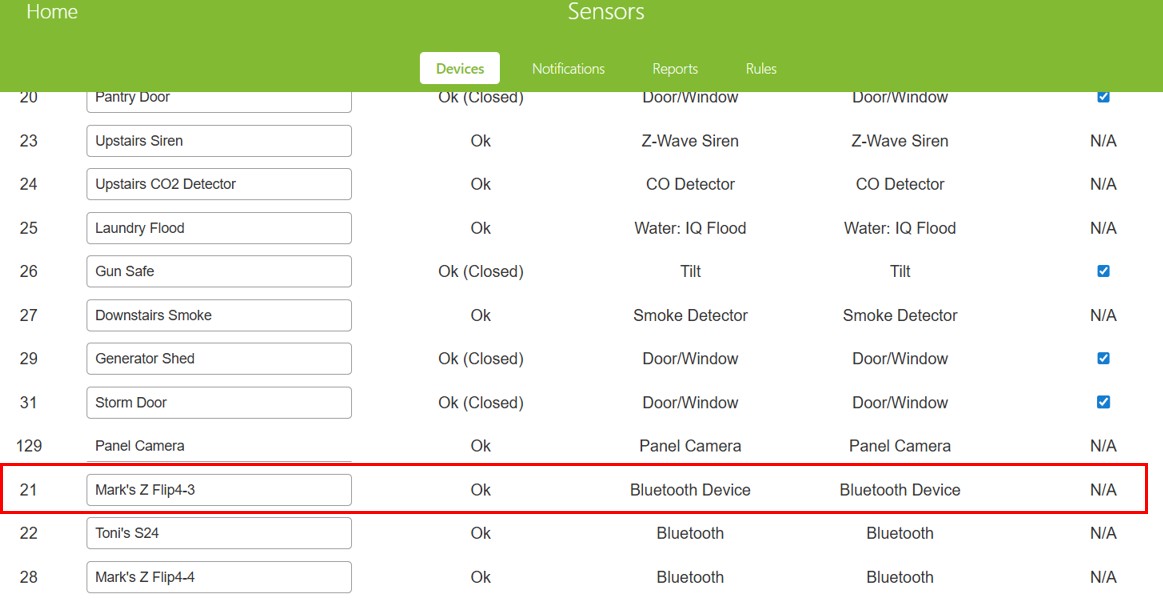
My old phone (Mark’s Z Flip4-3) that was replaced about a year ago and had push notifications enabled shows up still as a “Bluetooth device” on the “Manage Device > Sensors”. See below screenshot.
When I log in as Admin on the panel. I see the same results and neither the web site or the panel have the option enabled to delete this device. Looking for any information on how to delete the old phone from the website/panel.
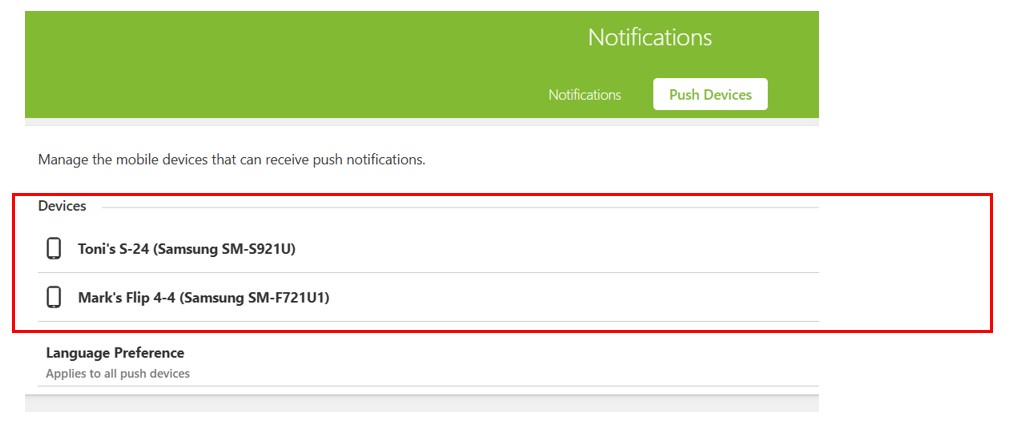
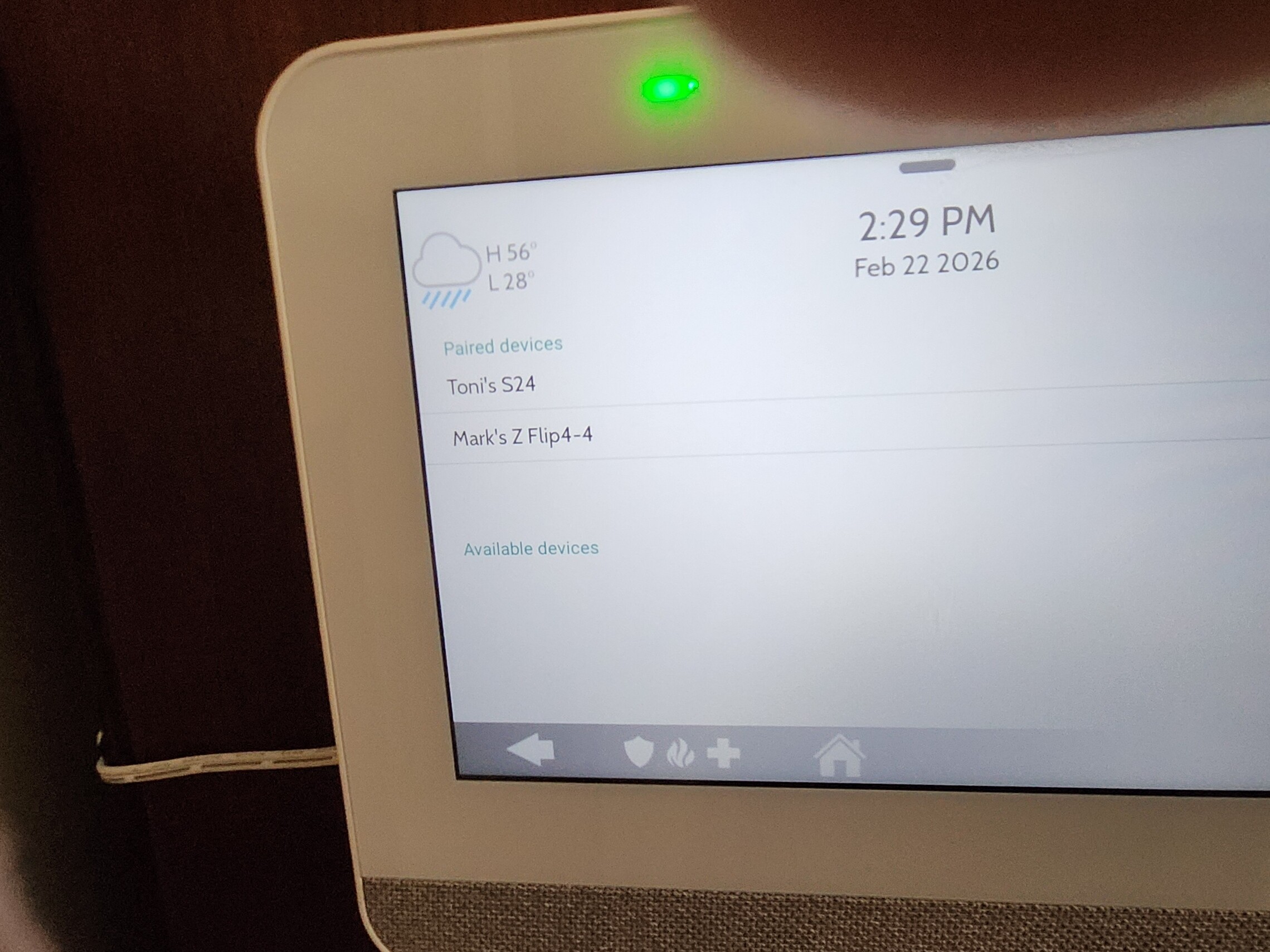
Thanks for the reply Nicholas. Unfortunately, the old device does not show up in any of the Bluetooth settings on the control panel. When I enter those settings, the only devices that appear are my new phone and my wife’s phone. See below figures.
I’d be interested in if you have any other suggestions. I thought about selecting the “Delete all devices” option in Bluetooth settings and then re-adding the new phone and my wife’s phone. However, based on the behavior I’ve observed to date, I’m not certain that would delete the old device either. It appears as if the device is stored in some NVM somewhere.
I’ve sent some troubleshooting commands to clear that old phone from the account. Allow about 10 minutes and then can you try logging into Alarm.com to check the device list?