Finally got swapped over from a GC3 to IQ5 and remote panel.
Pretty easy but I’m still looking through all of the settings. I did notice that the panel screen doesn’t wake when a door is opened when the system is unarmed. And the green light stays on. In my GC3 the light went off and the screen woke. Any setting on the IQ5 to get that back?
Had the remote screen loose connection from the IQ5 this morning. I have a deco mesh system. I had to forget my wifi on the remote and re add. I assigned the ip addresses to the panel and remote to see if that fixes it.
I’m sure I’ll have some more once I get into it some more.
There is no option to wake up the screen when a door is opened at this time. The LED on the panel is used to indicate the arming status, and does not turn off if there is a zone open.
Which model of Deco routers do you have? I have a Deco mesh system as well and haven’t had any issues with the remote panels. If you have multiple bands available, you may want to try assigning the remote keypad and IQ5 to use 2.4 GHz only.
Connection has been fine so far after switching to just 2.4.
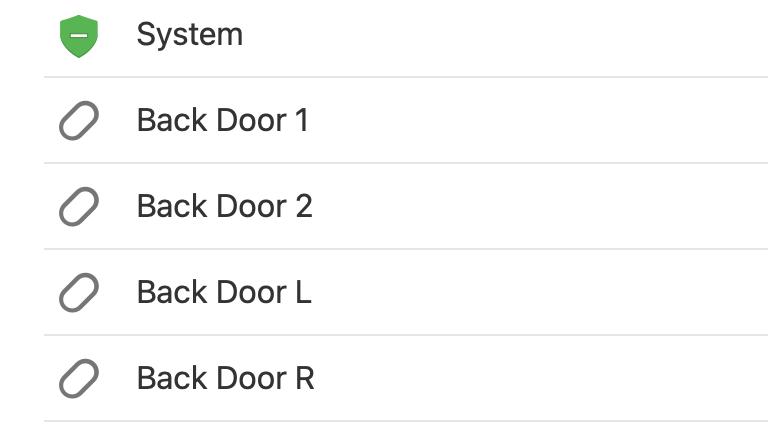
How do I get my alarm.com device list to update with just on my panel?My panel is correct but my online account shows the old sensors still on there. An example would be I used to have back door 1 & 2. When I ached the sensors to the new panel I called them L & R. Now all show up on the device list.
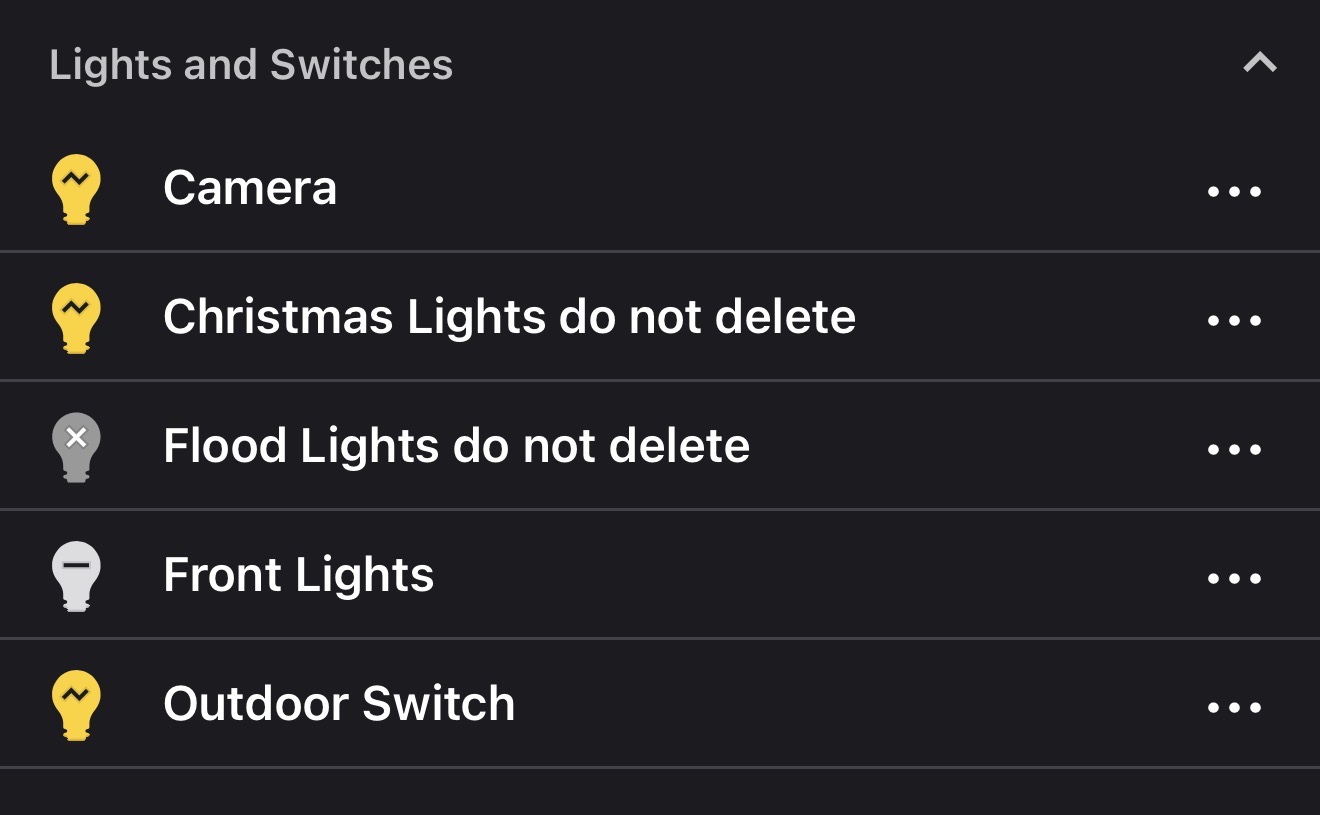
If you can please , just so we are on the same page. Just the ones listed as remotes. The normal zwave devices are correct and i put do not delete in the names just so you can see.