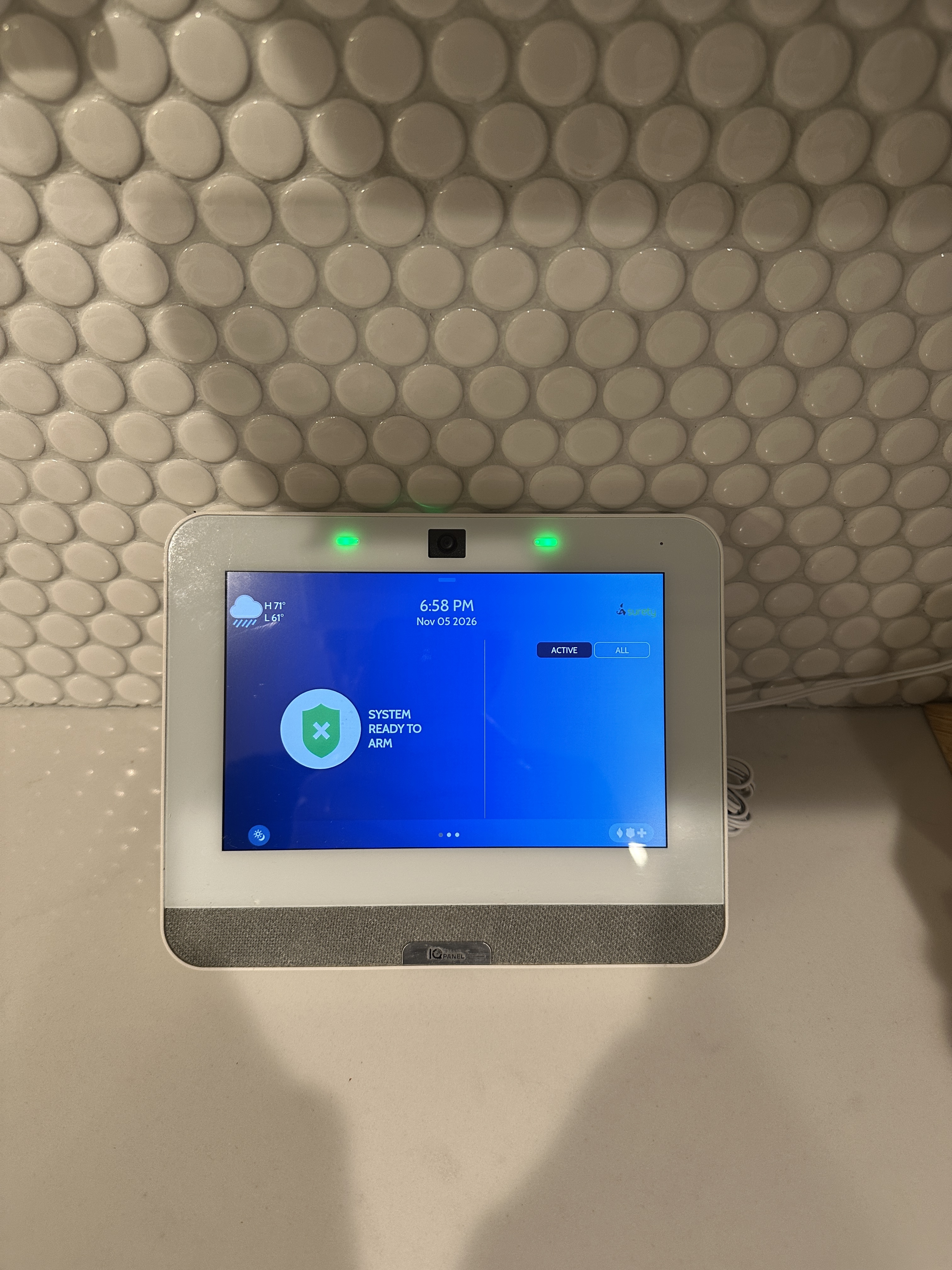
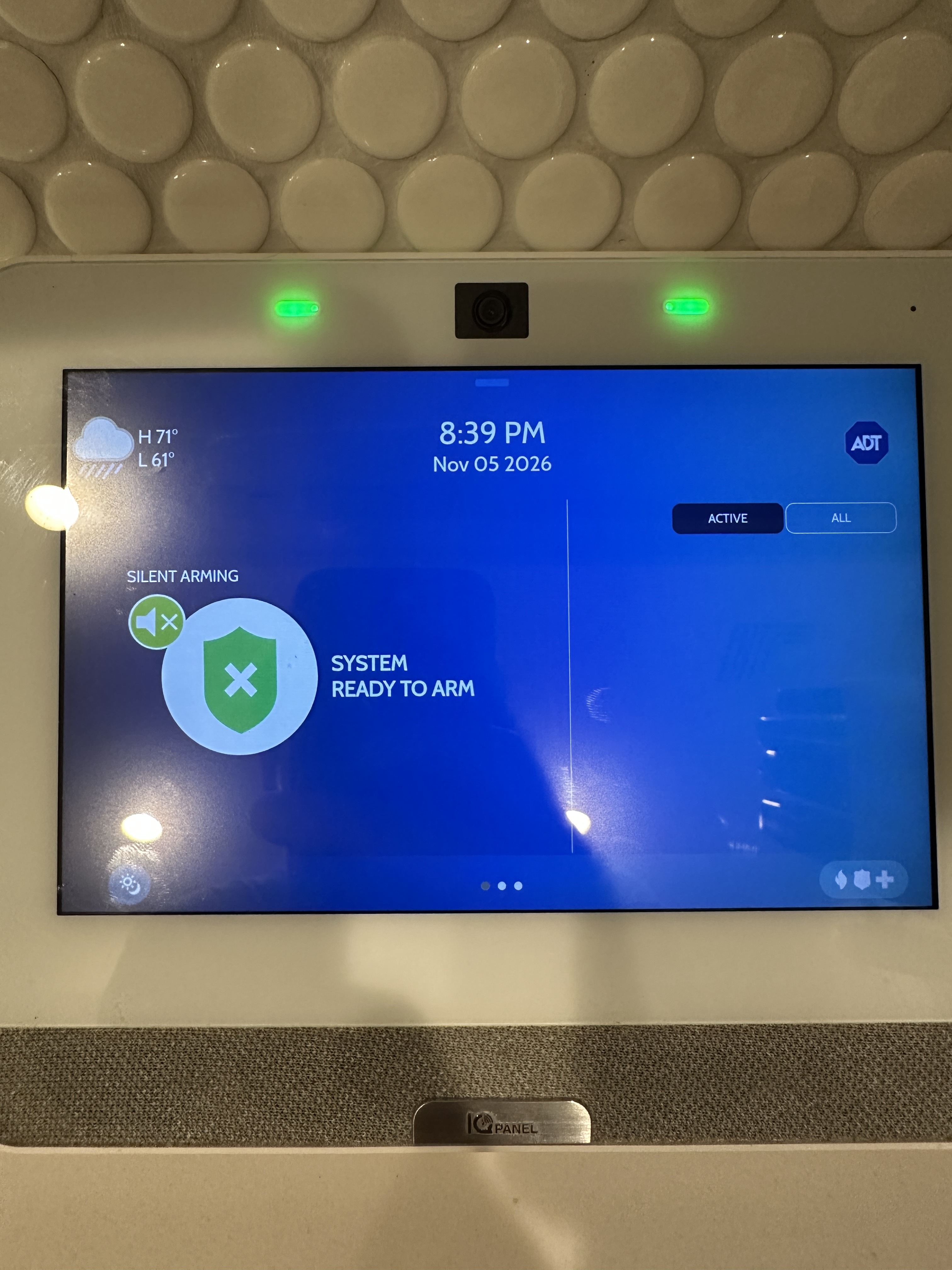
Hi, just recently gave ADT the boot and signed up with surety. One minor thing that’s bugging me is the background of the main screen (not the photo frame) feature). As long as we’ve had this panel, the background has been this blue gradient. I’m assuming this is some sort of ADT dealer branding. I’d prefer for this to be white. Is there a way to change this
My understanding is the dealer branding setting is to hardcode branding into the photo frame feature, not necessarily change this background wallpaper
Edit: so I was doing some software updates, think I’m really behind, the build that I had available was 4.3.1. Once the update completed, the ADT envelope icon was back but when I click into it, the surety info is displayed. Any idea what’s going on?
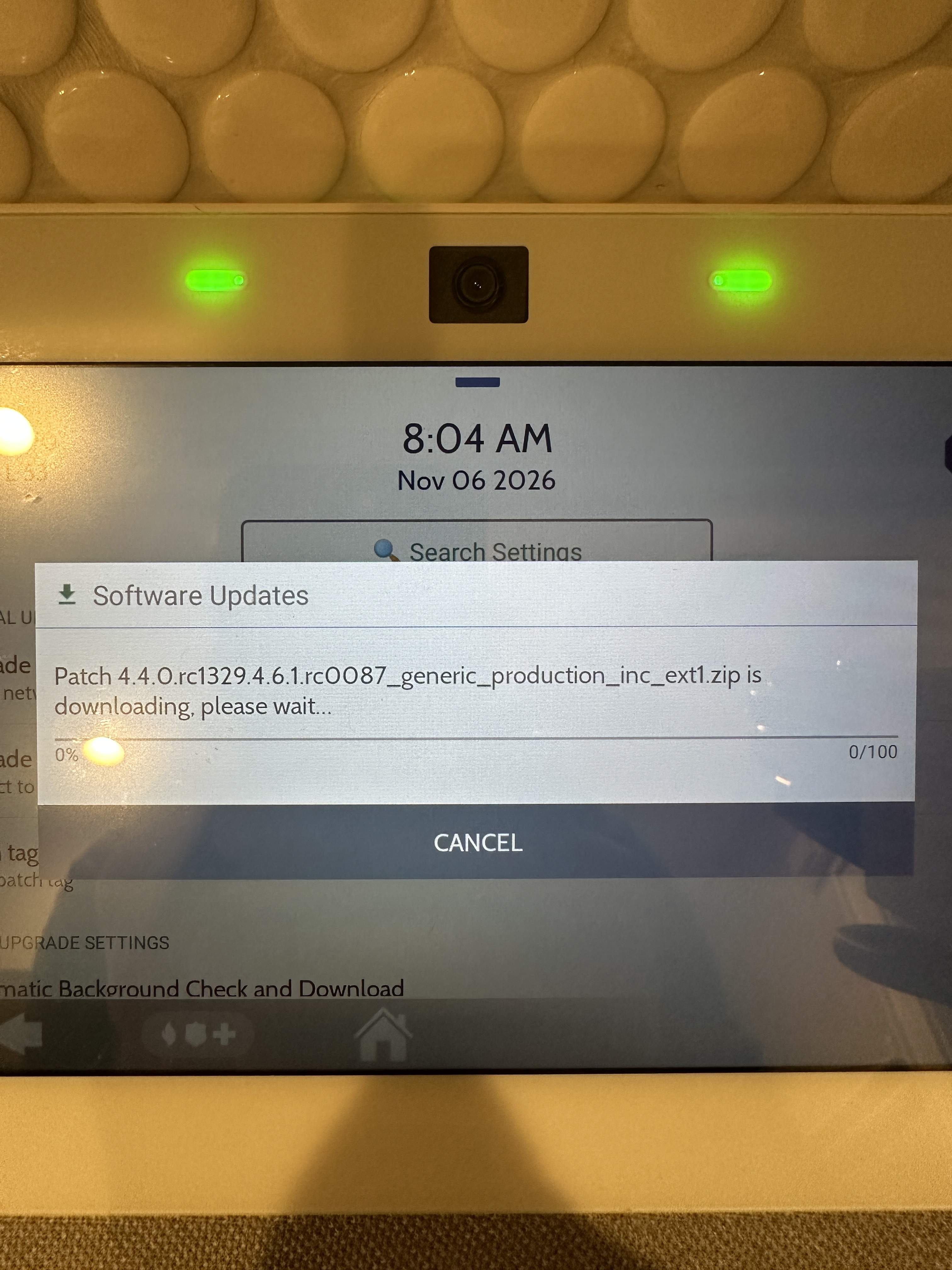
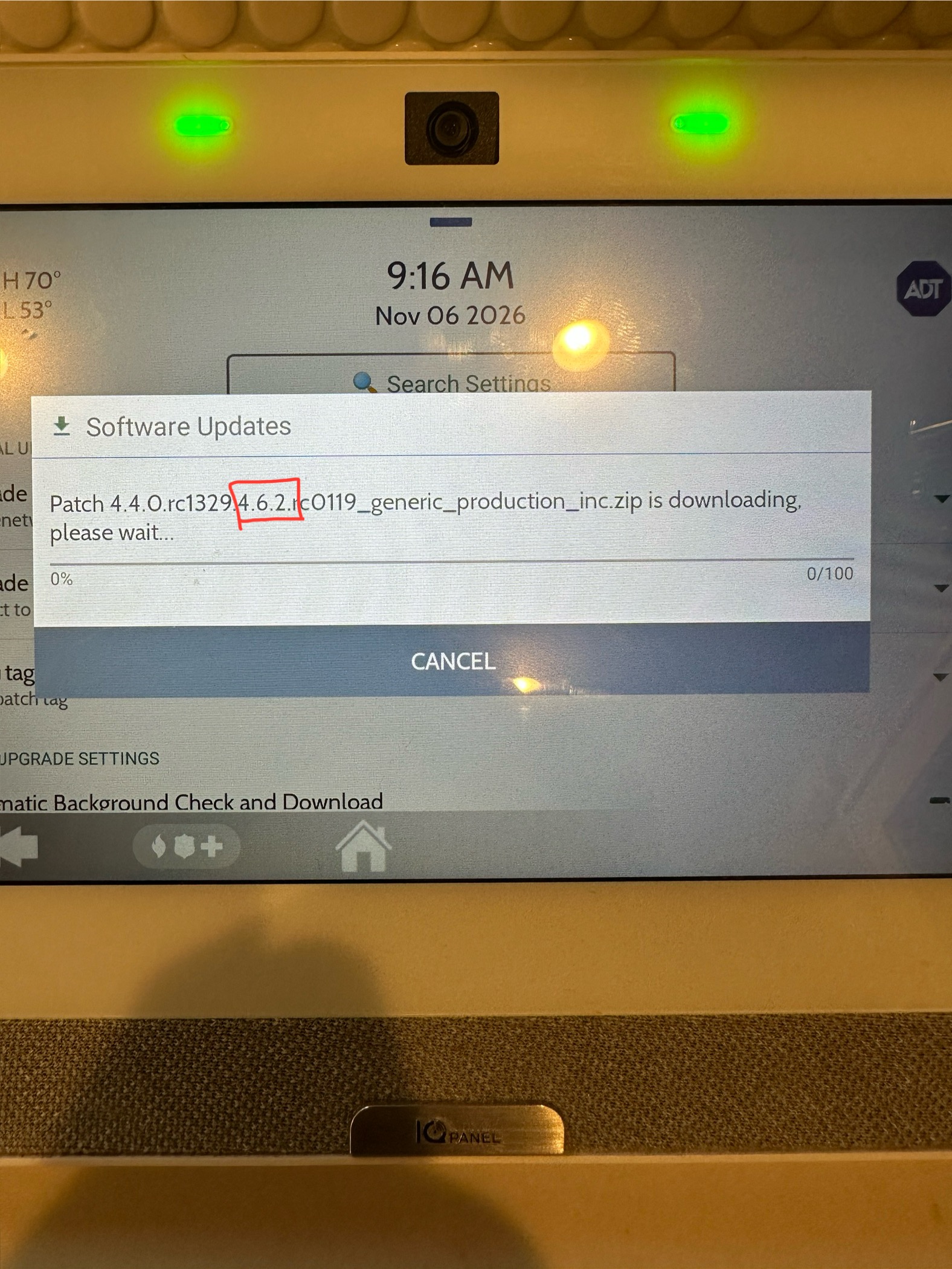
Second Edit: I’ve been going through a series of software updates and am now on 4.4.2. I’ve run into an issue with updating past that. When I enter the patch tag for 4.5.0, 4.5.1, 4.5.2, 4.6.1 or 4.6.2 it starts downloading 4.4.0 which I cancel. How do I go about updating my panel past 4.4.2?
Our branding appears to have updated correctly, however, I believe the background you are referencing is something else entirely and I’m not certain it can be changed. but I’m looking into it.
What part number is your IQ Panel 4? If you navigate to Settings > Advanced Settings > Enter the Master Code > About > Hardware > Part Number.
Regarding firmware, if you navigate to Settings > Advanced Settings > Enter Installer Code > Upgrade Software > Upgrade Using Network, does it find a firmware update automatically and is it higher than 4.4.2?
The branding did originally update the envelope to the surety logo (first photo), but after I ran a software update and the panel rebooted, the ADT logo is back on the envelope and has replaced yours (second photo).
I know this is just a user interface thing and isn’t affecting the system, but I hate ADT so much and want them out of my life lol.