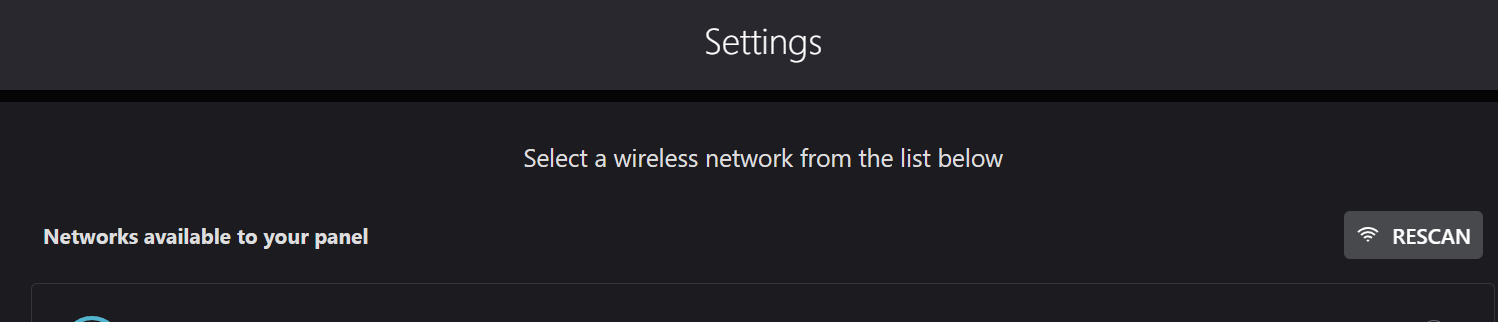
Recently setup a new IQ Panel Pro. Used the installer app and connected to wifi successfully. When I connect to the panel, Wifi shows activated and connected. Everything “works”.
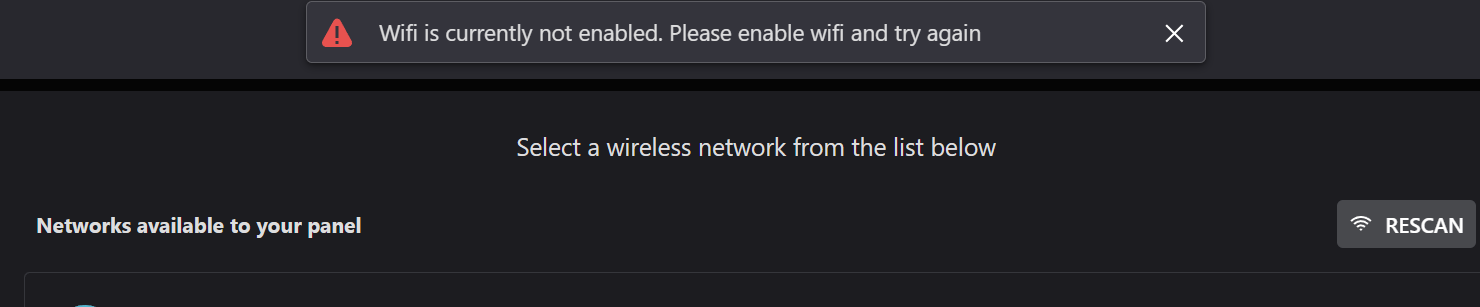
But when i am logged in under alarm.com and view my panel settings, I go to setup the wifi and it says Wifi is not currently enabled.
I just ran a communication test to the panel to ping the device both via cellular and broadband. It looks like it is connected and communicating through both. Can you test this again and see if it is still showing this trouble?