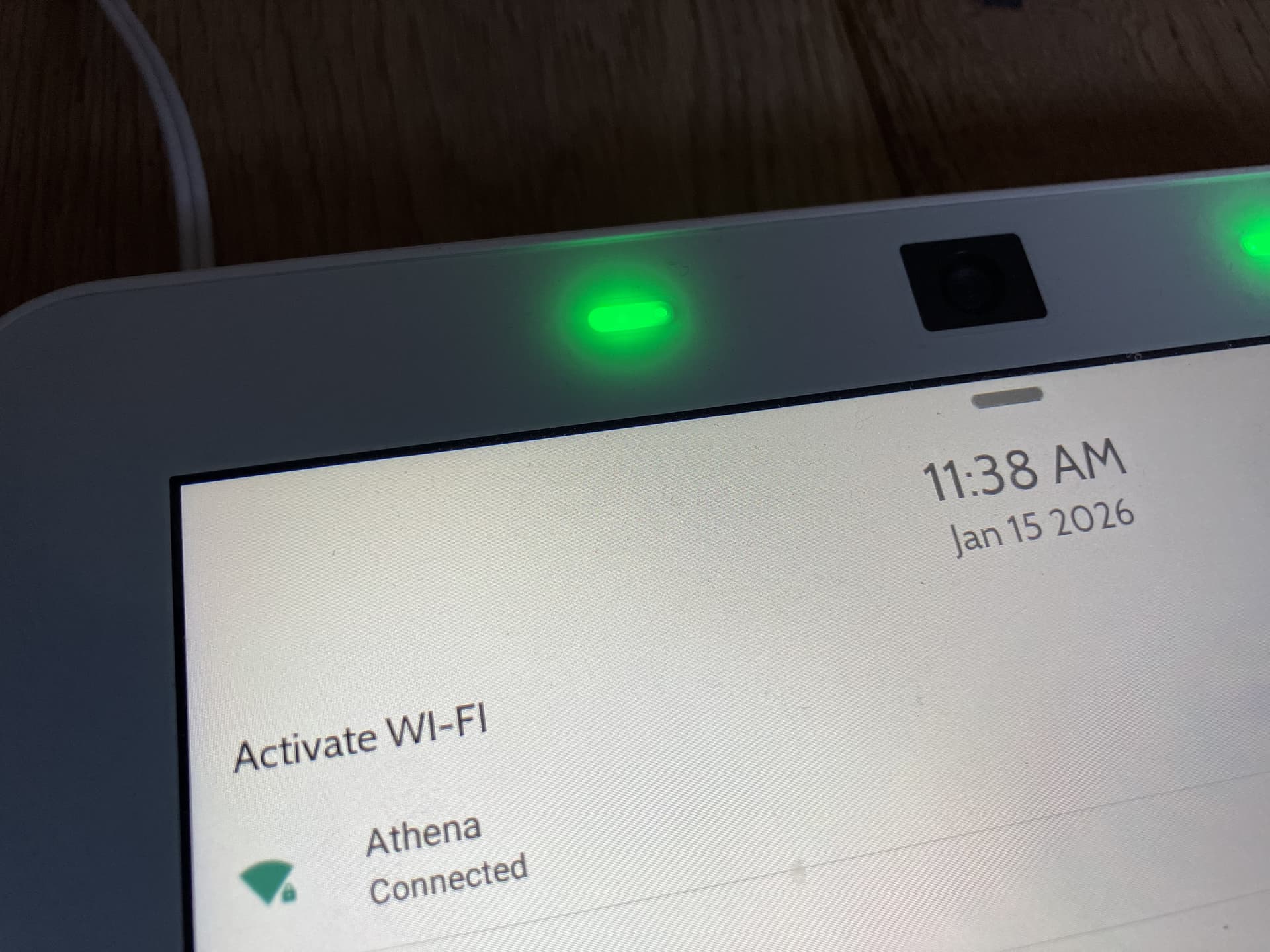
I am a current subscriber using an IQ Panel 4 purchased from a third-party seller, and I’ve been experiencing intermittent Wi-Fi connectivity issues with this panel. I thought it might be wireless interference, but after thorough testing with band steering, I observed that the 2.4GHz Wi-Fi appears to be disconnecting for 30 seconds every 60 seconds. The connection is stable on 5GHz Wi-Fi, and other 2.4GHz devices have no issues connecting to this same access point from much further away.
It seems to be a hardware issue with the panel itself. The third-party seller suggested reaching out to my service provider (Surety) to perform troubleshooting steps, confirm the radio failure, and coordinate a possible RA with Qolsys. What is the best way to move forward?
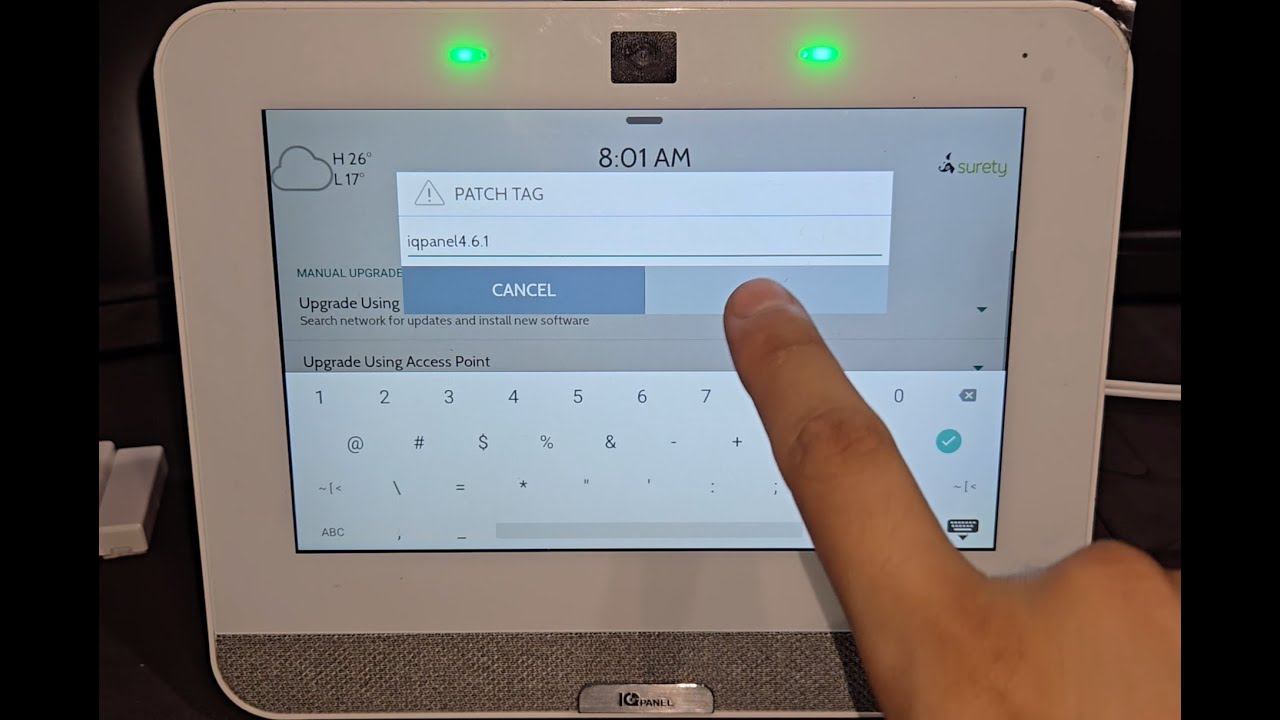
The first troubleshooting step I would recommend to see if it fixes the issue is performing a firmware update. I see your system is on firmware 4.4.1 which means you can update directly to 4.6.1. Once the firmware is update, please test again. Below is a video with instructions on how to perform the update
Thank you, I didn’t realize the firmware was so old! I had already enabled Automatic Background Check and Download, and manually checking for an update showed No Updates Available. However, I didn’t realize I needed to enter the patch tag directly. Is this the only way to keep the firmware up to date?
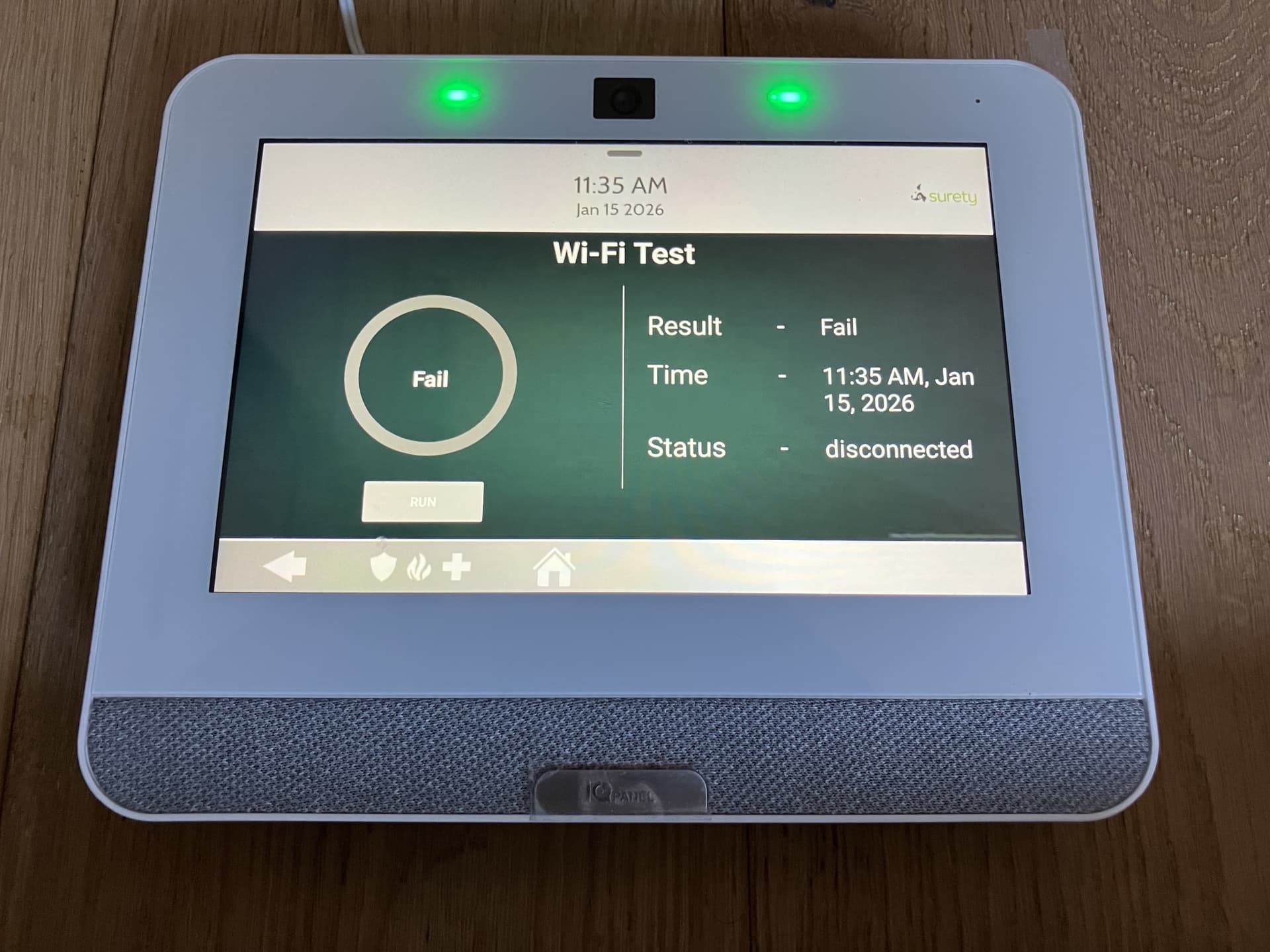
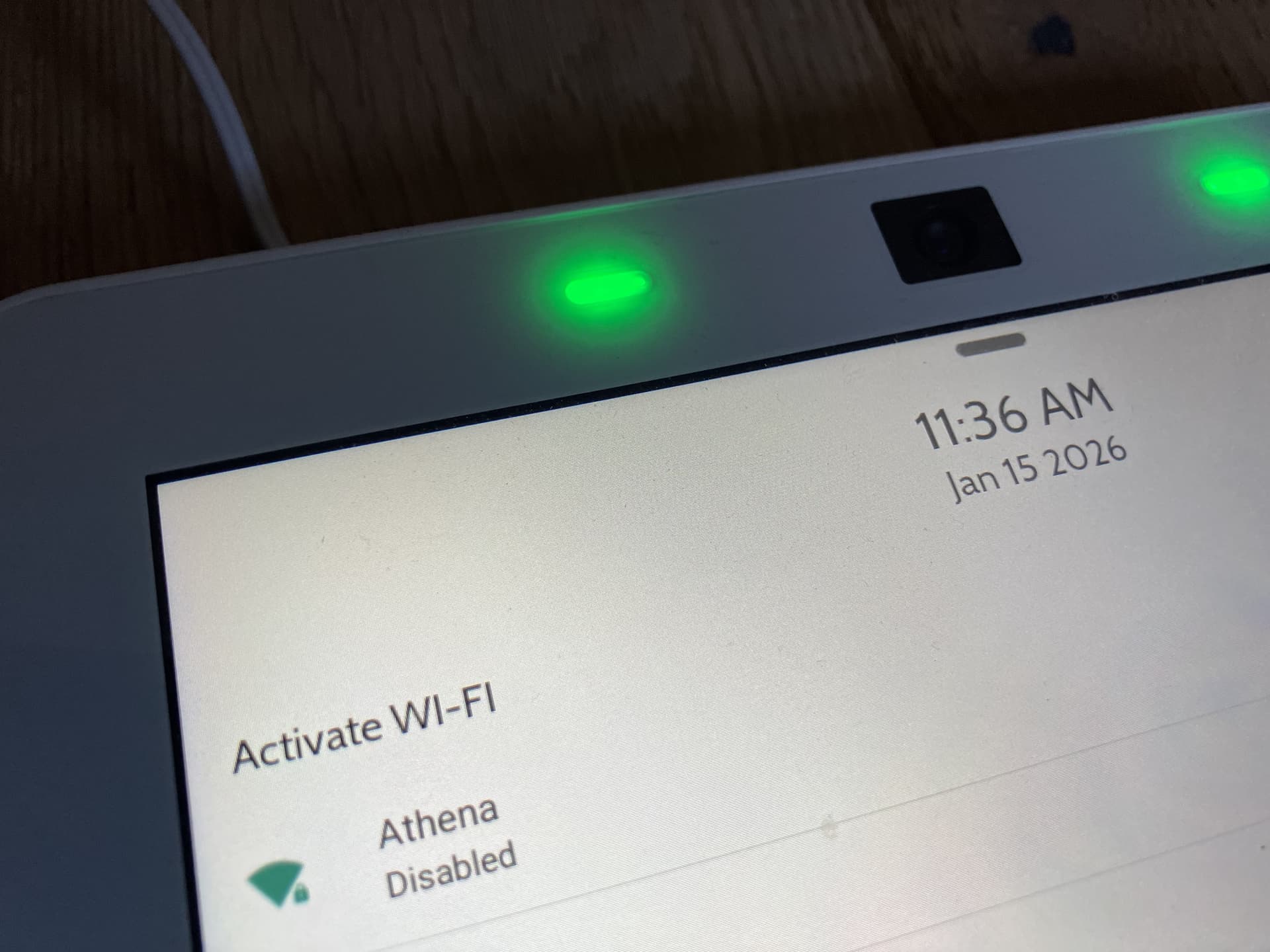
Anyway, updating the firmware shows the Wi-Fi issue more clearly. The panel now fails to connect at all to the same access point with 2.4GHz, but connects easily with 5GHz only.
During the panel update, the panel did perform a reboot. Can you also perform a reboot on your Wi-Fi equipment and try again? Please power down your equipment for about 30-60 seconds and then power back on.
Just saw this note from Ryan that answers my other question:
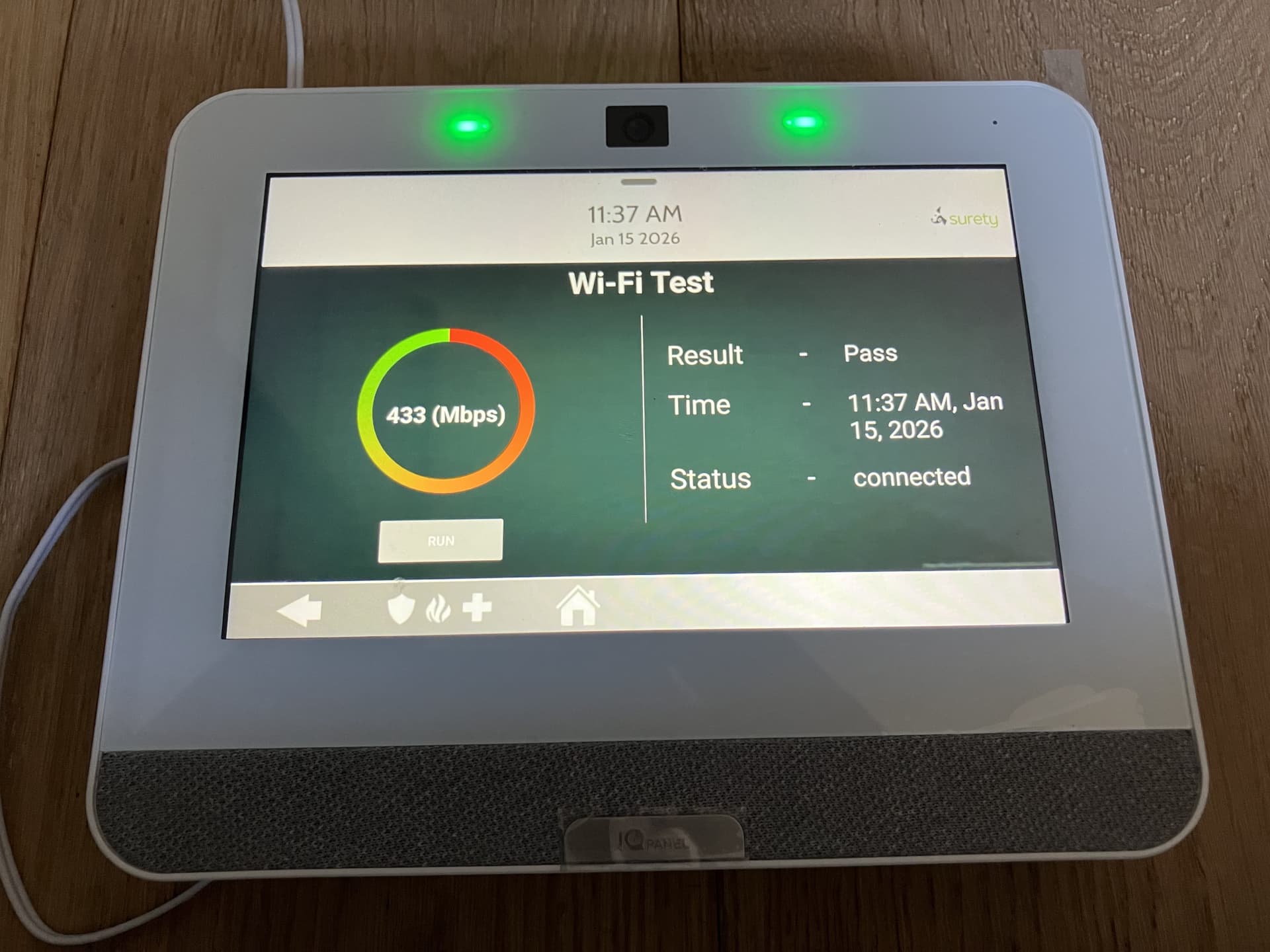
Happy to report that everything seems to be working fine after the firmware update and power cycling the access point. No idea why the issue was isolated to this device vs other 2.4GHz devices on the same access point. Will update if I have any further issues – thank you!