IQ Panel 4 - Camera stopped working

How do I get support for Qolsys IQ Panel 4? My panel’s camera just stopped working. It should be covered under warranty, right?

Hey there, welcome to the forum!

Happy to help with the warranty on this one if it turns out to be a hardware issue.

To figure out what’s going on, can you let us know what you’re seeing with the camera? For example, no image on the panel, no images or clips showing up in the Alarm.com app, or something else. Also let us know if you’ve tried anything so far.
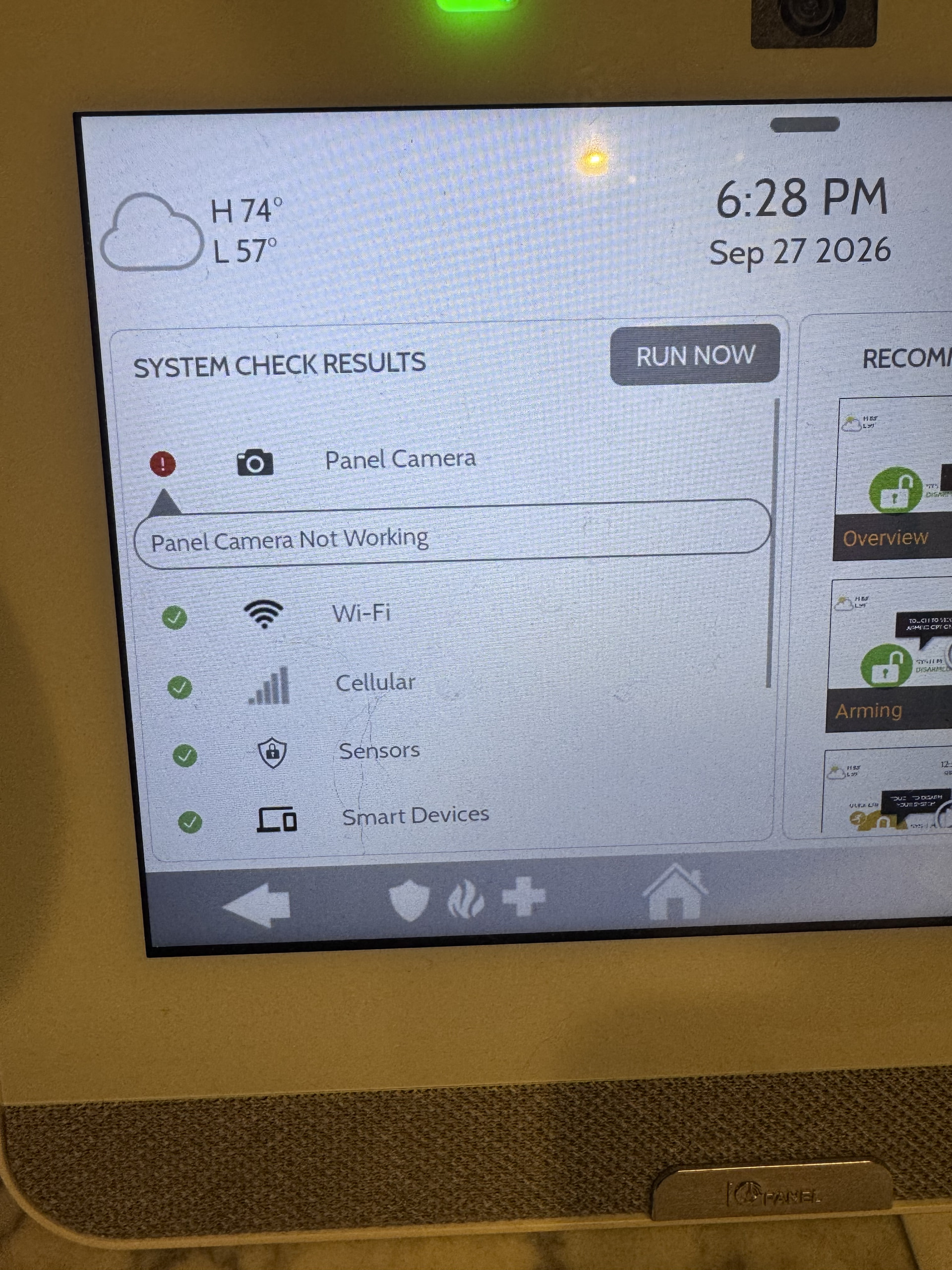
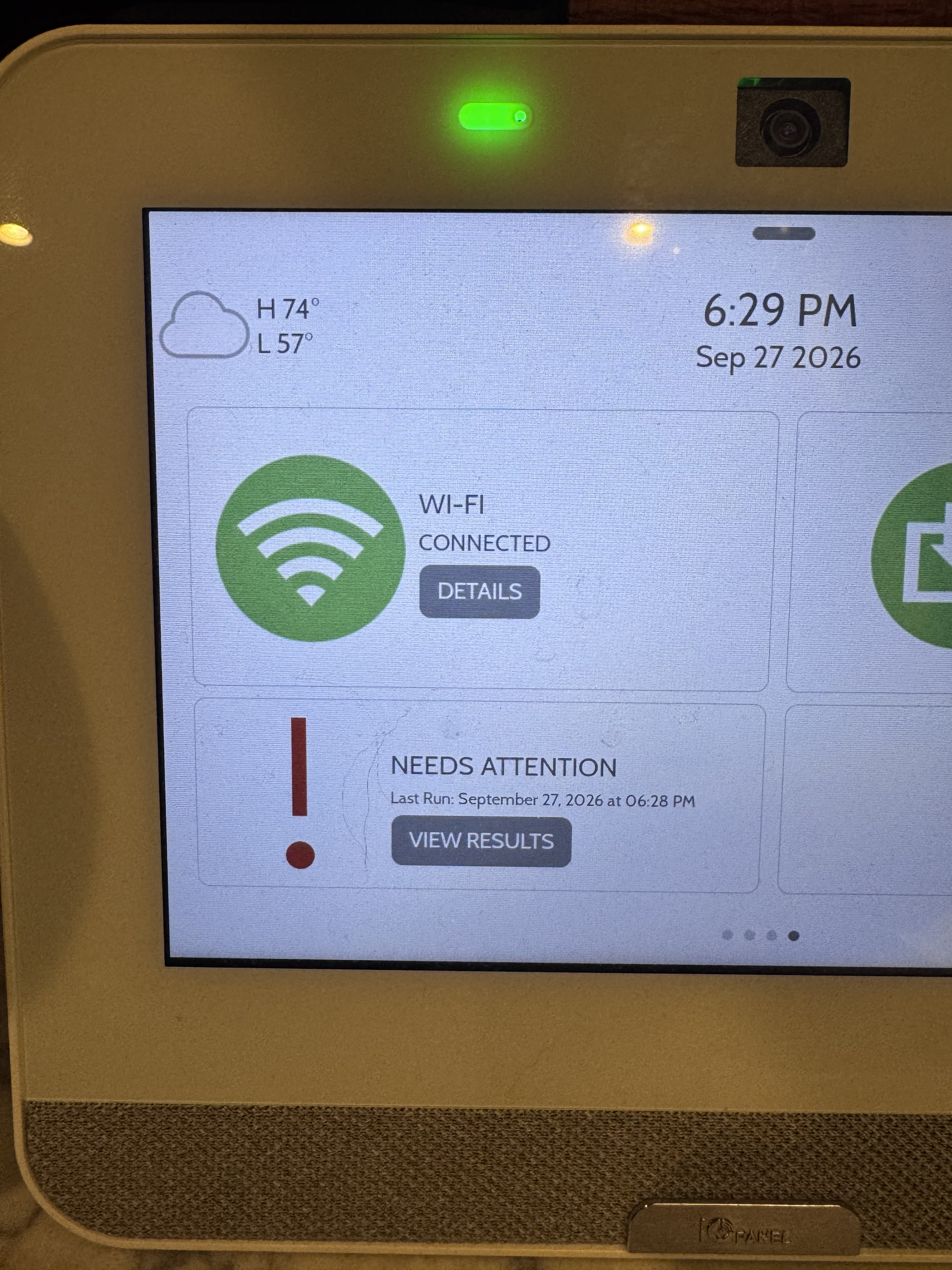
On the screen showing the WiFi status, it shows “Needs Attention”, and on the System Health Results check, it shows the Panel Camera with an alert status. When you tap the Panel Camera alert, it shows “Panel Camera Not Working”.

Thanks for checking that! Quick question to narrow it down: does the panel camera itself still work, for example still taking disarm photos, or has it stopped working completely and you’re just seeing the error?

It seems to be the camera itself. It hasn’t been taking the disarm photos at all.

Thanks, that helps! Your panel is on an older firmware version (4.4.1), so let’s turn the camera off, update the panel, then turn the camera back on and test it.

1. Turn off the panel camera
Settings > Advanced Settings > enter your installer code (default is 1111) > Installation > Camera Settings > set Panel Camera to Disabled

2. Update the firmware

  1. Swipe down from the top of the screen and touch “Settings”
  2. Touch “Advanced Settings”
  3. Enter your installer code
  4. Touch “Upgrade Software”
  5. Touch “Patch Tag”, enter iqpanel4.6.2, then touch OK
  6. Touch “Upgrade Using Network” (panel must be connected to Wi-Fi)
  7. Once complete, touch “OK” to reboot the panel. Don’t touch the screen during the update. It takes about 5 minutes, and the LED will turn green when it’s done.

3. Turn the panel camera back on
Settings > Advanced Settings > Installation > Camera Settings > set Panel Camera to Enabled

4. Test it
Run the System Check again and try a disarm to see if a photo is taken. Let us know how it goes!

Full firmware details are here: Qolsys IQ Panel 4 Firmware Release Information