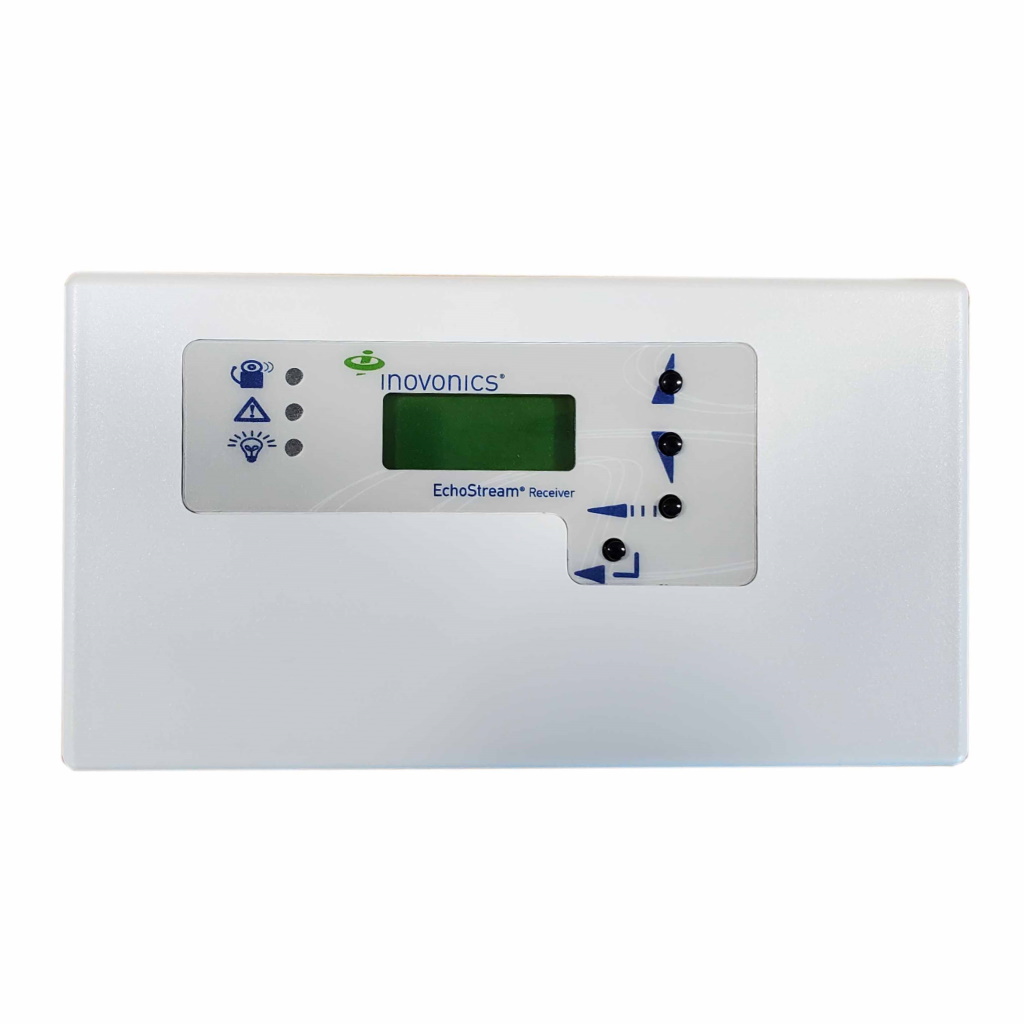
Good Morning, I have a 16 channel inovonics receiver with relays . Would I be able to add to an iq pro panel ?so I can use these sensors without having to rip out and purchase new ones would I install them as wired zones on the iq pro panel?
Based off a manual I found, it looks like the Inovonics Receiver has Normally open and normally closed relays. You should be able to wire it into the IQ Pro panel and use your existing sensors.
What is being powered with the IQ Pro? The IQ Pro has an output of 700mA and the Inovonics receiver uses 400mA based off the manual. If all your devices are pulling more than 700mA, then you will need a power supply.
Can you send a picture of your Inovonics receiver?
Wiring should be power from the Aux+/- on the panel to the power terminal on the Inovonics receiver. Then the outputs should be wired from common and NC to the panels zones. I believe it should be 5 output relays on the Inovonics receiver.
This is the receiver I would like to connect with 5 wireless sensors , just confused about the relay to zone on iq pro , does each relay act as a zone for each wireless sensor ? Relay 1 on receiver wired to zone 1 on iq pro = wireless sensor ex front door
Yes. Based on the manual, I read you can use 16 wireless zones but you can only use the first 5 outputs on the Inovonics receiver.
This means you can use multiple wireless devices on one output. For example, you can use the front door and garage entry door on output one and program the panel with a delay on zone 1. Output 2 can be used for an instant perimeter doors like a side door and back door and program zone 2 on the panel as instant. The 16 wireless transmitters can be distributed between the 5 outputs however you’d like.
Output 6 would be a supervisory relay which would trigger when a sensor is tampered or low battery.
The outputs to the right of output 6 would be notifications for the receiver. These can be wired in by using the ground wire powering the device as common and then wiring from the J/T/R/C terminal to a zone on the panel.
If you ever get an alarm on one of these devices and would like to know which sensor activated, you would need to check the screen on the Inovonics to see which specific sensor activated. It has a memory of 50 events.