Hello.
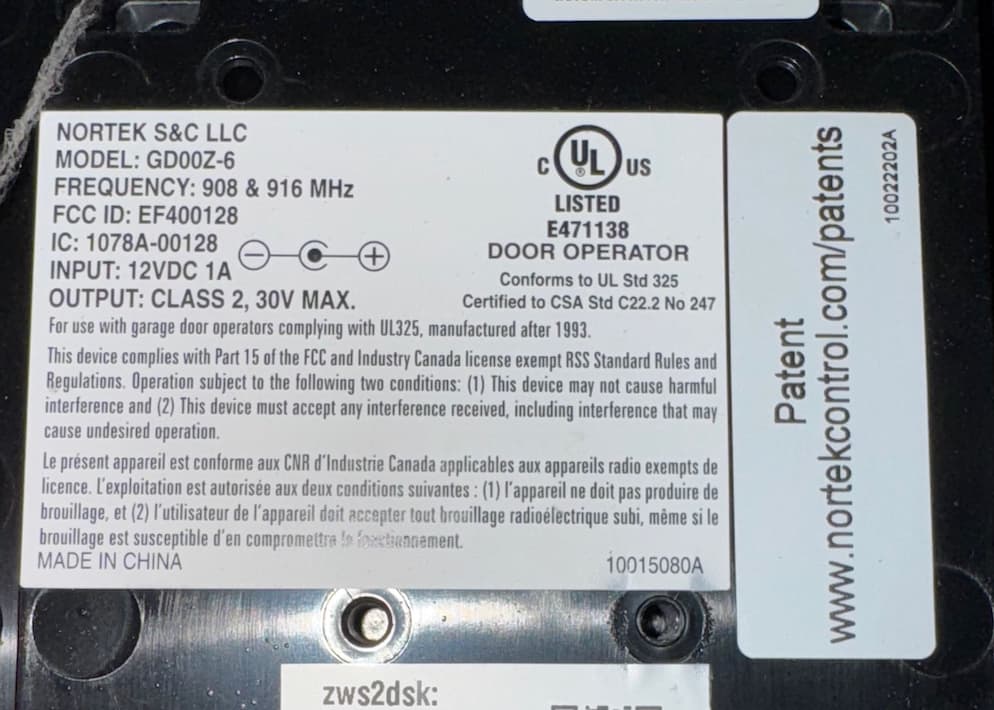
I have a GoControl zwave garage door opener (two actually) that have worked flawlessly for a long time (even with my previous ADT system). I had a low battery alert for one of the tilt sensors, so I replaced the battery.
(in ADC app I saw " Garage Door House Side Garage Door Position Sensor Low Battery")
Immediately upon replacing the battery, in the ADC app I saw the " Garage Door House Side Battery Ok" message, and the alert at the top of the app disappeared.
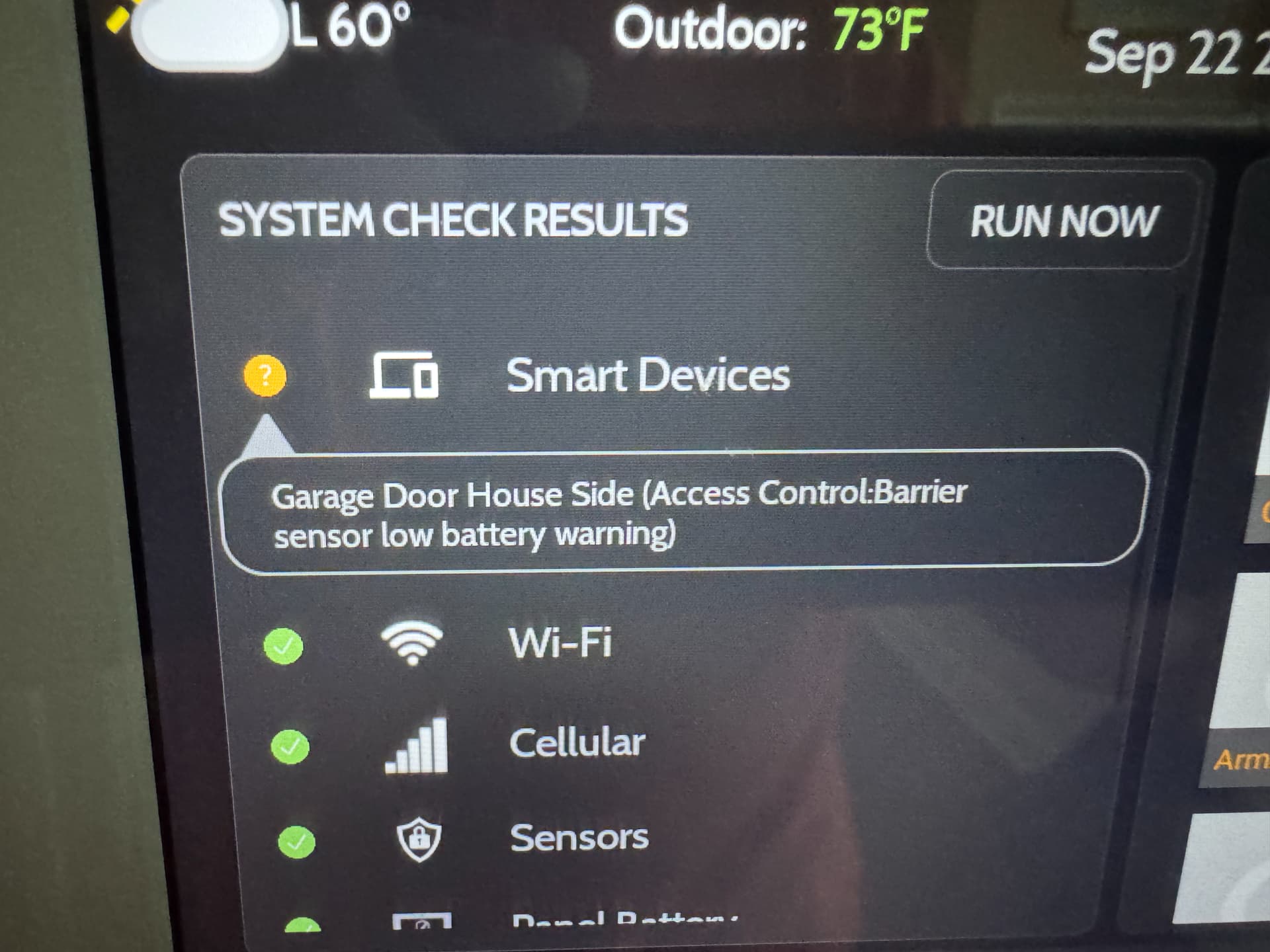
However, on my IQ 4 panel, the warning about the battery remains: Here’s a screenshot:
I tried pressing ‘run now’ to re-do the system check, opening/closing the garage door, re-interviewing the z-wave device for the Go-Control, and rebooting the IQ 4, but the message persists. Any ideas how to get the IQ4 to see the new battery status? I’m especially confused since ADC can see the correct battery status, which I thought would have been relayed by the IQ 4?
I tried pulling the battery for 3 minutes. During that time, the panel gave me the alert that door operation had to be done manually (so it saw I pulled the battery). At the conclusion of the 3 minutes, I put the battery back and reinstalled the sensor on the door. Immediately the alert about manual door operation disappeared (but the low battery warning remained).
I then manually cycled the door open/closed three times. Each time the door status was correctly shown on the IQ panel. However, I am still left with the inaccurate low battery warning on the IQ panel itself (same as my previous screenshot).
There is no error in the ADC app at all.
Also, I used a brand new battery (recently purchased) rather than one I had laying around in my battery door for a while just to be sure it was a good battery.
So just to be clear - everything works and displays correctly… just the warning under System Check on the IQ that won’t go away.
Thanks
Edit: I also tried power cycling the go control units, and aside from the normal need to open/close the doors to reset the tilt sensors, all went normally… but the low battery warning remains on the IQ.
I was afraid you’d say to exclude and re-add. It is a pain for sure (ladder and I have to edit any automations, rules, etc.) I will save that chore for the weekend. Maybe it will resolve itself before then. And, if this really is needed I probably should change the battery in the other door while I’m at it.