Hello. I have a strange issue.
I have several systems with Surety. This issue is isolated only to the newest account - labelled “TEST-IQ5-Savethepanel”
I cannot save automation rules that are triggered by a security sensor. (Note that other automation rules, such as those triggered by an arming action seem to work fine.)
The error I get is:

However, despite the error, the rule shows in the website, yet it does not work (opening the sensor does not turn on the light.)
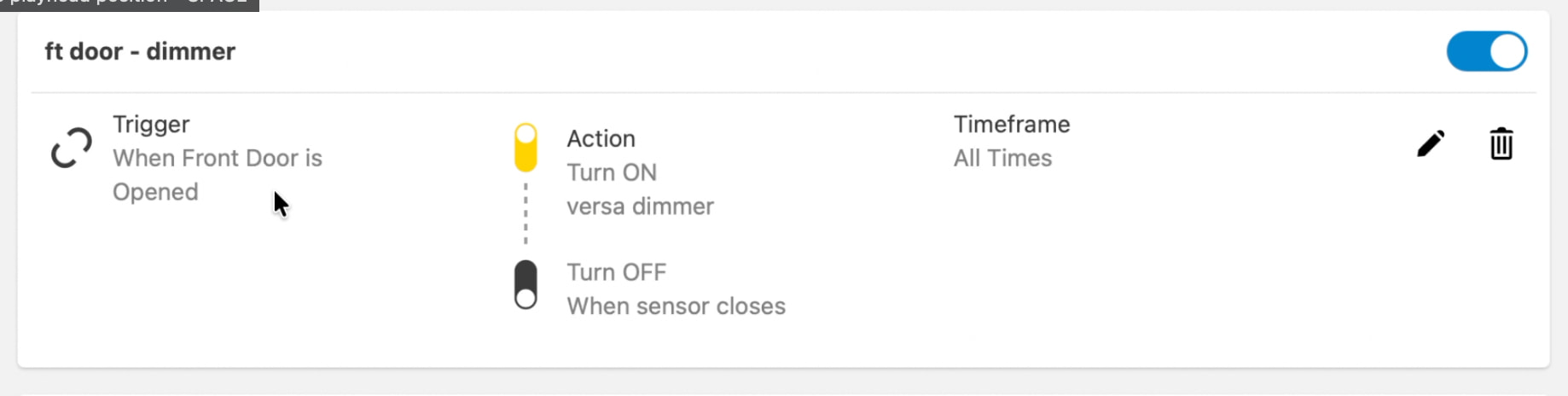
I’ve tried waiting, deleting/re-adding, even added a 319 sensor (to test both a PowerG and 319 sensor as the trigger), and even added another z-wave device, etc. and no combination can be saved without this error.
Also, I just tried adding similar automation rules on my other alarm.com accounts and I’m not seeing this, so I’m assuming this is somehow related to this particular account or perhaps this IQ 5 panel? Please let me know if you need more info.
Thank you for your help.
PS: Here’s a video of the behavior…
https://youtu.be/eSgwVG4gbqI