Noticed something odd on my watch app where the active sensor list just says test. Is this normal or do I have something incorrectly setup?
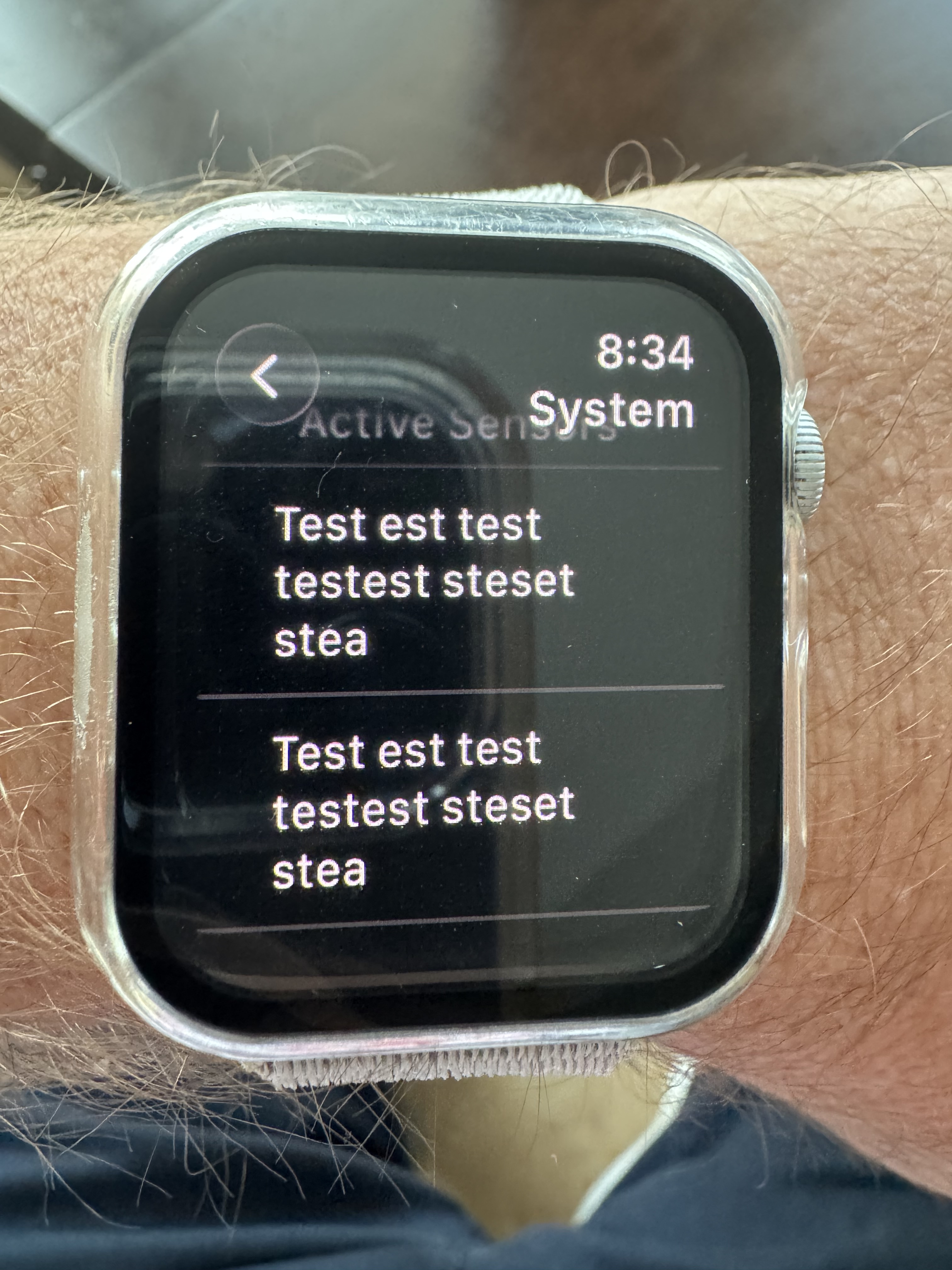
Hey! Thanks for the heads up on this.
Let’s try a quick reset on the watch app first:
- Open the Alarm.com app on your iPhone and log out.
- Log back in.
- On your iPhone, open the Watch app, find Alarm.com, and remove it.
- Reinstall it to your watch from there.
Let us know if the sensor list still shows “test” after that and we’ll keep digging.
Alfred@Surety
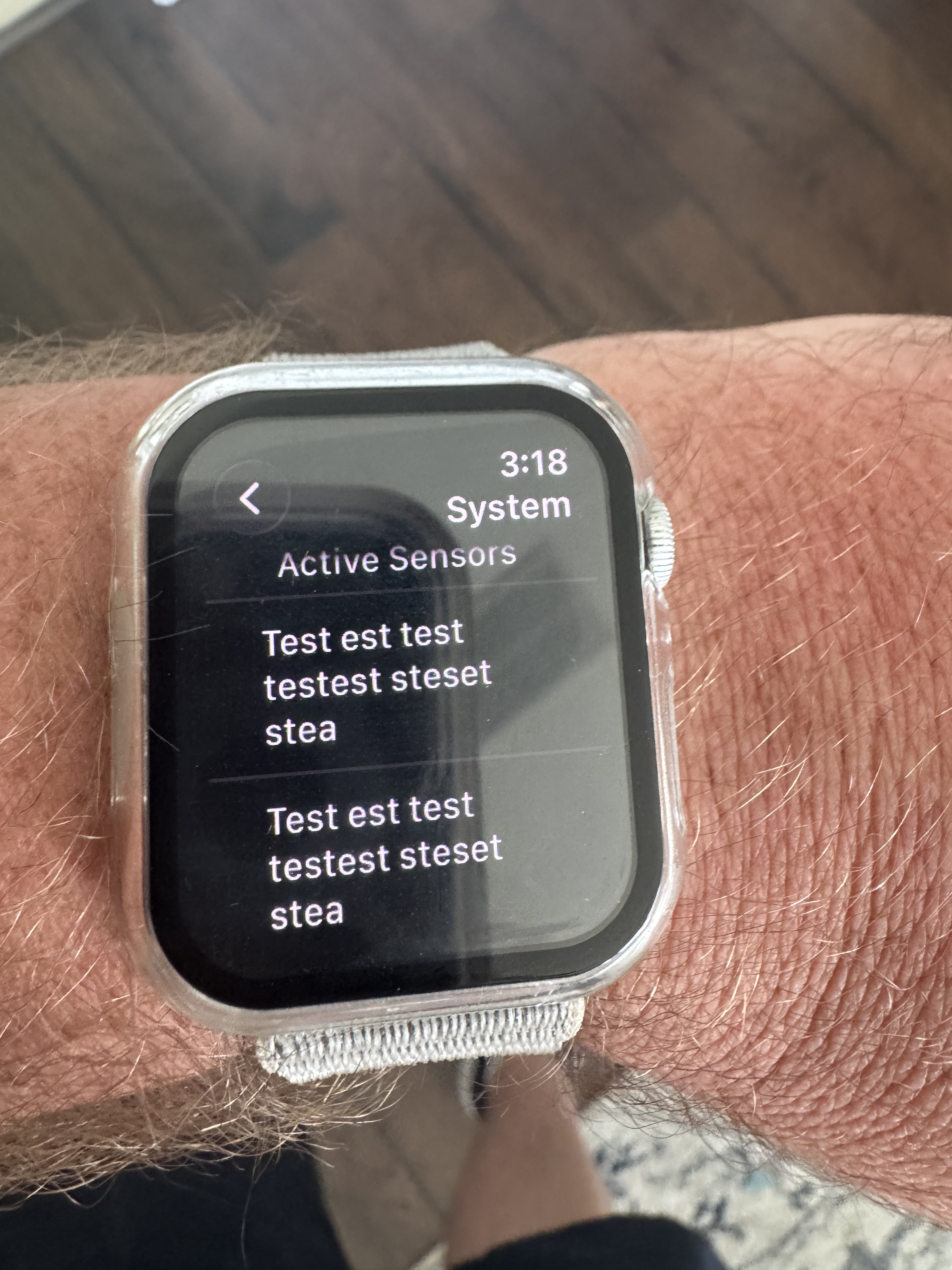
@surety any update on this or next steps?
Hey! Thanks for checking back, and sorry for the wait. We’re still looking into this one on our end since it’s not matching anything we’ve seen documented before. We’ll get back to you as soon as we have an update.
Thanks for hanging in there. A couple quick things that’ll help us narrow this down:
- What Apple Watch model and watchOS version are you running?
- Are you getting other normal notifications from the Alarm.com app on your watch, like arm/disarm alerts? Just want to confirm the watch and phone are talking to each other normally outside of this sensor list issue.
Also, can you confirm your iPhone is currently logged into the Alarm.com app itself, not just the watch showing cached info?
Watch is Apple Watch SE Gen 2 running Watch OS 26.6
Yes the watch gets notifications from ADC depending if phone is unlocked or not based on Apple’s programming. But I have recent notifications on both devices.
iPhone is currently logged in and getting ADC notifications. The watch app will allow me to arm and disarm the system. I noticed early on if not logged in on phone it will instruct you to do so. I fixed that issue when I logged in and checked remember me and enabled Face ID in the app.
thanks for your patience, one more troubleshooting pass to try.
- Remove the Alarm.com app from your Apple Watch.
- Restart both your iPhone and your Apple Watch.
- Reinstall the Alarm.com app on your watch.
- Check the Active Sensors screen again.
If it’s still showing the same repeated text after that, let us know and we’ll look at the next option.
Also, could you confirm:
- What iPhone model and iOS version is paired with your watch?
- Do you have access to a different Apple Watch you could test the same account on, just to see if the issue follows the account or stays with that specific watch?
Performed trouble shooting. Uninstalled app from Watch. Performed restart and soft reboot on phone and watch. Reinstalled app on watch same result.
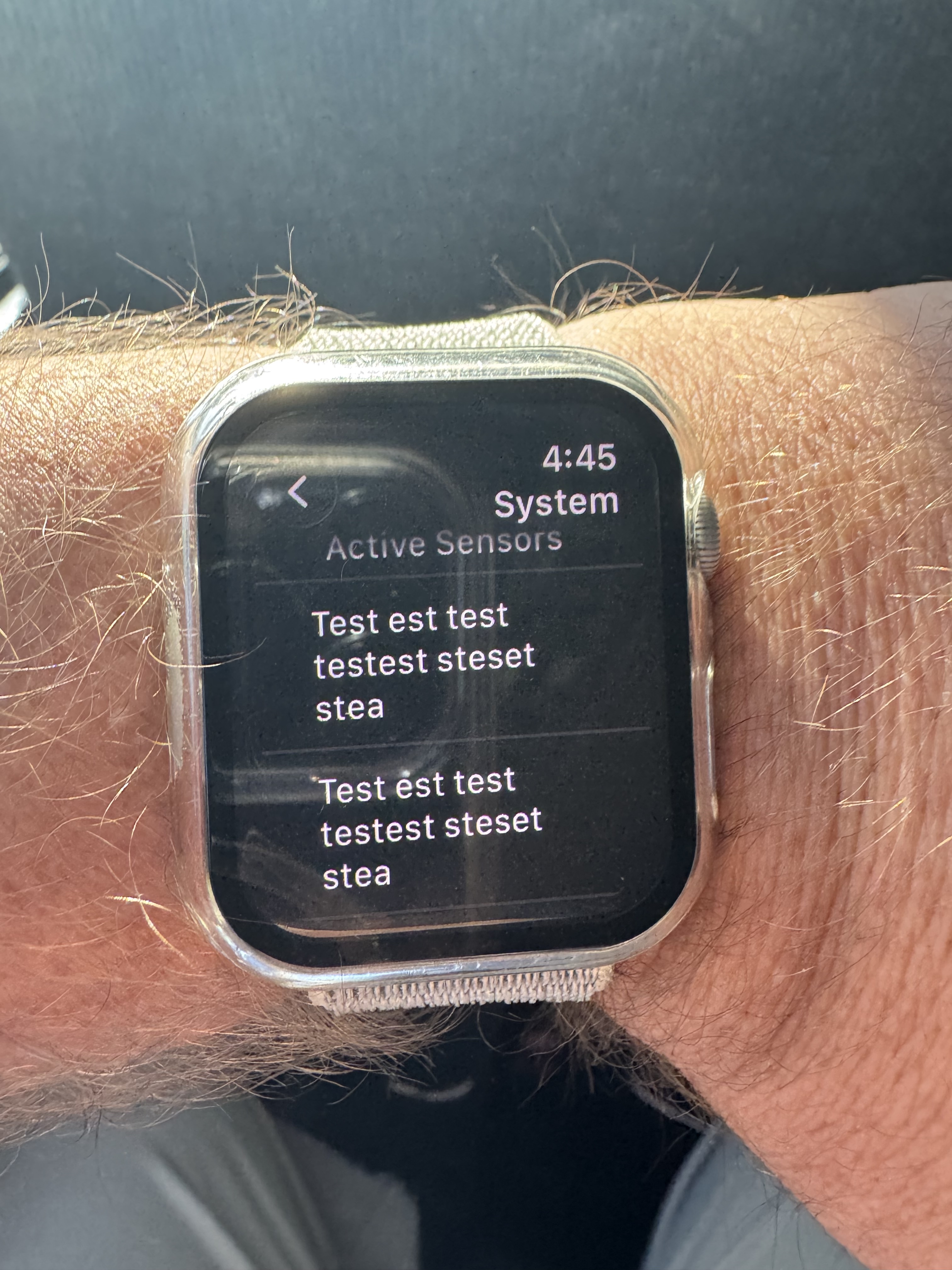
iPhone 15 Pro Max running iOS 26.7
Unfortunately no I don’t both watches in household are SE 2nd Gen.
Thank you for your patience through all this troubleshooting, we really appreciate you working through each step with us.
One more check that’ll help narrow this down. Could you sign into your Alarm.com account on the other Apple Watch SE 2nd Gen in your household and check the Active Sensors screen there? Let us know if it shows the same repeated text, or if it looks normal on that watch.
This will tell us whether the issue is tied to your account itself or isolated to the one watch.
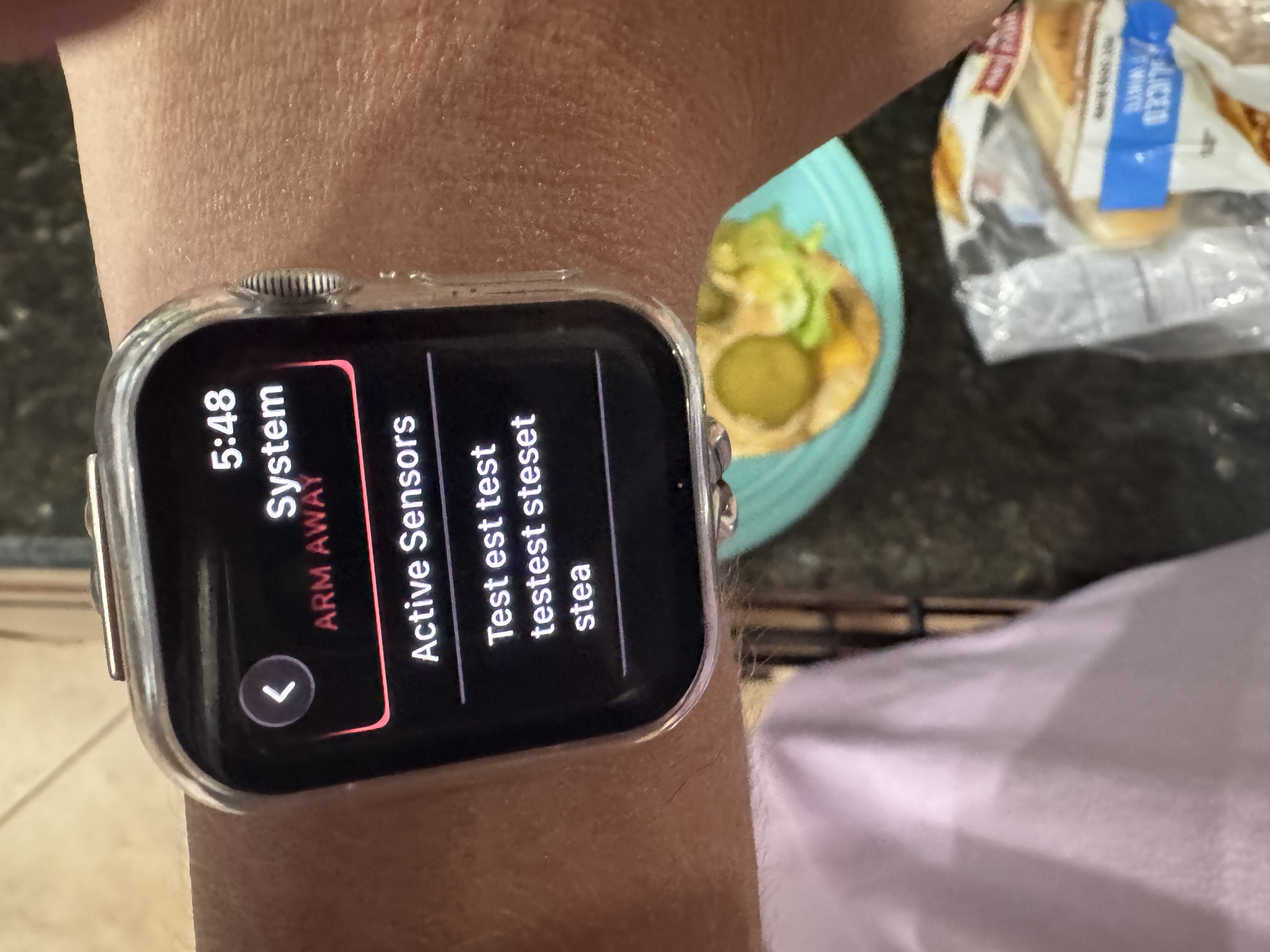
@Alfred I am having the same issue. I have an iPhone 17 Pro Max running iOS 26.7 and an Apple Watch Ultra 2 running WatchOS 26.6.
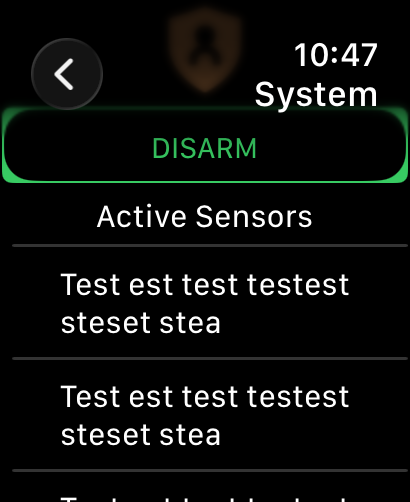
Alarm.com has been notified that this issue is with more than one user and their engineers are taking a look into this
Thank you
2 Likes
I have never scrolled down on that Security menu in the app on my watch before. But lo and behold- I have those “test test” messages as well. Just fyi for your ticket with ADC.
Of note - since I have three systems in ADC - I only get this on the IQ4 based system called “Home”. The other iq4 and the nami system do not have these “test test” bogus messages under the security submenu on my watch.
Update. I think I figured out what these “test” entries are!!
They are the monitored zones/sensors that are open or faulted on the panel at that moment in time. It’s just instead of displaying their real name they are displaying the “test” string.
I replicated this on my test panel manually and got them to show up/ disappear based on sensors being opened vs closed.
If I close all doors/windows all the entries disappear.
Yes I noticed the same thing it’s a replication of the tripped sensors in the sub menu of the main app below your security system status. But for some reason it just says test multiple times I never noticed if the number of test repeats based on number of tripped sensors. Will have to count next time.
I have a Honeywell Vista on an SEM300 so it’s clearly across multiple systems. Do you have the same watch as me?
Close… Mine is a Apple Watch Ultra - 1st Gen - with 26.6 (23U67)
Phone is 17 Pro w/26.6.2
(I’m thinking a developer thought he was in the test environment but was really in live. Set the sensor display name variable to that ‘test test’ static string and didn’t see it appear on his test device so moved on to other challenges. LOL Or a leftover test that got pushed into prod.)
@vidail was there a response from ADC on this or was it a bug they will fix with an update?
@Alfred I have updated my iPhone 17 Pro Max to iOS 27.0 and my Apple Watch Ultra 2 to WatchOS 27.0. I am still seeing this issue.
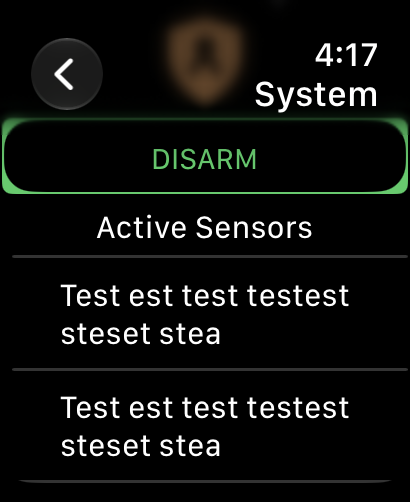
No word back from ADC’s engineering team yet on this one. As soon as we get an update we’ll pass it along here. Thank you for your patience.