Hello,
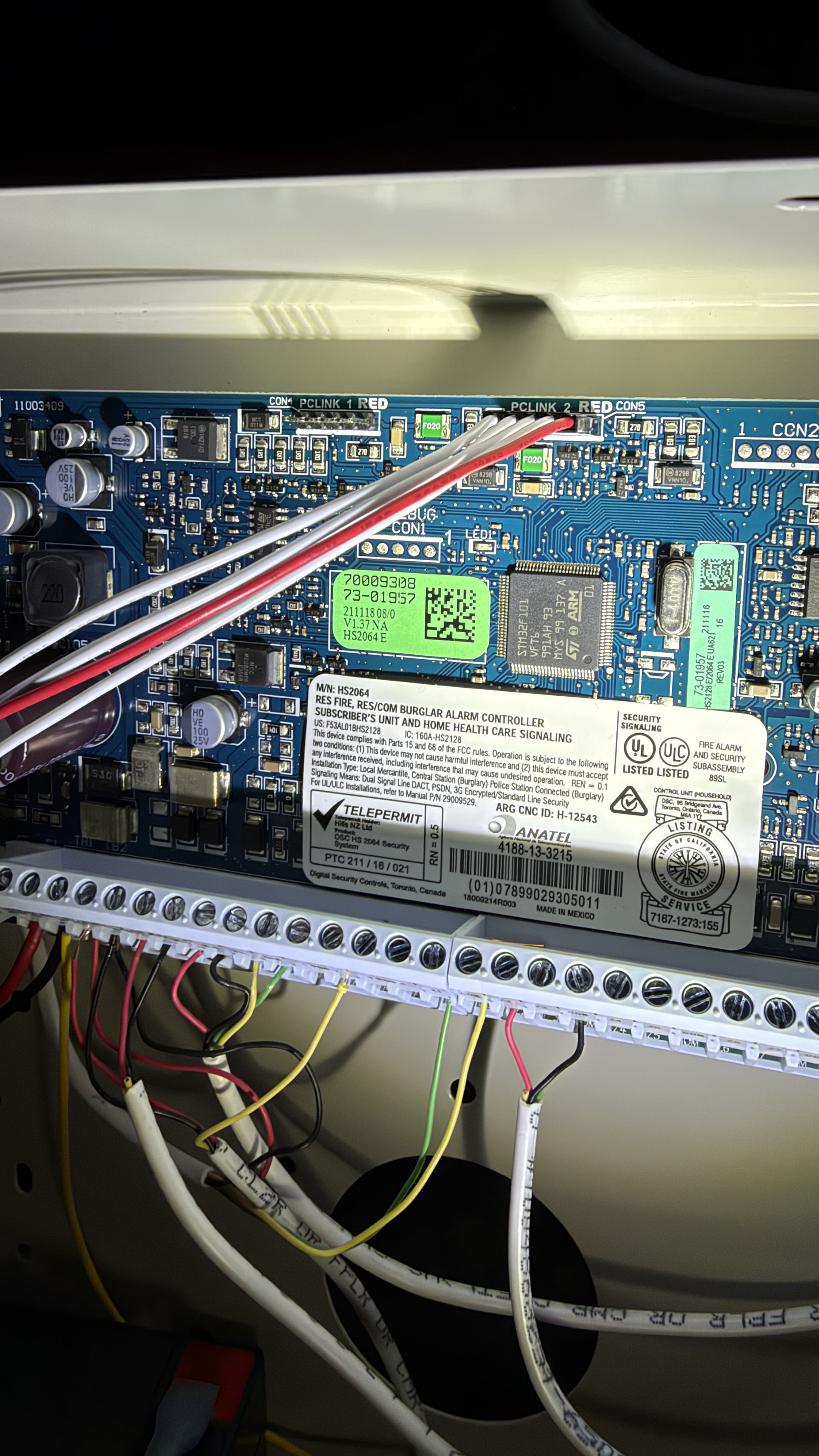
Does anybody have any idea why my TL880LE won’t communicate with Alarm.com unless my battery is disconnected? Do I have a bad board, its a brand new battery, 99% sure all my cables are correct, and I have a ground wire.
Hello,
Does anybody have any idea why my TL880LE won’t communicate with Alarm.com unless my battery is disconnected? Do I have a bad board, its a brand new battery, 99% sure all my cables are correct, and I have a ground wire.
Hello!
That symptom lines up with a specific error code on the TL880LE, so let’s check that first.
Can you check the L1 LED on the module (the red one) while the battery is connected and it’s failing? If it’s flashing once in an 8 second pattern, that’s telling you “module cannot communicate with the panel,” and there’s a set order to work through before it’s a hardware problem:
If you go through all four and it still only comes back when the battery’s out, that’s when it points to the module or panel itself rather than a setting or connection.
Let us know what L1 is doing and we’ll go from there.
It connects for about 5 minutes, and then I get the single blinking red LED. 382 option 5 is on, V1.037. I’m almost certain all my cables are correct, and have power-cycled the system several times, and can only get it to connect with the battery disconnected.
One more check before we go further: can you press and hold the 6 key on your keypad for 2 seconds? It’ll display the battery voltage the module is reading along with AC power status. Since this only happens with the battery connected, that reading will tell us if it’s the battery/wiring or something else.
holding 6 does not bring up anything
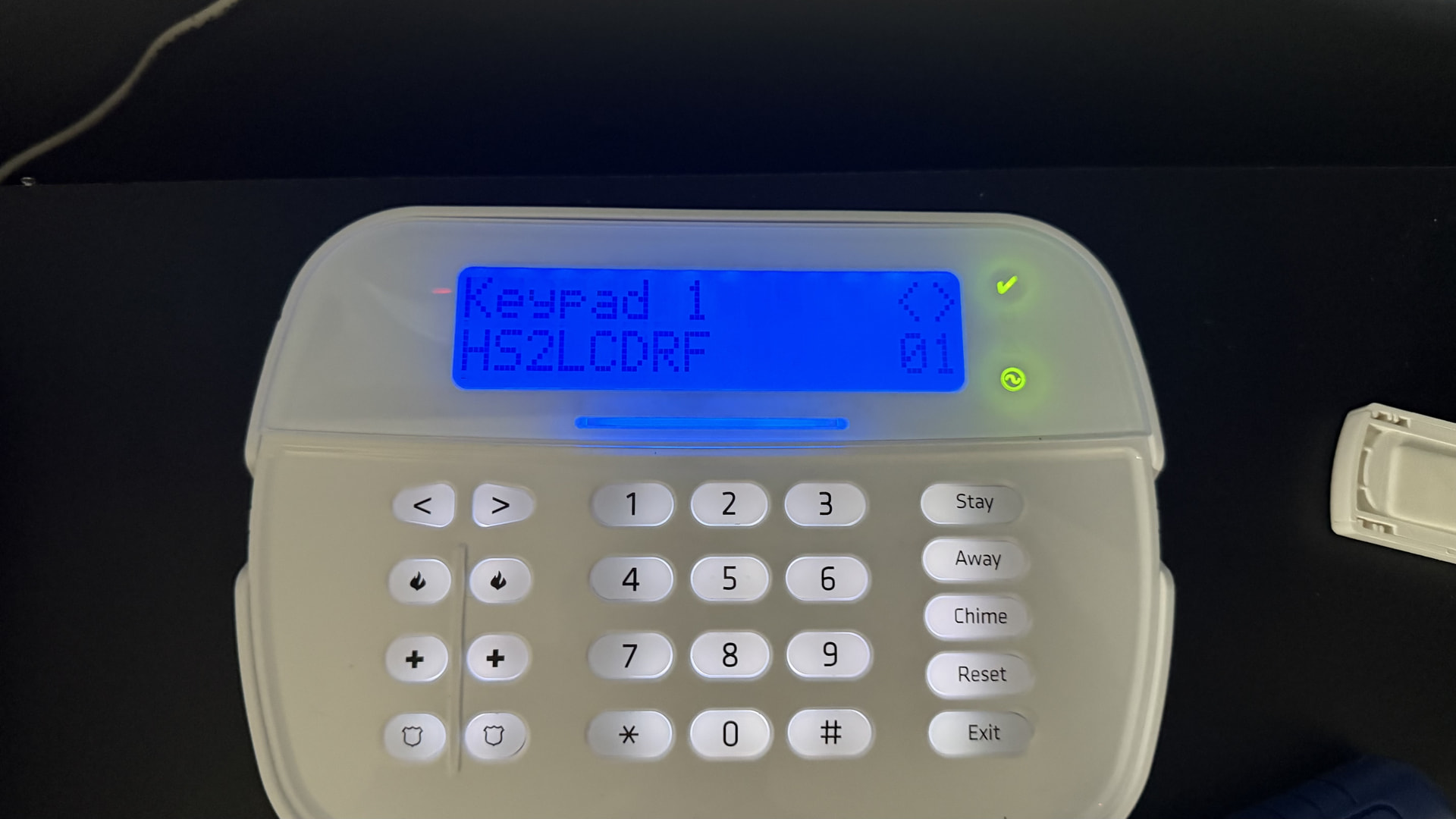
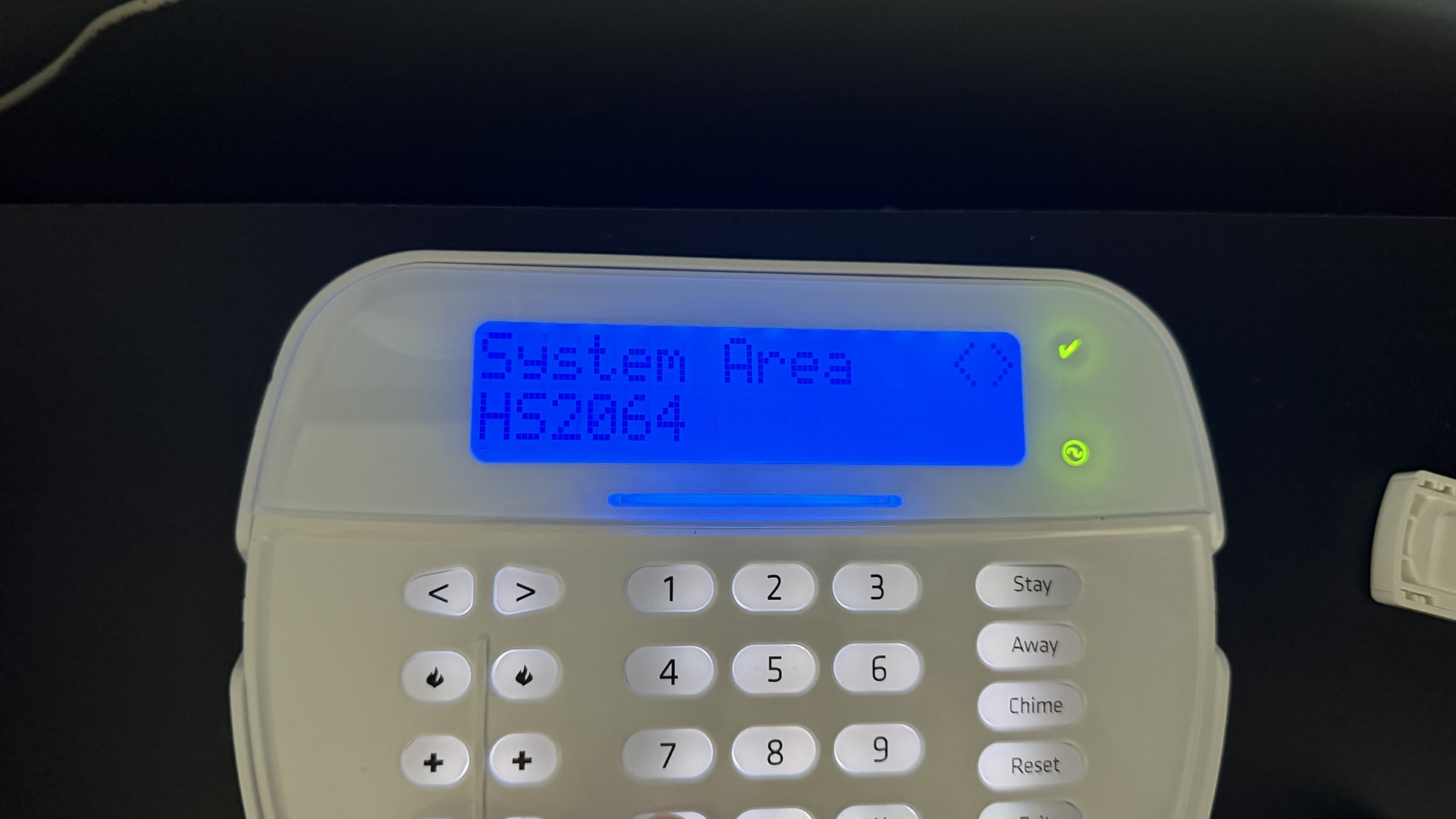
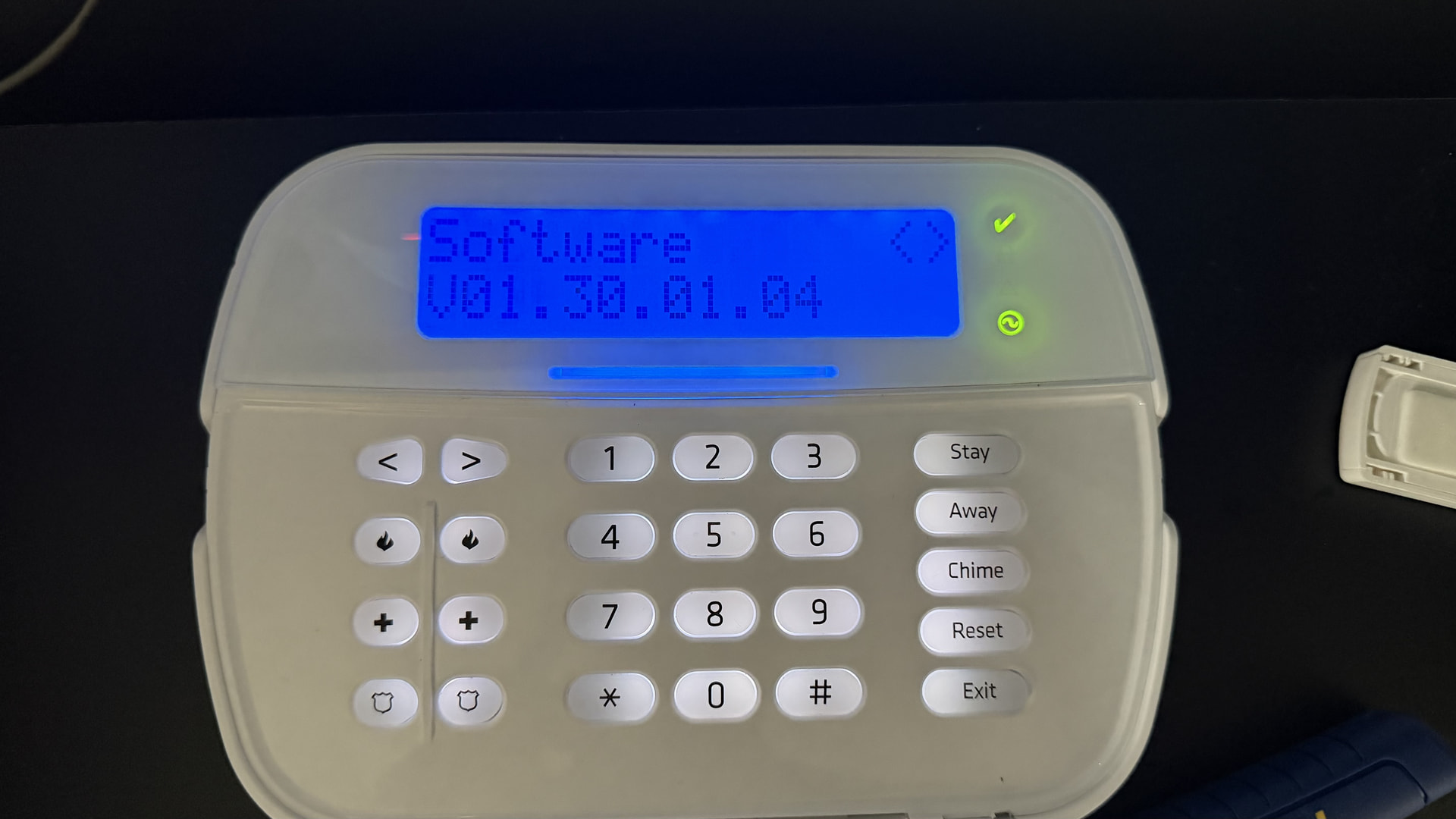
is that 1.037 your panel’s software version, or the module’s firmware version? Can you also tell me exactly how it’s written on the display? Just want to make sure it’s actually meeting the “1.1 or higher” requirement before we rule that out.
A couple more things to check before we go further.
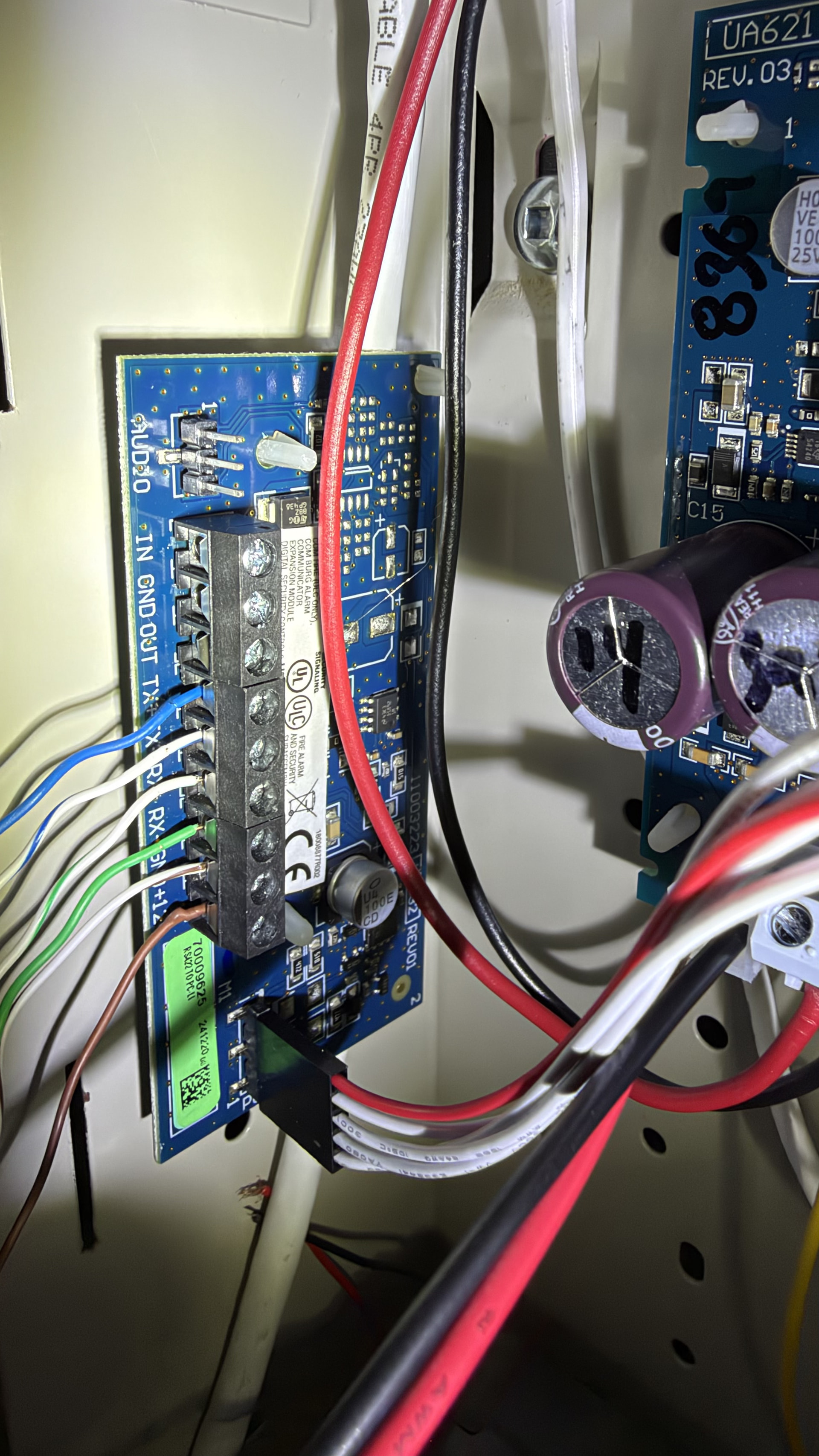
First, can you send a few clear photos of the wiring at the TL880LE itself and at the PCL-422, close enough to see each terminal connection?
Second, can you try this and let me know what happens:
From Tl880 to PCL422
GreenWhite TX+ to RX+
Green TX - to RX-
Blue RX+ to TX+
BlueWhite RX- to TX-
Found it, likely. You mentioned running CAT5 for this. Surety’s own install guide says not to use CAT5/6 for this connection, it can cause issues, and to use a 6 conductor wire instead (or 4 conductor for data, 2 for power).
Everything else you checked came back clean, so this is the one thing left that’s actually out of spec. Try re-running the connection with proper 6 conductor wire instead of CAT5 and see if that fixes it. Let us know how it goes.
Still only connection with battery unplugged. Also can’t remotely arm just loads forever
Just to confirm, did you already swap out the CAT5 for a proper 6 conductor wire and it’s still only connecting with the battery unplugged? Or is that CAT5 still in place and this is the same status as before? Want to make sure we’re ruling that out for sure before moving forward.
I have removed the cat 6 replaced it with alarm wire and only connecting with battery unplugged
One more thing to check: can you list everything connected to your panel that draws power? Keypads (and model), zone expanders, power supplies, smoke detectors, motion detectors, anything else on the system. The panel’s total output shouldn’t exceed 700mA, and we want to rule out whether the combined draw is pushing close to that limit, since it only fails to communicate once the battery is added back into the circuit.
One keypad, one motion, one relay
Can you give me the exact model numbers for the keypad, motion detector, and relay you have connected? That’ll let us check the actual current draw against the panel’s power budget.
Thanks for sticking with all of this. At this point we’ve gone through every documented step for this issue: 382 option 5 confirmed on, panel software well above minimum, wiring crossover confirmed correct, cable swapped to proper alarm wire, connectors checked, multiple power cycles, and the power budget on your connected devices comes nowhere near the panel’s limit. Everything checks out clean except the actual communication itself, which only recovers with the battery removed.
Per DSC and Alarm.com’s own troubleshooting documentation for this exact error, once all of that is confirmed, it points to the module or the panel itself. That’s a hardware call at this point, not something to keep testing through settings or wiring. Alarm.com only works directly with dealers, so I’d recommend reaching out to whoever is currently handling your monitoring, they’ll be able to take this further with the module or panel replacement, and you can point them to everything already ruled out here to save time.