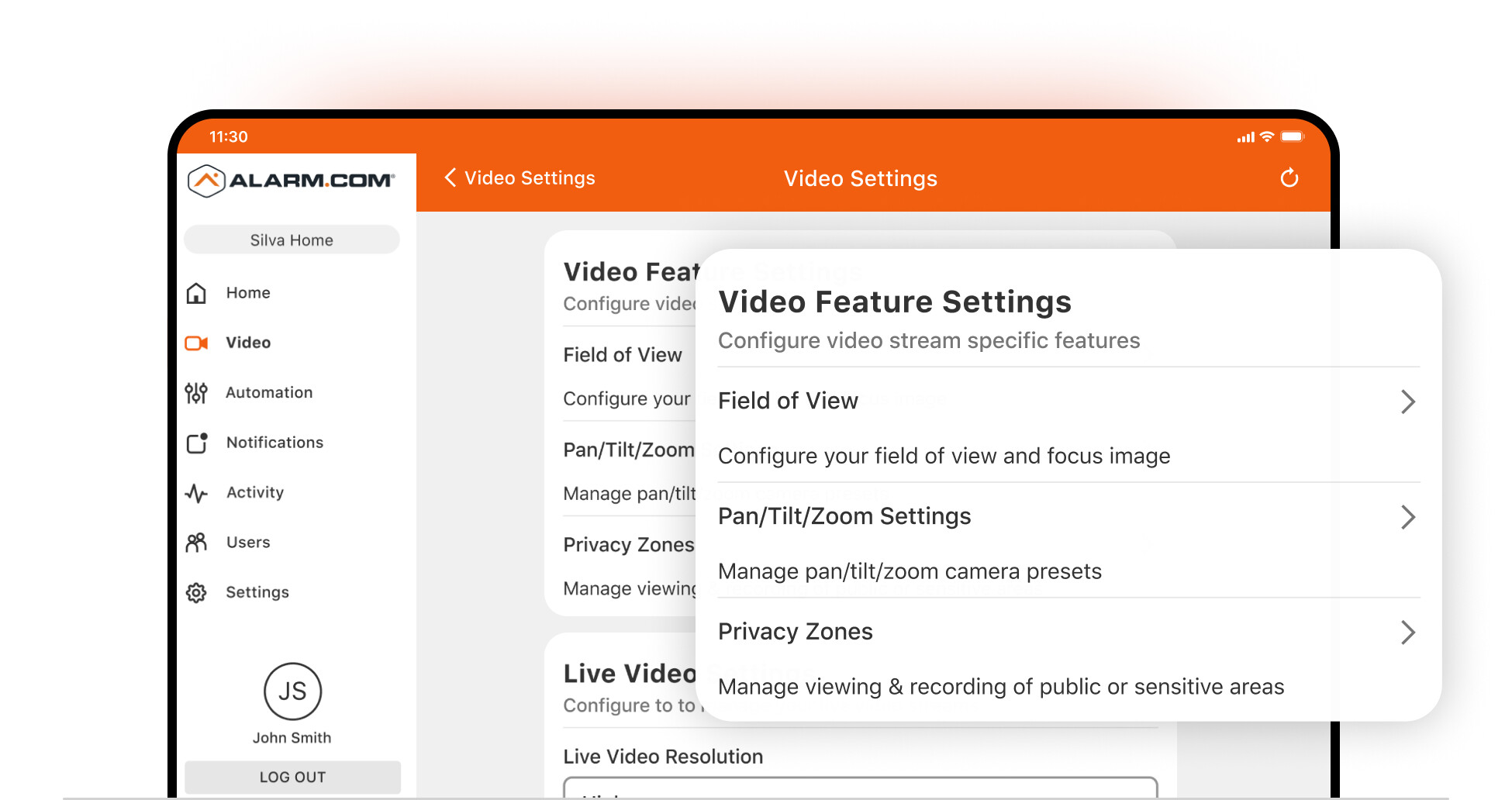
The Video Settings page on the website has been upgraded with a clean, intuitive layout that now matches the Alarm.com app. With controls clearly organized and easily accessible, you can adjust cameras faster and get a consistent experience across devices.
What’s improved:
- Faster navigation: All settings organized by type for fewer clicks and quicker access.
- Centralized controls: One hub for account-level and device-specific video management.
- At-a-glance device info: Instant visibility into status, signal strength, and key metrics.
- Consistent interface: Matches the Alarm.com mobile app for a unified experience.
Benefits
- The Video Device Settings and individual Device Overview pages allow you to check in on your cameras at a glance and zero in on issues quickly.
- New screens accessible from the Device Overview empower your to adjust audio settings, as well as run through basic troubleshooting steps.