I periodically receive device low battery alarms for zones connected to a 2GIG Take-345 module. If I just leave it, usually a couple days later I get end of low battery messages. The weird thing is that it doesn’t appear to be all the zones on the takeover module. Currently it’s reporting low battery on several zones, but one that I know is on there is an attic door, but I’m not seeing it as low battery. Any ideas what would be causing this?
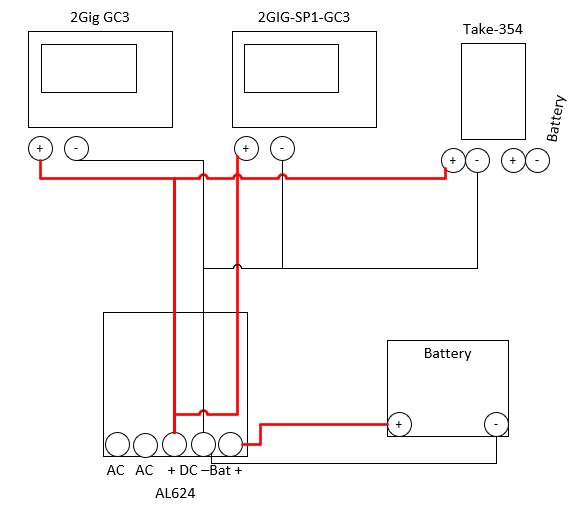
The battery is actually a UPS with 12V outputs. Why would I only see low battery messages for some of the zones on the takeover module and not all of them?
Can you clarify here? What is the power source model?
Low battery reports and a non-standard battery connection throws sizeable red flags.
Why would I only see low battery messages for some of the zones on the takeover module and not all of them?
The recent low battery conditions in your history show 5 zones with low battery. Looking at your sensor list, those appear to be the only 5 on the takeover module. No other sensor appears to have a related TXID.
Jason,
The UPS is a Tripp Lite 550VA that mounts in the structured wiring cabinet, which is where my alarm zones terminate. It has several 12 volt 1 amp outputs, this is where the takeover module battery connection is located. Do you think this would be the problem? I don’t recall having this problem until recently and it’s been connected like this for probably 2+ years.
I thought my attic door was on the takeover module as well, but it looks like it’s actually using a 2Gig recessed door sensor.
A low battery report indicates that the power on the battery circuit is low. There is no other source, yes, the UPS is the issue. It is a non-standard setup, and while an UPS typically has a 12V battery inside, the AH rating may be lower than recommended, and if other devices are powered off of that UPS too the run time would be very short. Those also degrade over time and the battery loses charge capacity.
A 12VDC 5AH-7AH battery used only for the security panel sensors is the standard setup.
I started to have this exact issue after I updated my 2GIG GC3 to latest firmware v3.2.6. It seems suspicious that I would start to have low battery problem on my takeover module zones at the same time I did the firmware update.
My 12v battery connected to the takeover module appears to be fine per my multimeter.
Do you ever resolve your issue and what did you do?
The other user does not have 3.2.6, and the battery setup was not the same.
It is normal to see low battery on all take-345 zones when a low battery occurs. Older batteries lose charge capacity over time and should be replaced if you see frequent low battery messages.
That said, I am not seeing any low battery alerts on your account. When did this occur?
It’s been happening every few hours since yesterday. I dismiss it each time due to annoyance but it always comes back. One just happened at approx. 5:08PM CT and I dismissed it. I can try replacing the battery and see if that makes a difference. I’m open to any other suggestions you may have as well.
Typically if you see a low battery, it means low battery. The TAKE is reporting a charge under the expected threshold. The first thing I would do is replace it, then reboot the panel.
So I replaced the battery last night and I made sure to test it before install and the battery was full and healthy.
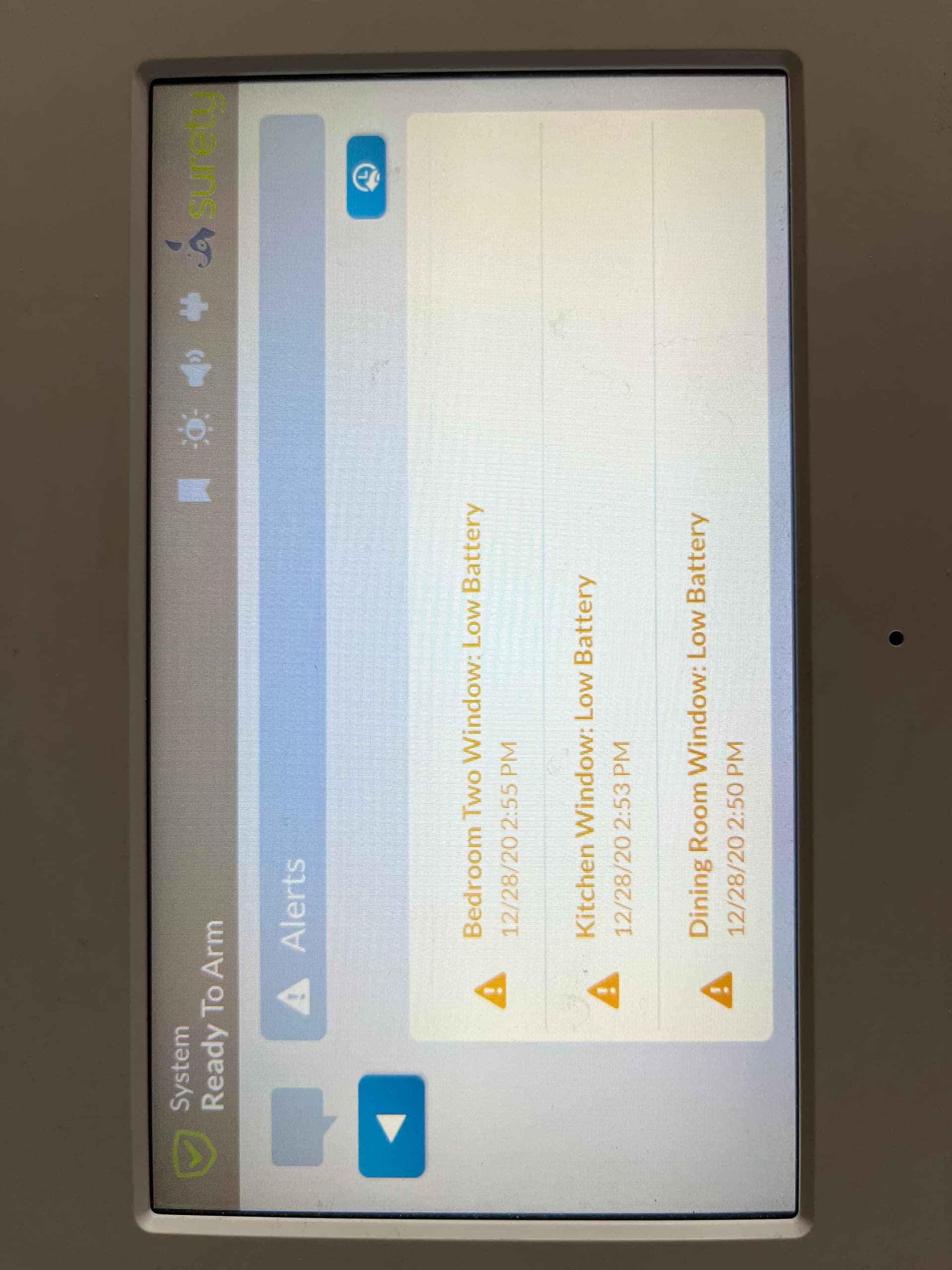
This morning, I started getting low battery alert again. What’s odd is the alerts that I’m getting are dated 12/28/20, over an year ago. This date is around the time I reinstalled the takeover module after moving to this house. (I attached a photo of the alerts)
It seems like dismissing the alerts on the alarm panel is not really clearing these alerts…
Any suggestions on how to proceed from here? Thanks!
@jwcsurety - Both the main GC3 panel and secondary panel were rebooted during firmware update to 3.2.6. This is when these alerts all started. Never had any issues on 3.2.5.
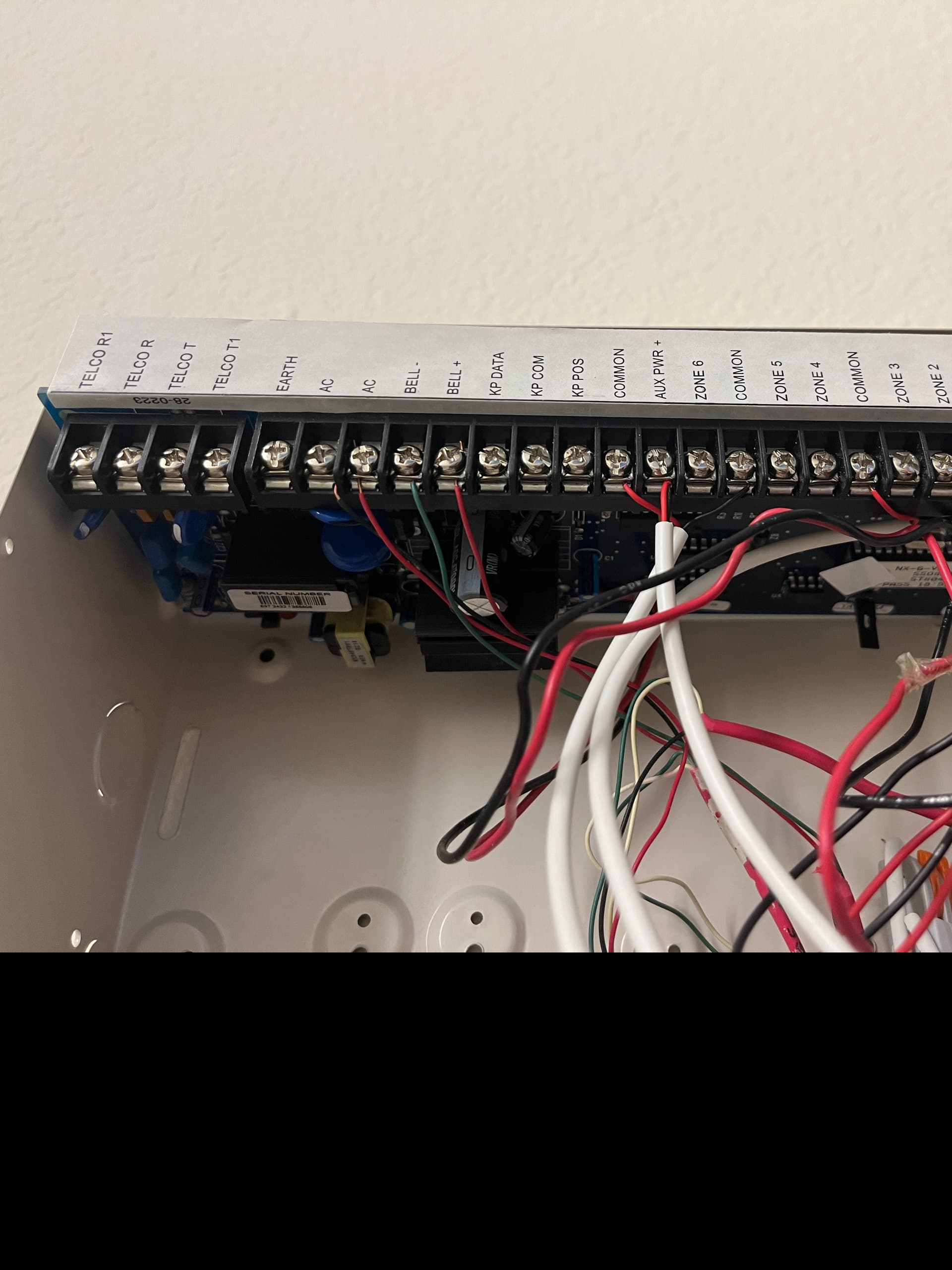
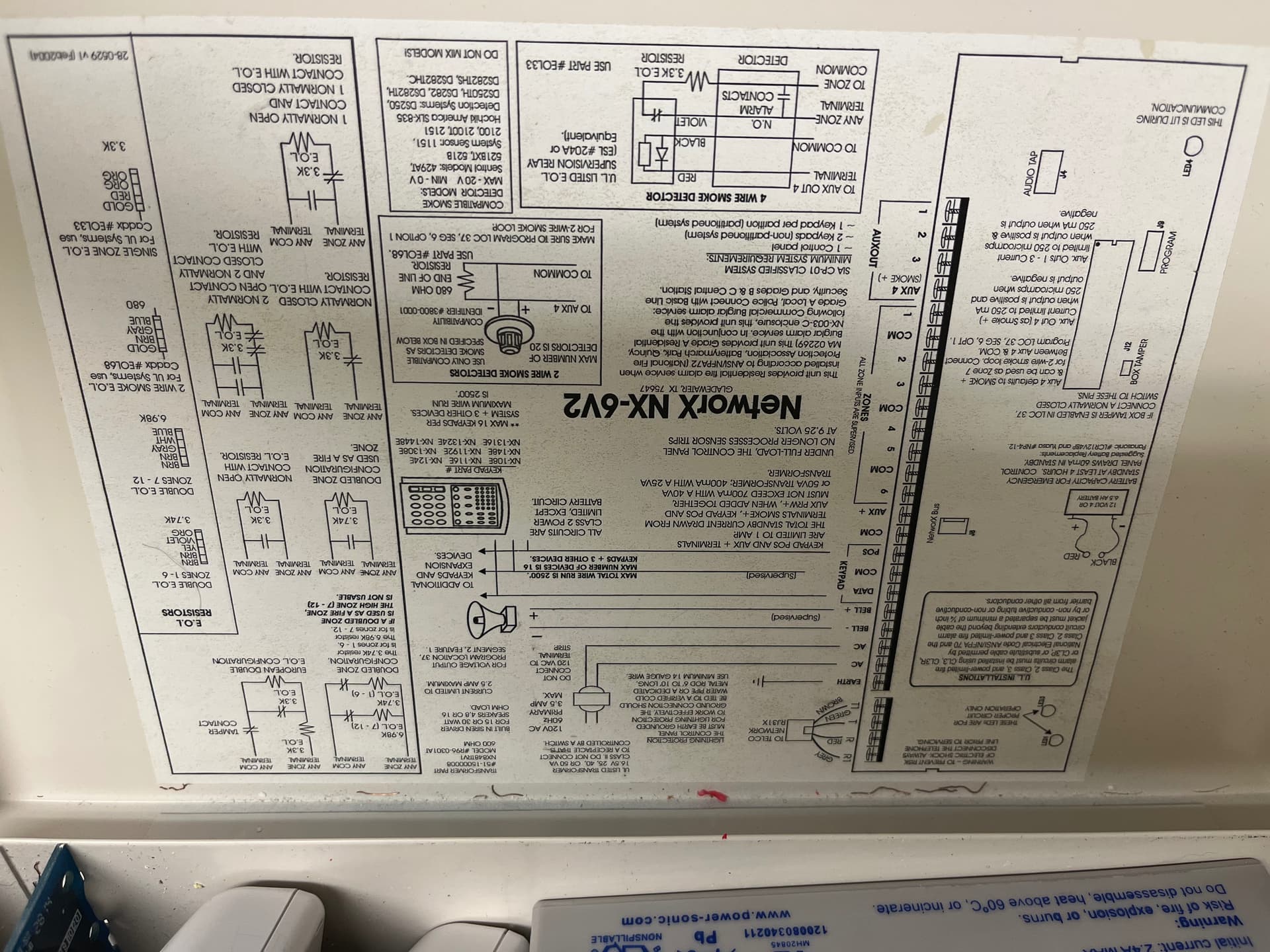
The existing battery is being charged using the original panel, NetworX NX-6V2.
I have two takeover modules connected to this original panel powered by same battery (brand new). Been running this way for 1.5+ years now without any issues.
I was able to isolate the low battery issue to just one of the two takeover modules.
I confirmed with multimeter that the takeover module is receiving the property voltage from the battery, and the battery itself is outputting proper voltage which suggest battery charger is working as expected…
Could it be a faulty takeover module?
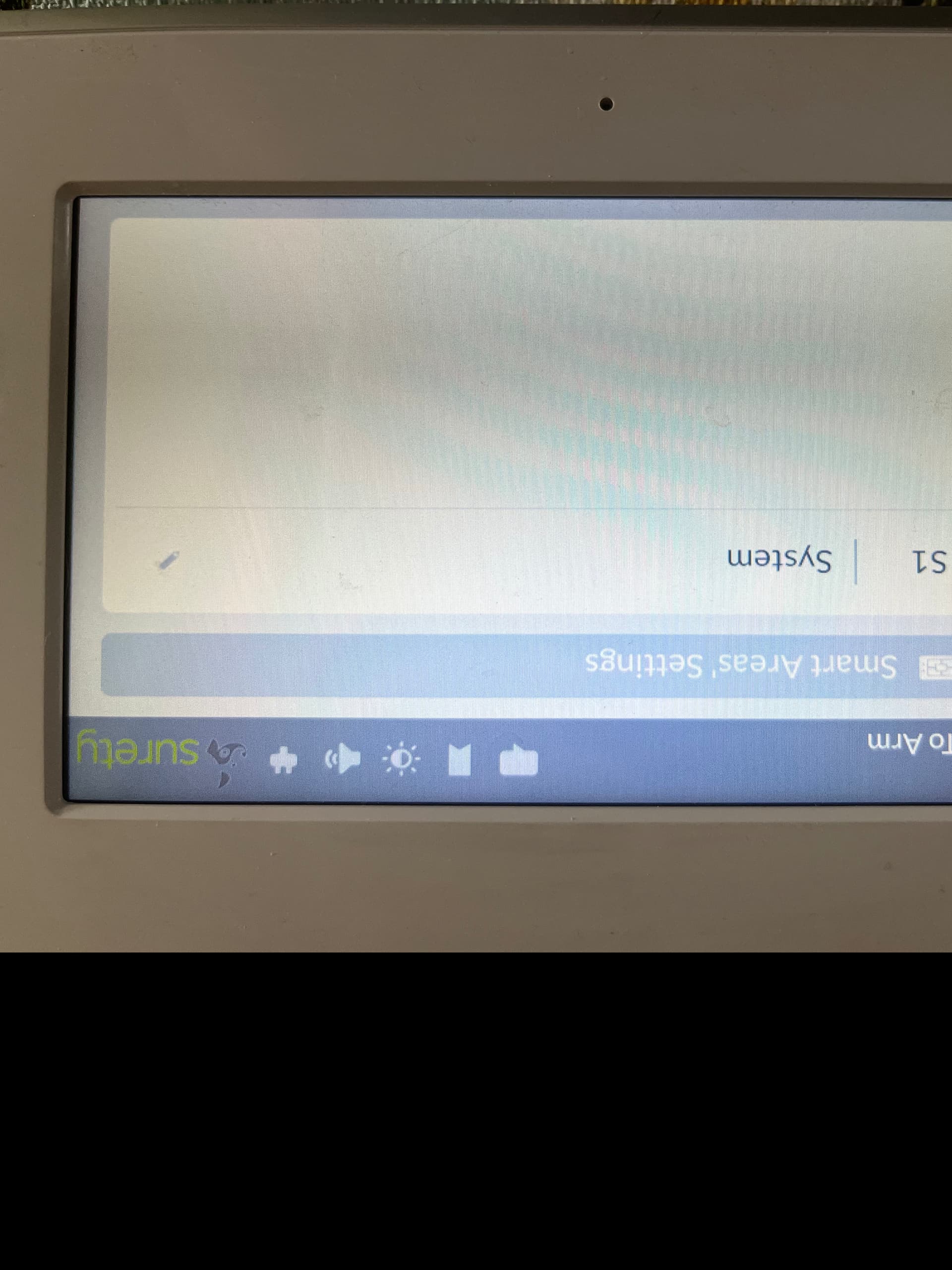
Regarding “Smart Areas”… I never used this feature. I did check my panel settings and it does list one area: “S1 System”. I’m assuming this is normal? (I have no way to delete this…)
That is possible, the time-stamp on the trouble alert is strange though. The reason I asked about smart areas is that some trouble alerts will display under multiple partitions on the GC3, and there was a bug where certain conditions would continue showing up there, but you do not have additional partitions so that would be irrelevant.
It is certainly possible it is a bug related to 3.2.6 especially considering we do not see these low battery reports on the ADC back-end. The panel is not reporting any trouble condition for the zones. I don’t have any knowledge of similar reports but it is suspicious. I’ll send this to 2GIG and see what they say.
It is also odd to only see it on the one Take345 and not the other. It is always the same zones/same take?