On my alarm.com account when I login it shows 1 garage door. However, on my Qolsys IQ2 panel, it shows 2 Garage Doors. The top one does not function (just hangs) and the bottom one works correctly. How do I remove the old garage door from the IQ2 panel? I tried rebooting and that did not work. Thanks.
I am only showing one myQ garage door on the account. The myQ garage integration at the panel happens automatically when you add myQ to your Alarm.com account and there isn’t a setting at the panel that can be adjusted to remove/adjust the integration at the panel.
How long have you been seeing the second icon that doesn’t work? Can you submit a photo of what you are seeing?
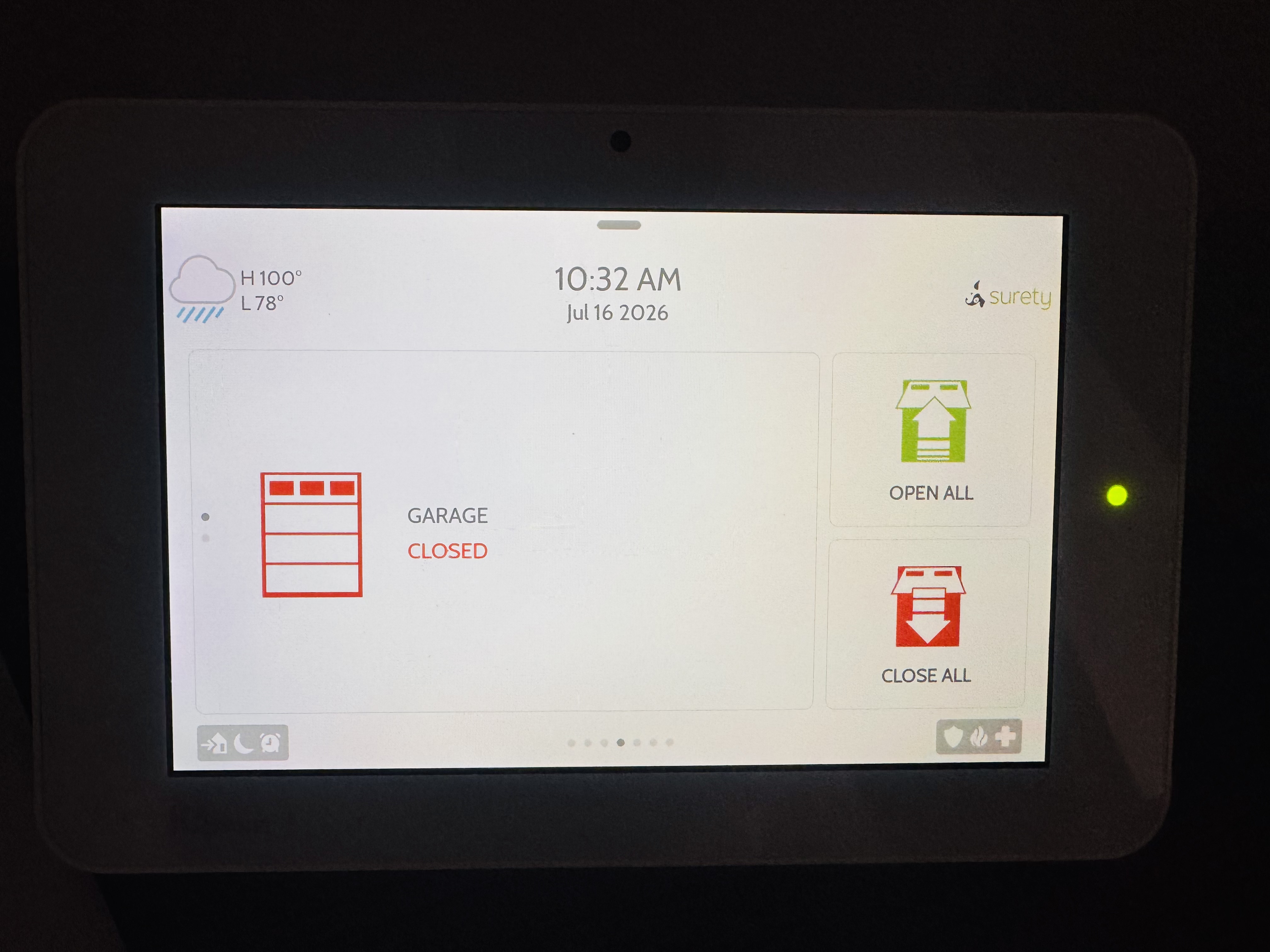
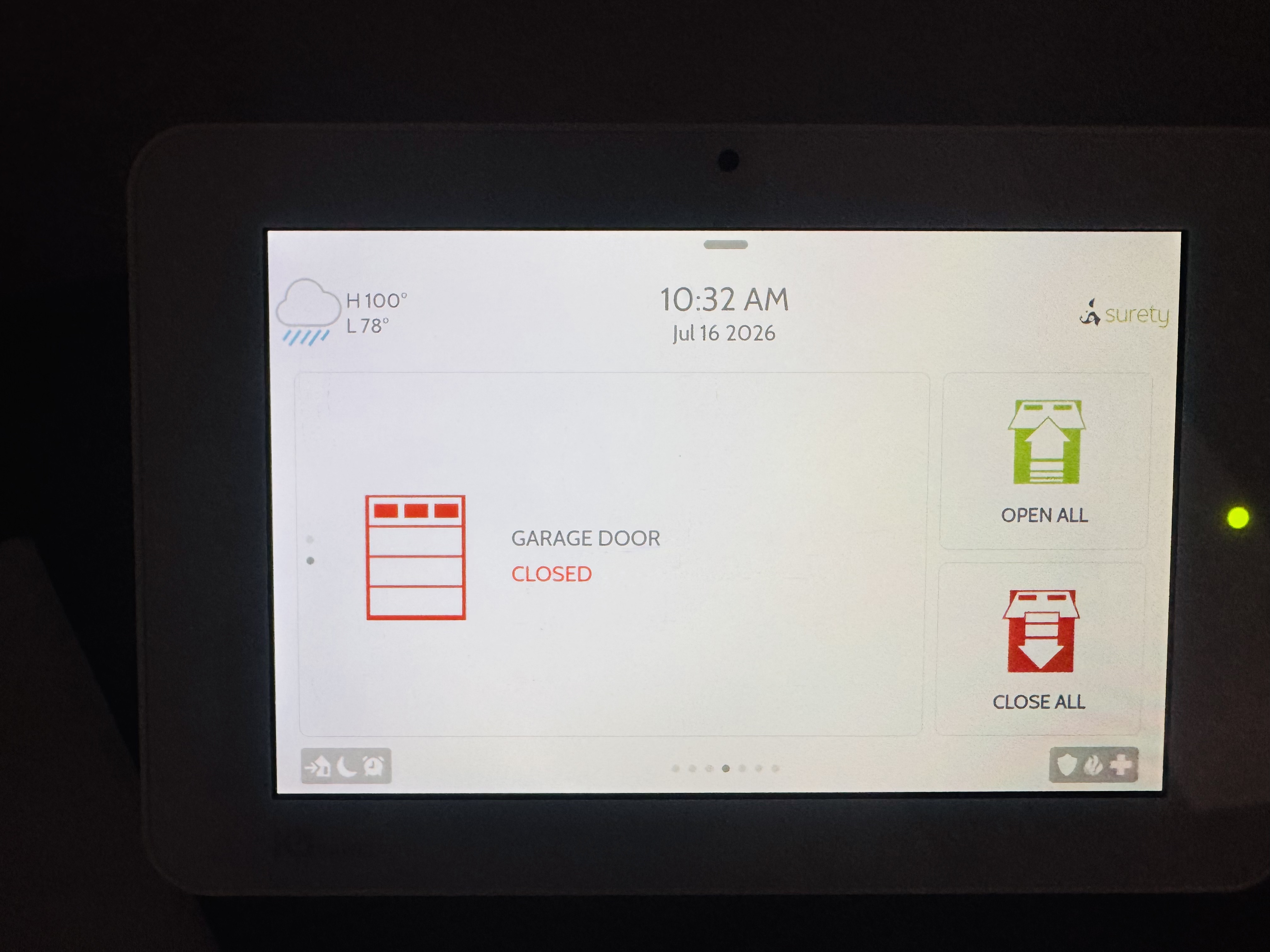
At one point I had to swap out to a different MyQ. I deleted the old one from the alarm.com account. I just noticed it now on the panel, but I imagine that it’s been on there ever since I added the second one to the account. See pics attached.
That is interesting. I only see one Gateway and one garage door labeled Garage Door. I do not see the one labeled Garage . Do they both control the same door or does one control your door and the other doesn’t do anything?
First thing I would recommend is to perform a power reboot on the panel.
If you have already attempted this, the next step would be to remove the devices and then you can add them back on your end. Removing the MyQ devices needs to be performed on our end. Would you like me to remove all the devices?