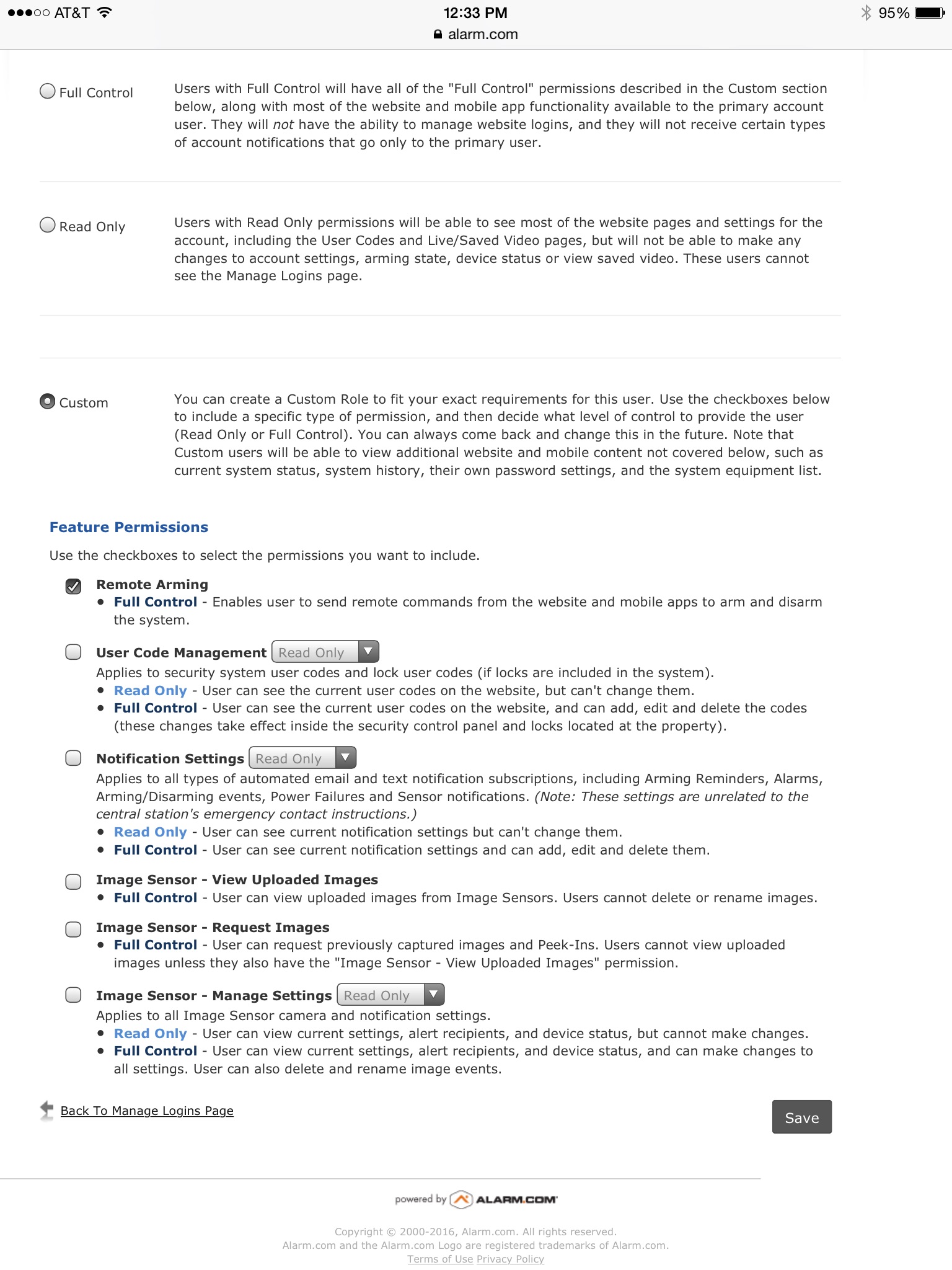
Does anyone know of a way to create a user login with just the ability to remotely arm and disarm the system without being able to see system history? I have selected the custom permission bubble and checked just the remote arming box but the user is still able to see the history tab in the app.
When creating a user login, the Custom Role description goes over this.
Note that Custom users will be able to view additional website and mobile content not covered below, such as current system status, system history, their own password settings, and the system equipment list.
Any login will be able to view history content at the current time.
or you could just create a local/temp/limited time frame User on the panel, and not give that User ADC access… a “Guest” User. Arm/Disarm and pretty much nothing else.