Morning,
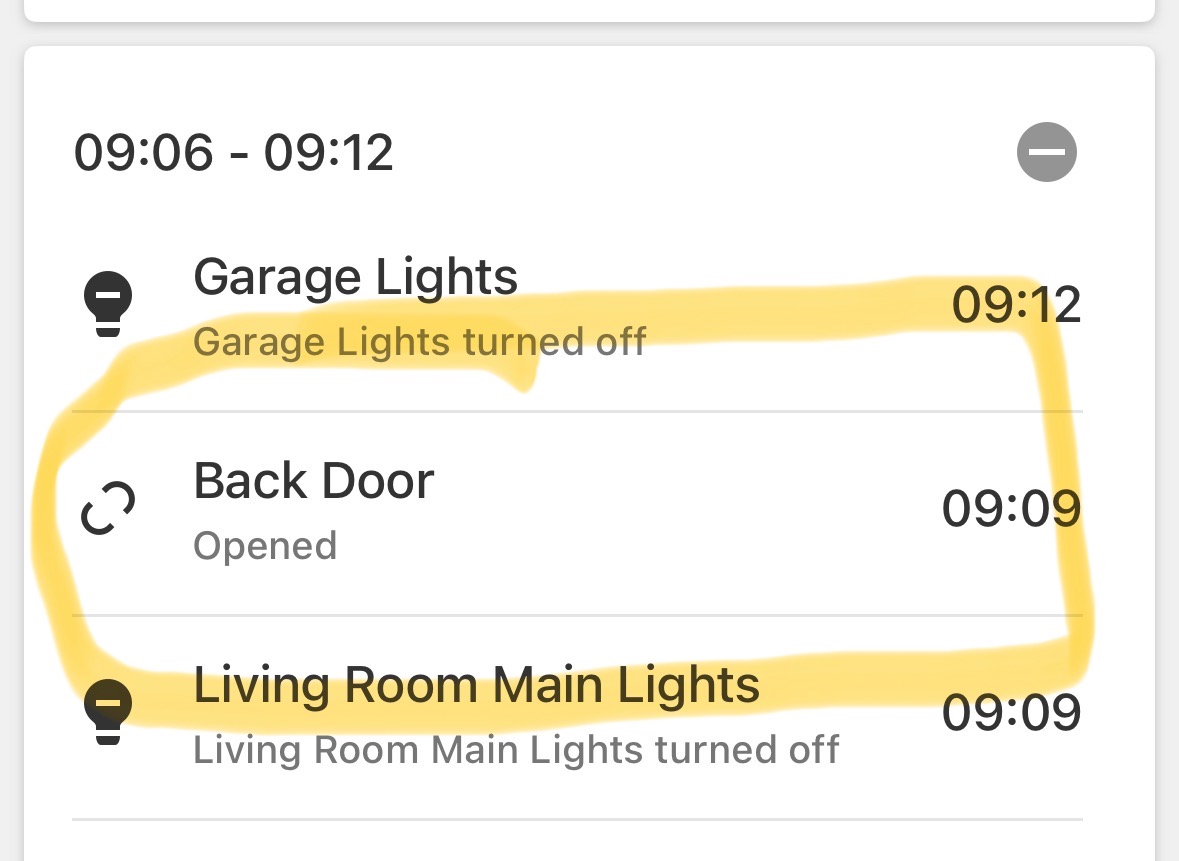
The rule appears to have become unresponsive again. I opened the back door at 9:09 am-pt and as of 9:20 am-pt the rule has not activated. I can see the sensor register as opened on the panel.
Morning,
The rule appears to have become unresponsive again. I opened the back door at 9:09 am-pt and as of 9:20 am-pt the rule has not activated. I can see the sensor register as opened on the panel.
It looks like alarm.com is starting an investigation. On their end, they are not seeing the sensor being opened for 5 minutes+. They will send the rule they sent yesterday. The investigation could be quick or it could take a while.
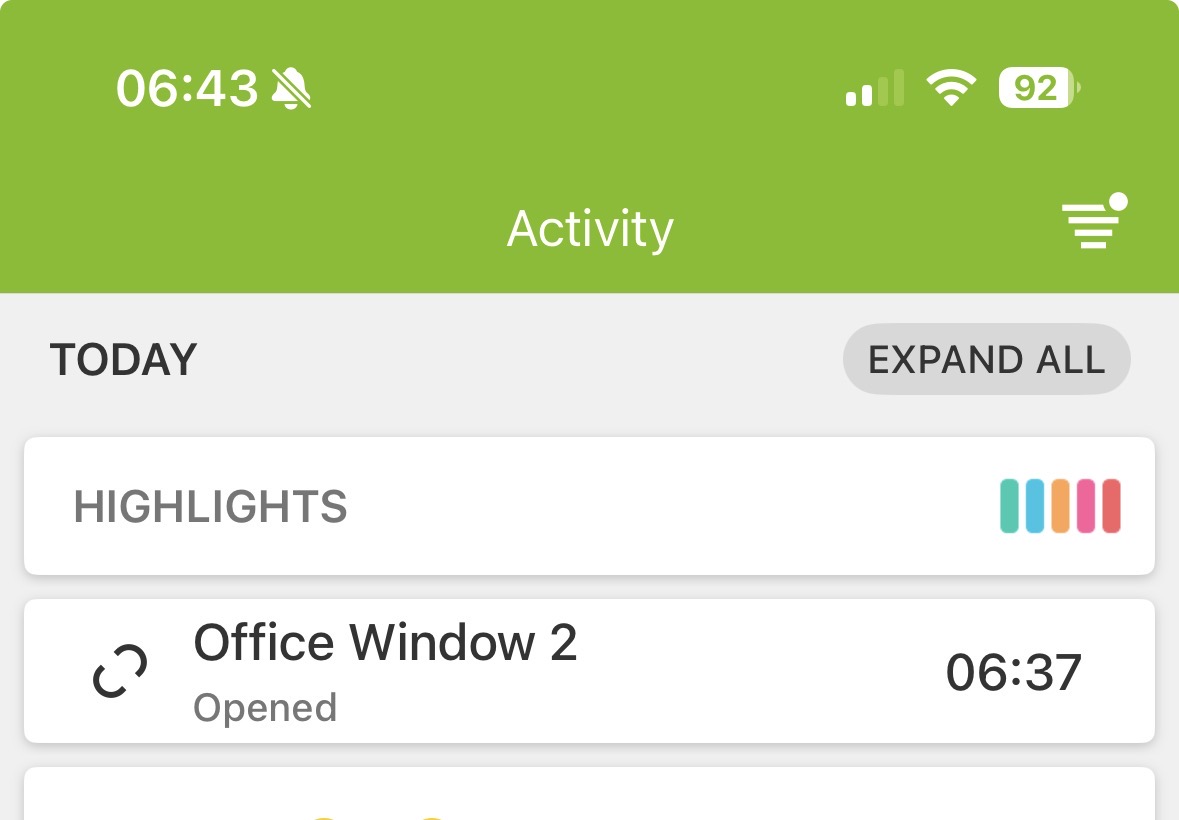
Thanks for the follow up. Same thing with a different sensor this morning. Office Window 2 opened at 6:37 am-pt, rule did not activate.
I appreciate you working with alarm.com to find a solution. In the event it helps I am attaching the relevant activity feed from the app to show when the sensors are opened.
Over the last few weeks the automation rule seems to have a mind of its own. Some days it works, others it does not. Have there been any updates from alarm.com on this issue?
As info the rule failed this morning. When checking in the “activity log” on the app and in the device history on the panel both show me opening multiple windows and doors at 7:03am, as of 8:15 the rule had not run. This almost seems to me as if the rule is not consistently recognizing that a trigger to activate has occurred. What puzzles me is the intermittent nature of how the rule works. Yesterday, for instance, it ran flawlessly.
I’m having this same issue. I can add/remove sensors and get it to work but then 8 hours later it doesn’t work anymore. I’ve tried all kinds of trouble shooting steps but can’t seem to find any pattern to it.
I contacted alarm.com today and there still isn’t an update on the issue.
Thank you for your patience
Any updates on this issue?