I see a similar question was asked in 2022 without any conclusion. I thought I’d try again.
I’ve recently sent a bunch of sensor automation rules for my lutron lights. Things like when I open the door, turn on the lights in that part of the house. Also, when I walk by this motion sensor, turn on the lights.
I found that there’s significant delay, sometimes up to 30 seconds, between when the sensor is activated and when the lights change. This makes it less than ideal to use.
Does anyone know why I might be hitting this limitation?
Those switches are controlled in automation rules through Alarm.com, rather than directly from the alarm panel such as with Z-wave switches. Z-wave rules are stored and run locally on the panel.
Alarm.com sensor activity monitoring limitations will impact rules which are processed on the back end in Alarm.com.
If you create a rule which triggers a Lutron light based on alarm events or arming/disarming, those should also trigger quickly I believe.
Rules which activate when a sensor opens will trigger quickly for any Z-wave devices, but wifi or Lutron switches will be affected by the activity monitoring delay. We have an open request ticket with Alarm.com for them to investigate solutions for this behavior.
If its possible to get in touch with Qolsys’s team, Lutron supports LEAP for this exact purpose. The IQ4 could discover, and locally control the lights without relying on ADC to remotely hear about the sensor status and then control the lights via internet. It would also allow control when the internet isn’t available.
I don’t have much faith in ADC or Qolsys to fix this, but will try a few things to see if I can get my Lutron lights virtually exposed as Z-Wave devices with a Z-Uno and Raspberry Pi.
Hey @jwcsurety . I ended up building what I described here. Do I have to configure anything special when setting up the automation for a z-wave device for it to be run locally? There is still and incredible delay before my z-wave switch turns on, but if I simply turn it on myself the lights respond immediately.
It looks like the rule is still being handled through Alarm.com instead of on the panel. We’ll need to look into this further with Alarm.com and follow up here once we’ve heard back from them.
I’ve conducted some testing with several different devices and haven’t been able to recreate the issue with devices that were both connected to the panel.
As a test, could you try deleting the rule and adding it again? Also, please let us know around what time you do that so we can check and see if anything is shown in your account history.
Yeah, to clarify this is an automation between a powerg motion sensor and a Z-WAVE switch. If it’s important this is a multichannel device (a single Z-WAVE device exposing 10 switches)
Hey @jwcsurety ! I can 100% confirm this issue is caused by multichannel. Since I’m using a software controlled z-wave device, I made a change to advertise it only as single channel and suddenly the automations happen at the same time as the chime from the panel.
One interesting thing I noticed through this process, the PG9984P takes a lot more movement than I expected to trigger. I even turned it down from Two Event to one. Maybe its related to the dual technology. Still, we’re now talking a few seconds vs up to 30 previously.
I did want to advertise this as multi-channel eventually. Any chance y’all could notify Qolsys/ADC to get this fixed?
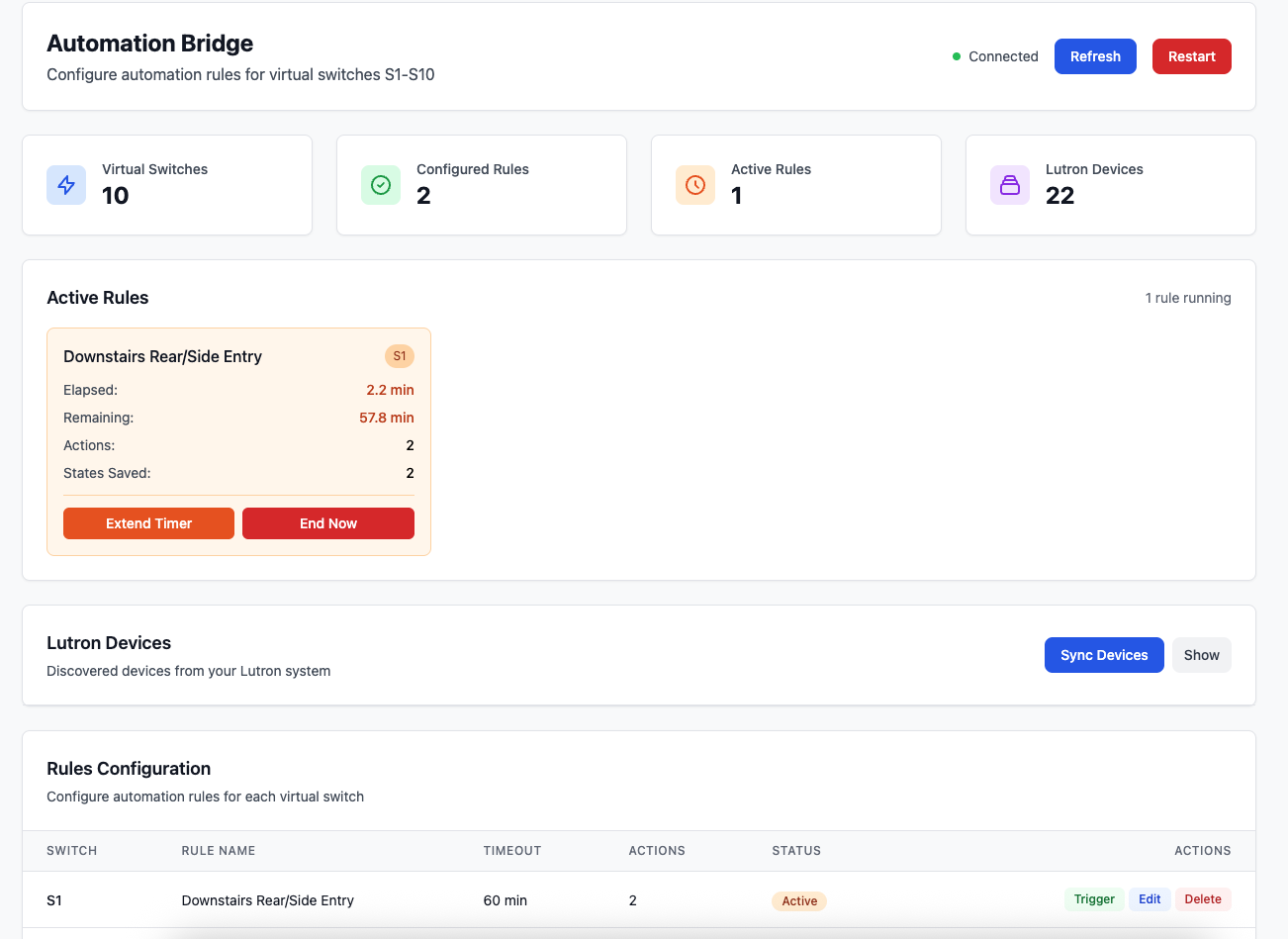
It’s a more robust version of lighting automations that does stuff like saving and restoring light state, only changing lights if they are currently dimmer than the desired state, using multiple motion sensors and doors to continually extend a single timer, using a time-based easing function for brightness (brighter when its light out, dimmer when its dark), and a bit more. It also uses Lutron LEAP to run these automations locally and immediately. From the panels perspective its turning on a z-wave light, and then my software controlled z-wave device does the rest. Would love if ADC could do all this but this works for now!
From a very technical perspective this is the difference in the code that causes ADC to stop running commands locally
Broken
// defining more than one channel has the controller advertise as multichannel
ZUNO_SETUP_CHANNELS(
  ZUNO_SWITCH_BINARY(get_switch_1, set_switch_1),
  ZUNO_SWITCH_BINARY(get_switch_2, set_switch_2),
);
Fixed
// single channel mode
ZUNO_SETUP_CHANNELS(
  ZUNO_SWITCH_BINARY(get_switch_1, set_switch_1)
);
I think for the sake of getting it fixed we can call it a “generic multichannel z-wave switch”. It’s technically this which clearly isn’t supported officially. I would feel pretty confident that all multi-channel switch rules are being run remotely, unless they’ve allowlisted a specific set of device ids.
Out of curiosity have y’all heard any more about rules being run locally for multi-channel z-wave devices? Trying to understand if I should just buy more and run these as single channel
I reached out for information but the people working on the multichannel integration were not able to share any info on local automation rule processing yet.