I have two low battery alerts. I have replaced batteries numerous times and alerts won’t clear. I’ve waited 5 min prior to reinstalling. How can I clear the alerts?
So that I can best help, can you confirm the name of the two devices as shown in Alarm.com? I can try to send some troubleshooting commands to resolve the status.
[Deleted]
I was referring to the names of the devices with low battery in Alarm.com, but I see two devices on the referenced account which are Z-wave devices reporting low battery. Are those the devices you mean?
One is a thermostat and one is a lock.
It looks like you have multiple locks and thermostats. Just as a sanity check to rule out bad batteries, if you have multiple of the same model of device, try swapping the batteries of the ones reporting low with the batteries from a known working device.
Does the low battery report go away for the currently alerting devices? If not, that may be a Z-wave signaling issue.
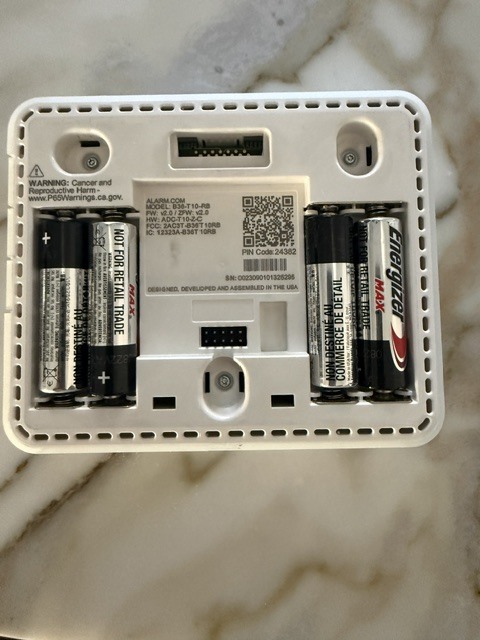
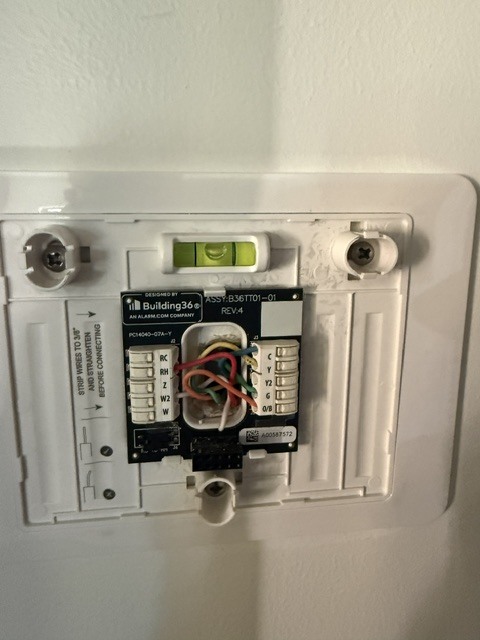
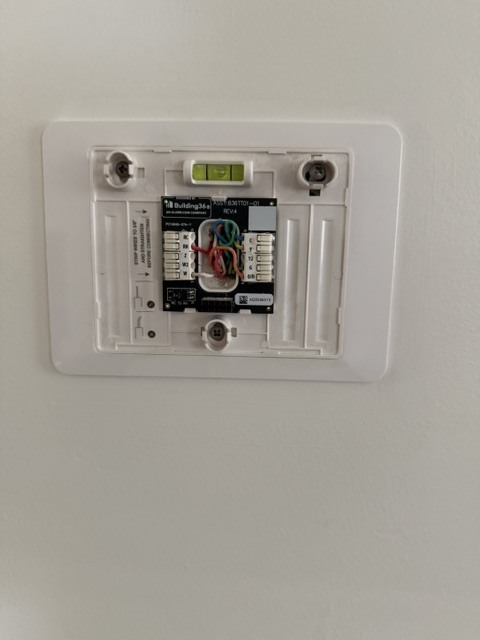
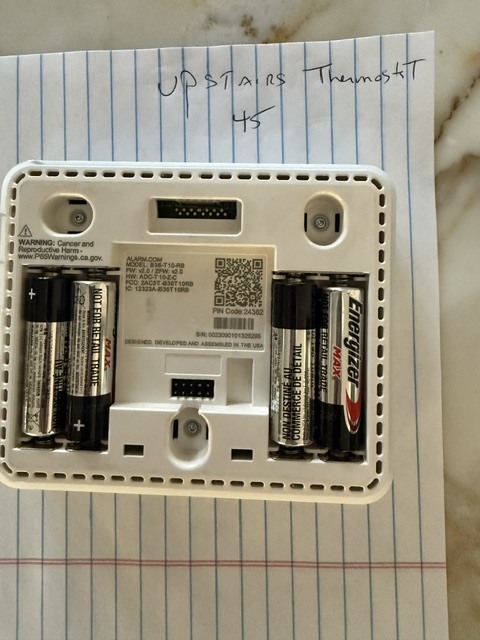
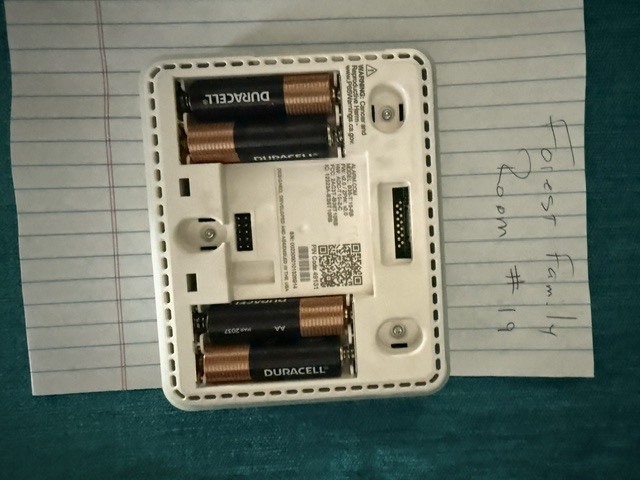
The ADC-T2000 thermostat specifies alkaline AA batteries are required. Lithium ones are not supported.
It’s a little hard to tell in the photos, just want to verify, are the Duracell batteries alkaline batteries, or lithium?
You may want to escalate this to whomever you send stuff to when a customer threatens to go to another company. I have two appointments this pm with other companies. Surety/Alarm.com is too glitchy and problems take soooo many back and forth emails to resolve.
Forrest family room 19
The other thermostat has been removed and won’t let me add it back (I believe it was called upstairs thermostat 45). Also my ‘carpad to Dadu” lock is claiming low battery. It also won’t let me remove it. Thanks
Also my ‘carpad to Dadu” lock is claiming low battery.
This lock low battery appears to have been resolved, this trouble condition is no longer active. Batteries in locks will only last about a year or so depending on usage. With a large system, you’ll see low batteries occur on and off frequently on individual devices.
Regarding the thermostat, it looks like you have a few support threads open with us, and I am seeing a recommendation to delete the thermostat showing low battery and relearn it. That would need to be done by the exact steps found here:
Any device must be removed using those first steps in that guide. Z-wave devices store parent network data when paired, and that data must be cleared by the steps in the guide above in order for the Z-wave device to be relearned successfully.
If they were deleted by other methods, such as through a failed device removal option on the panel or a remote command from Surety support, the local device would still need to run through the Remove Device steps in the guide above to clear that data on the device.
This can commonly cause some confusion in Z-wave pairing, so I just want to be sure you have run through those exact steps above for any device you are trying to remove or relearn.
Since the thermostat will not delete, I’m running network rediscovery and will try again.
Device was removed successfully but would not add back in
Finally I was able to add it back it but it tells me that it failed to “pair in securely”
But the low battery warning is gone. Is this something i should just plan on enduring whenever a battery runs low?
But the low battery warning is gone. Is this something i should just plan on enduring whenever a battery runs low?
No, you shouldn’t normally need to ever delete and relearn a device to resolve a low battery. Simply replacing the batteries should always resolve a low battery.
In this specific case it looks like the alarm panel had that status stuck on that particular thermostat. Because known good batteries were used to troubleshoot, and all other troubleshooting steps proved unsuccessful, including some manual commands from our team to try and clear that stale status, we recommended deleting and relearning that device as a last resort.
Relearning it adds it back to the panel as a new node id, with fresh status synced to the panel and Alarm.com, which should work around the stale status that was apparently unable to resolve.